Get a number for all your roofing contractors
Give your team as many phone numbers as they need. Provide your contractors with local US or Canadian numbers to build trust with customers using local area codes. Establish a dedicated customer support number with a North American toll-free number, which can come in handy as you expand to multiple regions. Stand out from your competition with a custom vanity number that people remember.
Each Quo plan includes a phone number for every user who joins your workspace. Assign individual numbers to your contractors or share a number. That way, all your conversations happen in one place. Your team can adjust their work schedules so they don't receive call notifications after they're done with their shifts.
Need more numbers? Additional numbers cost $5 per number per month.
Better team collaboration
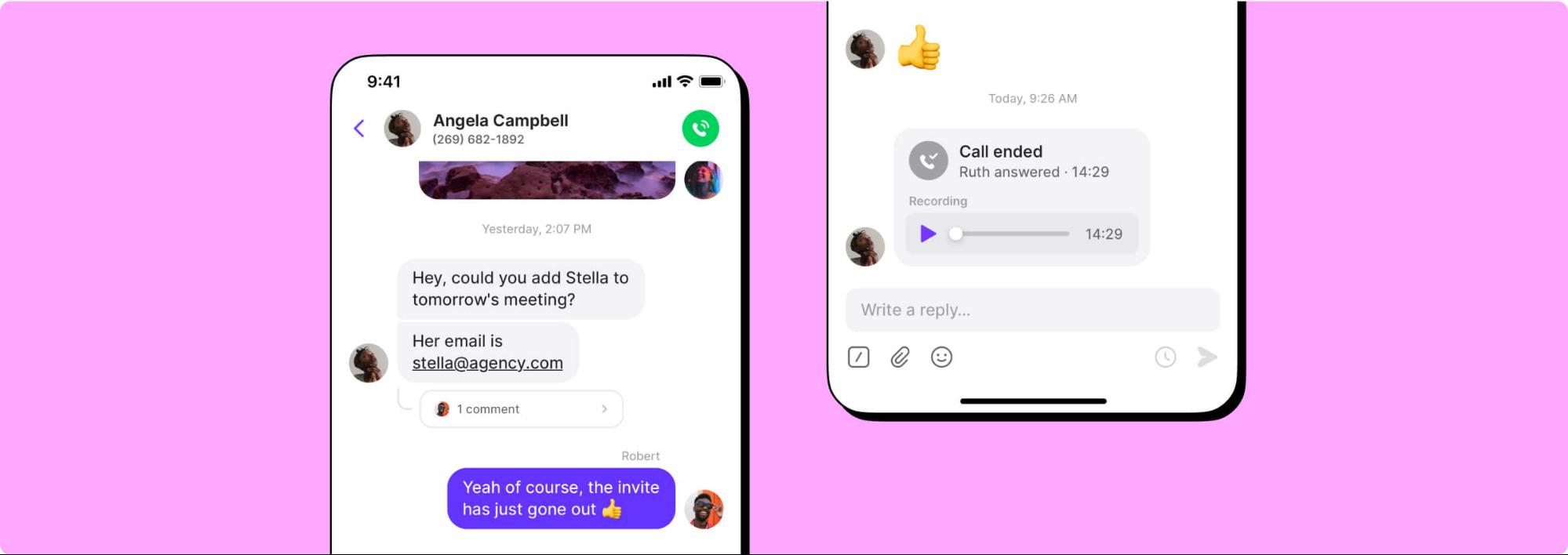
Know exactly what everyone is working on with shared numbers. See all your customer interactions — calls, texts, voicemails, recordings, and more — with shared inboxes. Split responsibility for incoming phone calls and texts so available team members can field potential customers and not miss new opportunities.
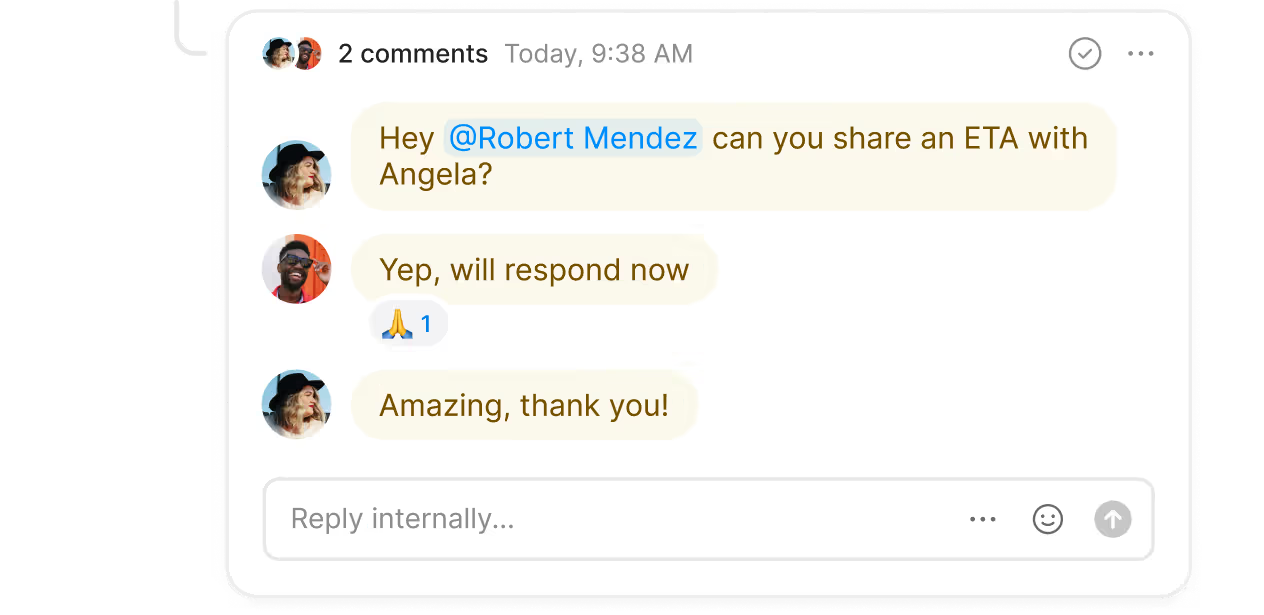
Tag teammates next to customer requests and assign follow-up tasks with internal threads. Customers won't be able to see your discussions, and your colleagues will get the context they need. Check to see whether your team has reviewed a customer interaction or thread with inbox viewers.
You can also collaborate with your team in live customer calls with Quo. Hand off callers to the right member of your team and give them enough context in advance with warm transfers. Or you can add them to an existing call with group calling. Get everyone aligned and aware of what needs to be done.
No more missed calls with call handling
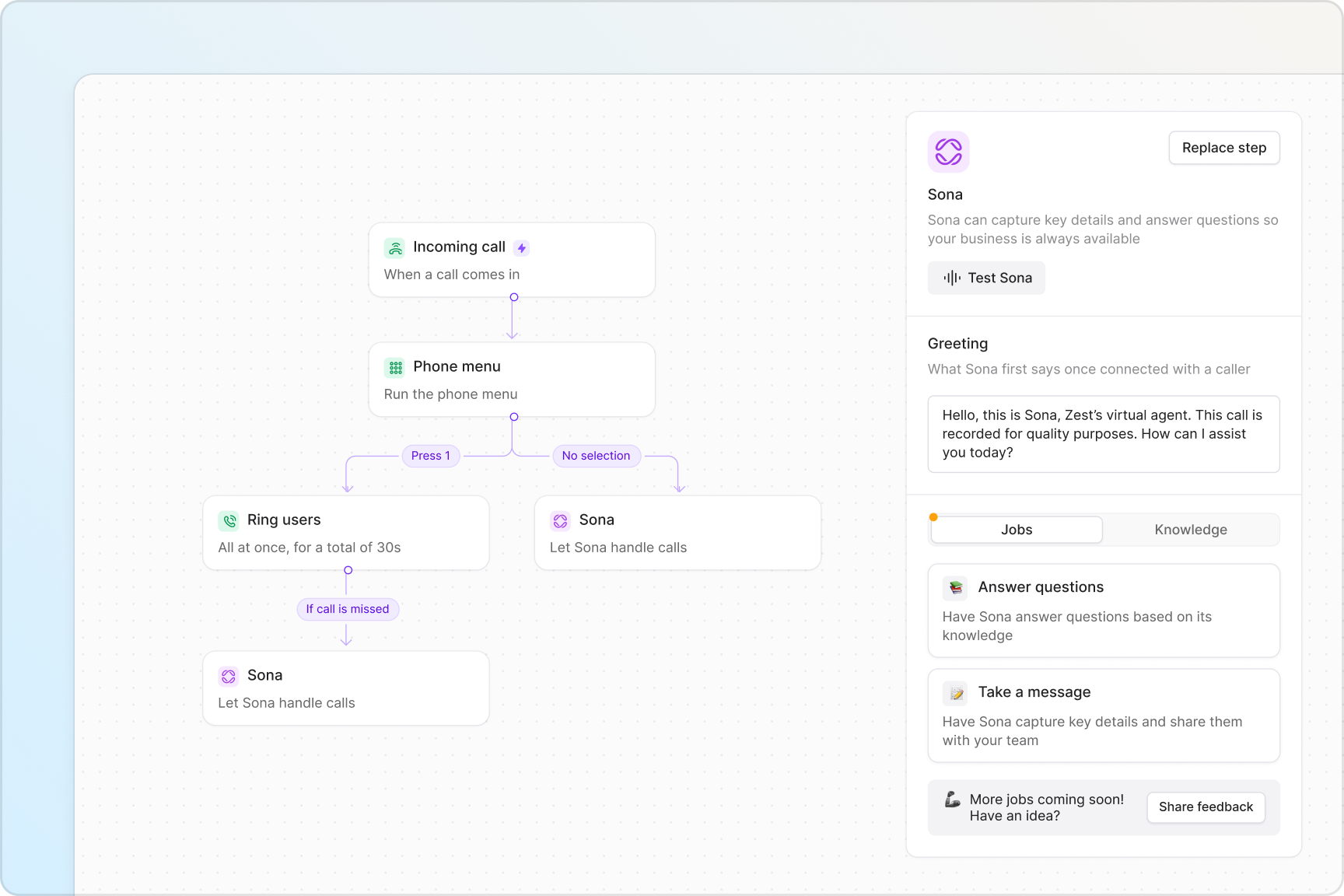
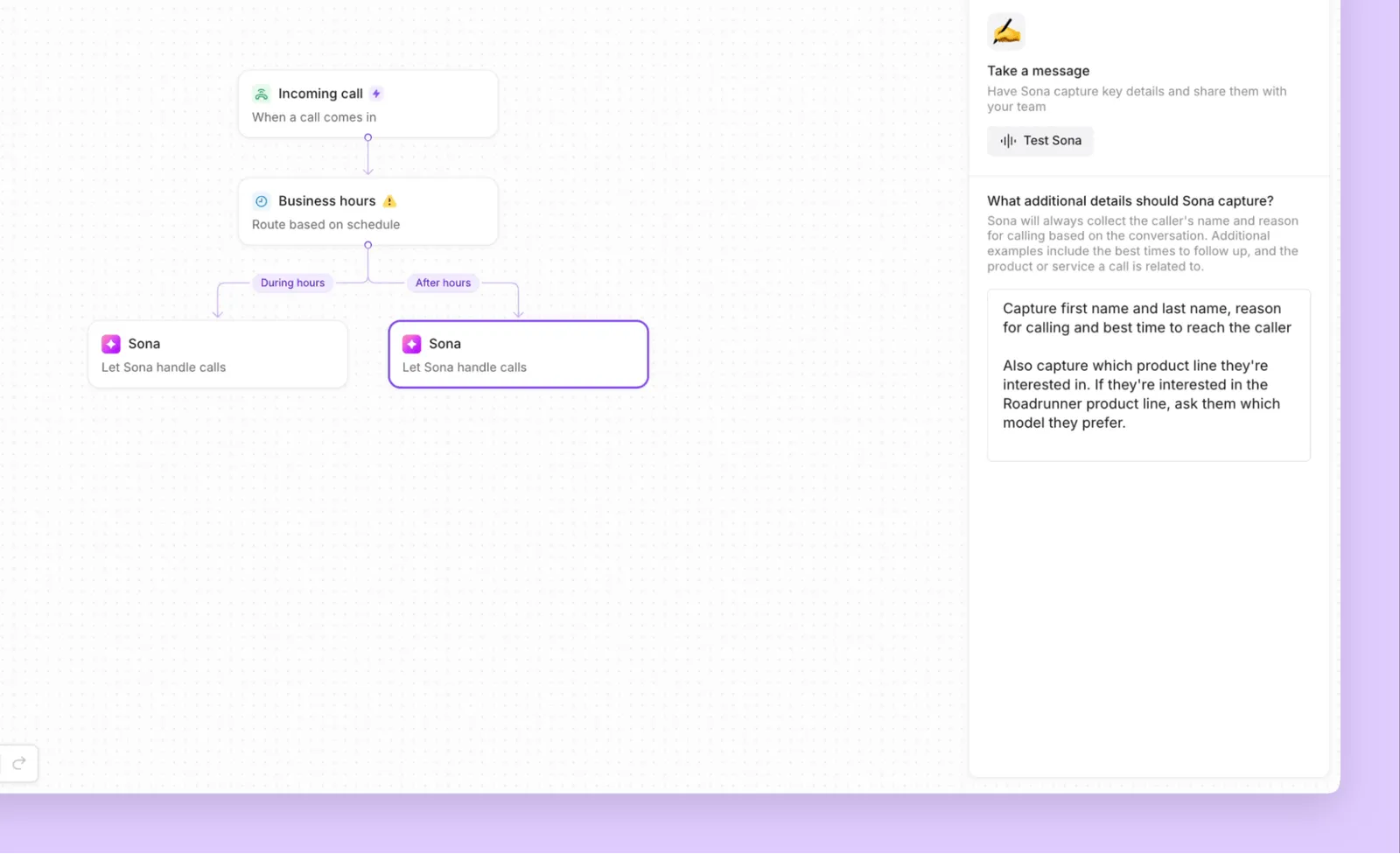
Manage your call volume with ease using Quo's call management features. Set up your call routing in minutes with our drag-and-drop call flow builder. Add and edit your call flow steps quickly and make adjustments based on your business needs.
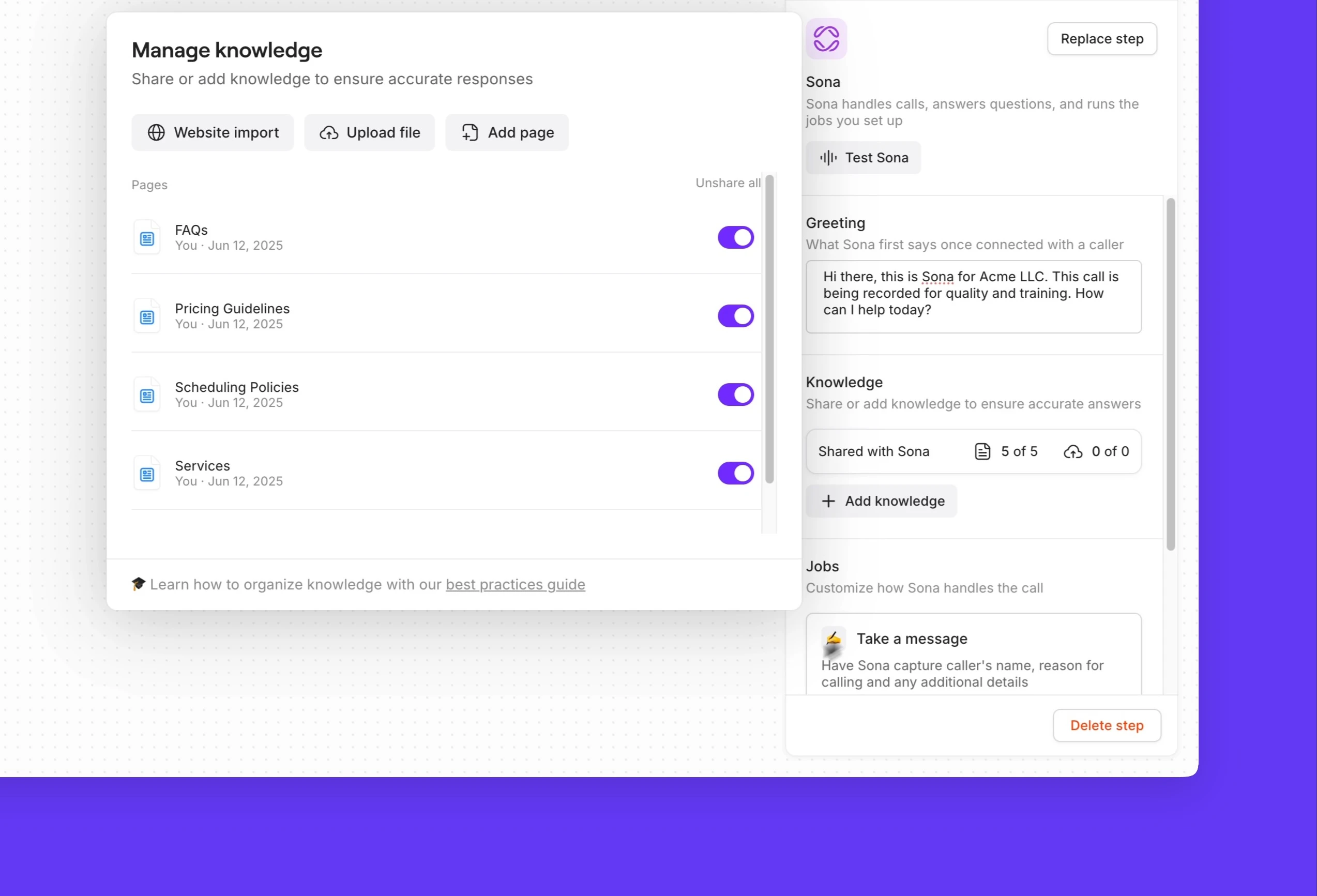
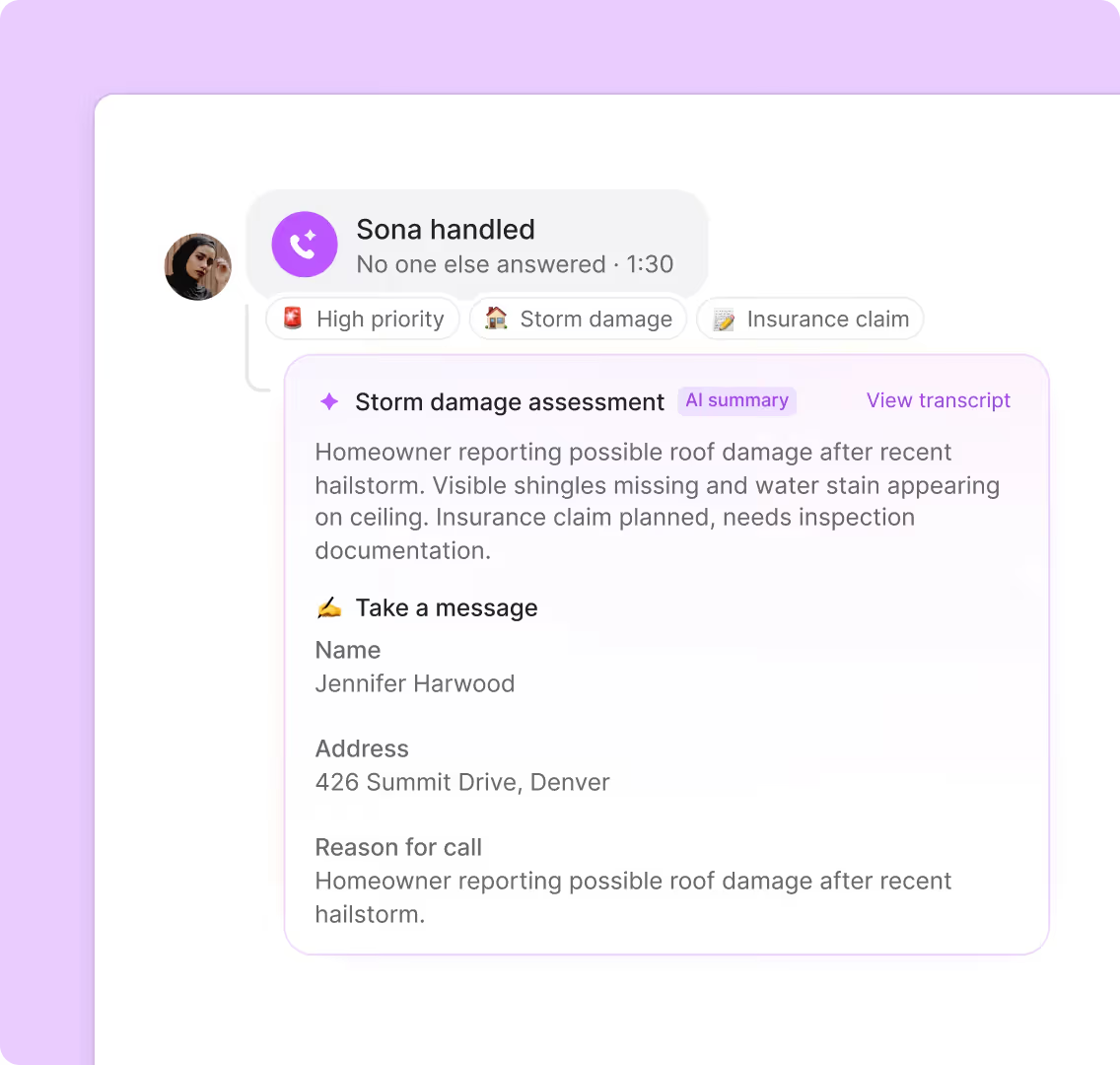
Map out how your team receives incoming calls, all at once or in custom ring groups. Create multiple phone menus, during business hours and after hours, and give your callers the option to connect with their preferred department in your business. Forward overflow calls to a backup number if your team is busy or unavailable, or you can connect them with Sona to ask routine inquiries.
Put your texting on autopilot
Engage with customers over text with Quo's advanced messaging features. Set up automated text workflows that meet customers where they are with our Zapier and Make integrations. Automatically handle appointment scheduling tasks, like sending confirmations and reminders, or follow up with review requests after a job is complete.
You can automate your SMS messaging when you're in the field. Automatically reply to text inquiries with SMS auto-replies, schedule project estimates to reach customers at convenient times with scheduled messages, and quickly answer common FAQs with pre-written text templates (snippets).
Show proof of service with MMS messages. Send photos and videos to customers once a roofing job is done. You can send MMS messages with local and toll-free numbers.
Automate repetitive administrative work
Focus on delivering a great customer experience — we'll handle the admin work.
Listen to your customers without scrambling to take notes on your calls. With automatic call recording and AI-powered call summaries and transcripts, you no longer have to take notes. Review past calls at a glance, both from Sona and your team, with AI call tags. It uses AI to analyze your phone calls and tag them with custom labels according to your specifications. Gain valuable insights that help you make more informed business decisions.
Save hours for your team by automatically syncing your call and text data with your CRM. Use our integrations with HubSpot, Salesforce, and Jobber, or build a custom integration with your CRM platform using Zapier, Make, or the Quo API.
Use Quo in the office or on the go
Call and text from anywhere with any device using Quo. Your contractors can bring their preferred devices to make calls with our platform. Quo is available for Mac, Windows, iOS, Android, and on the web. All you need is an internet connection to get started.


.svg)







.svg)