Sona AI agent

Never miss a customer

Your always-on AI agent. Sona responds 24/7, so you never miss a customer or an opportunity.

Experience Sona for yourself

Call Sona to get a feel for how it works. Ask questions about capabilities, setup, and how it fits into your workflow.
Talk to Sona
Call the number below to talk to Sona and ask questions.
Ready to use Sona?
Start your free trial today
Try for free
Beta

Capture leads over SMS

Whether a new lead texts in or you miss their call, Sona follows up automatically over text — answering questions and collecting their info, so no opportunity falls through the cracks.

Free during beta, on every plan.

August 26 @ 12 PM PT (3 PM ET)

Never lose another lead with Sona for lead capture

Register for webinar

Smarter than voicemail, more affordable than an answering service

Sona greets callers, answers questions, and captures messages at a fraction of the cost.
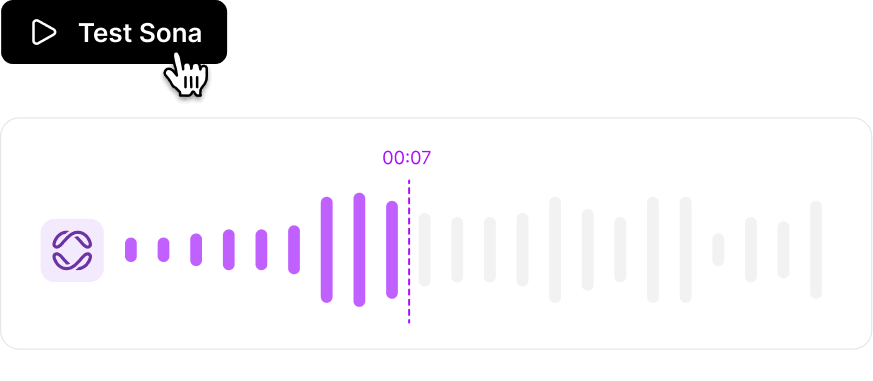
Hear Sona in action
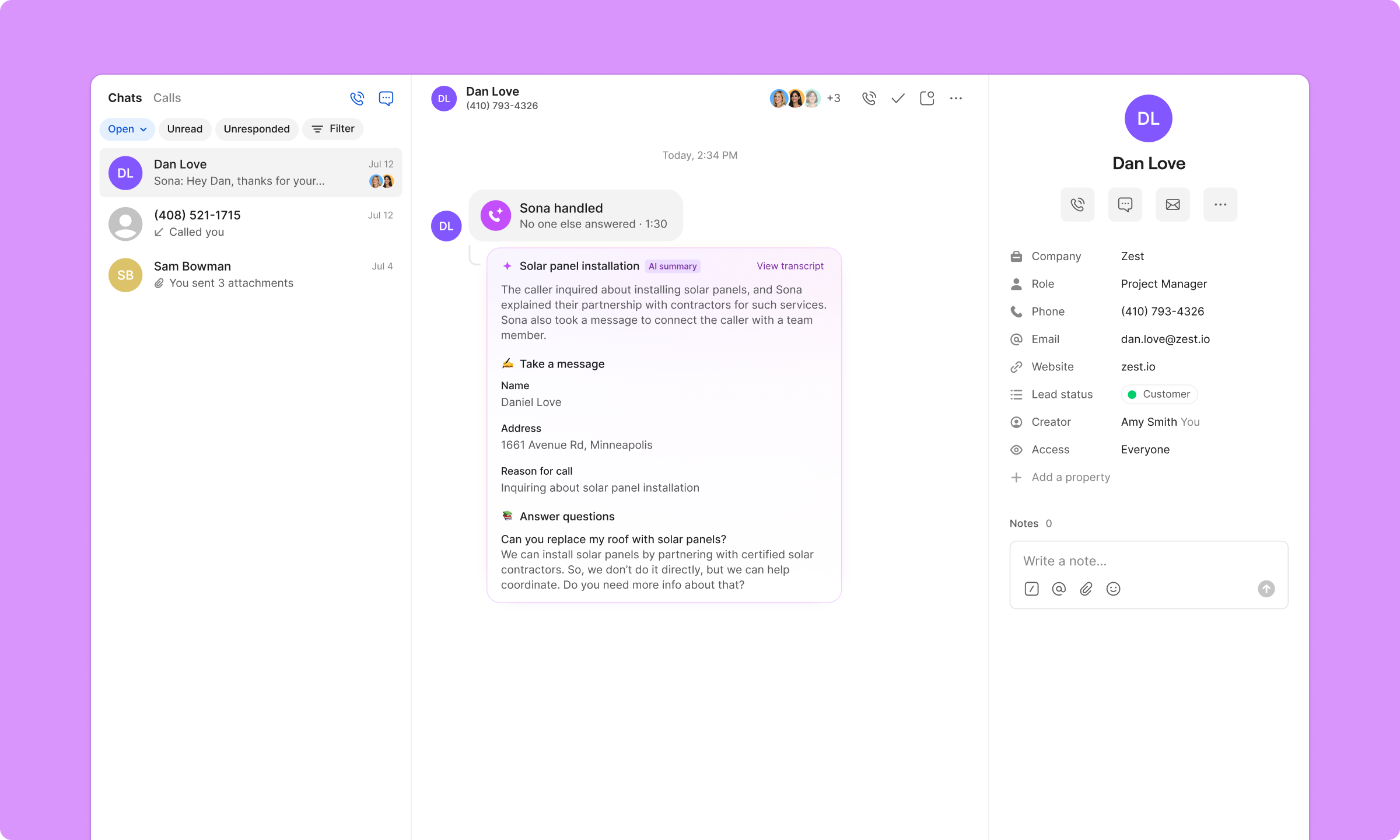
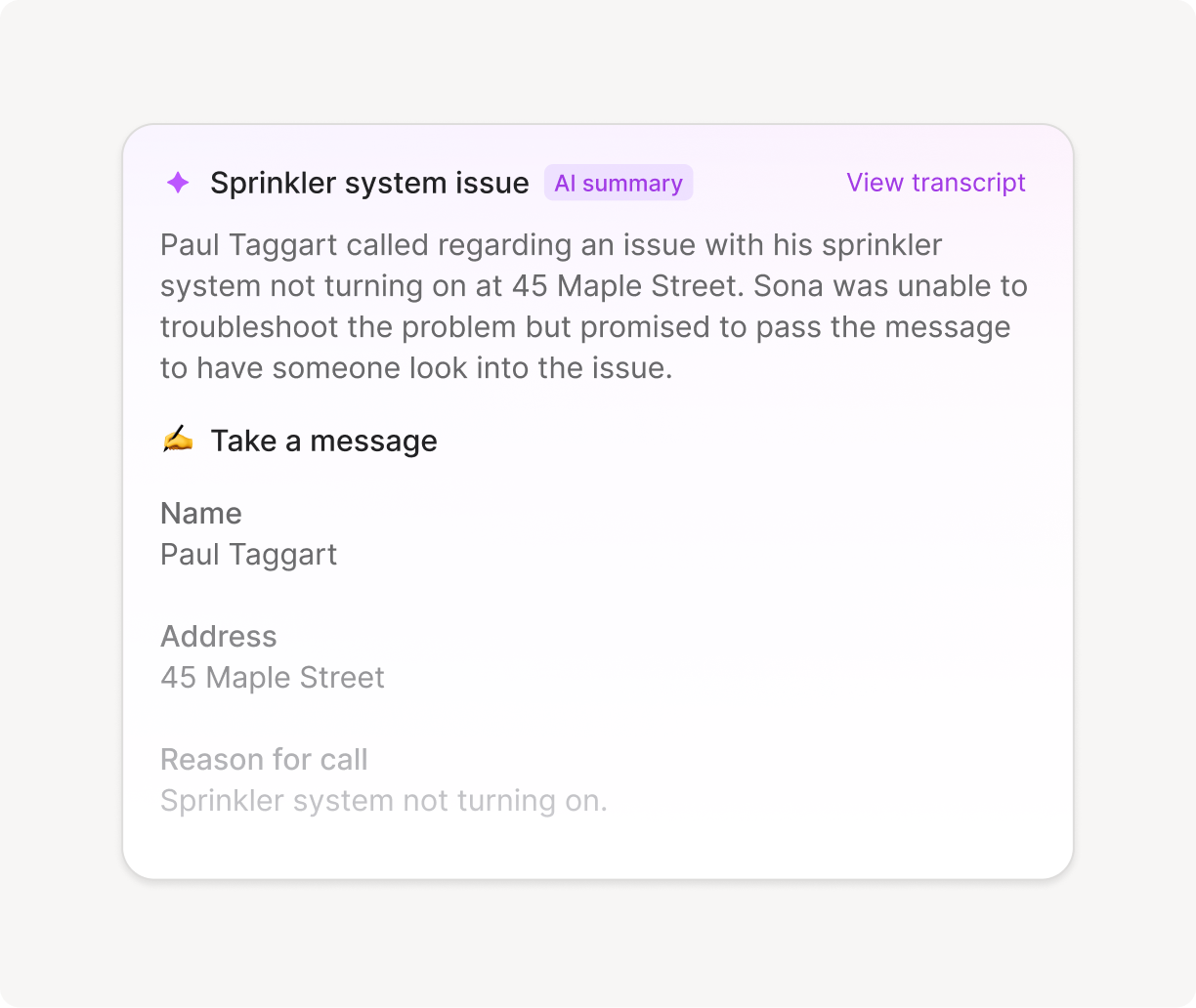
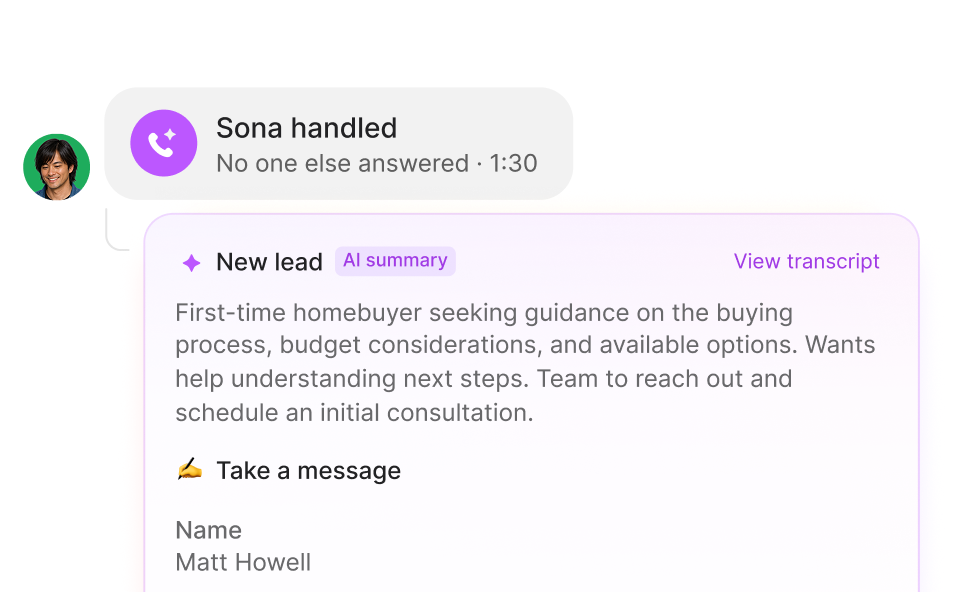
What your team sees
What your team sees:
Text summary of a sprinkler system issue where Paul Taggart called about his sprinkler not turning on at 45 Maple Street, with a note that Sona will pass the message for troubleshooting.
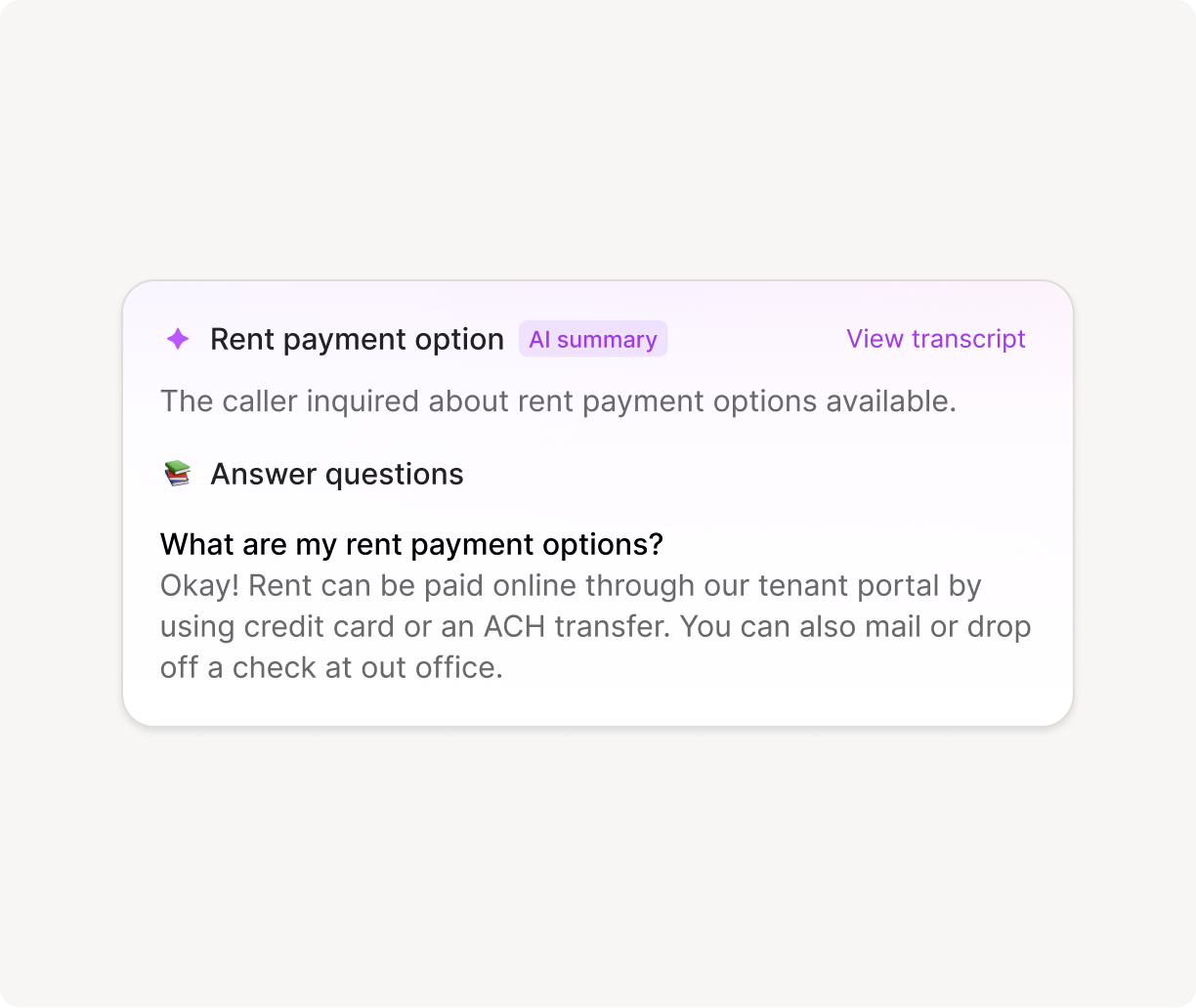
What your team sees:
Chatbox titled 'Rent payment option' with AI summary and transcript link, explaining rent can be paid online via tenant portal using credit card or ACH transfer, or by mailing or dropping off a check.
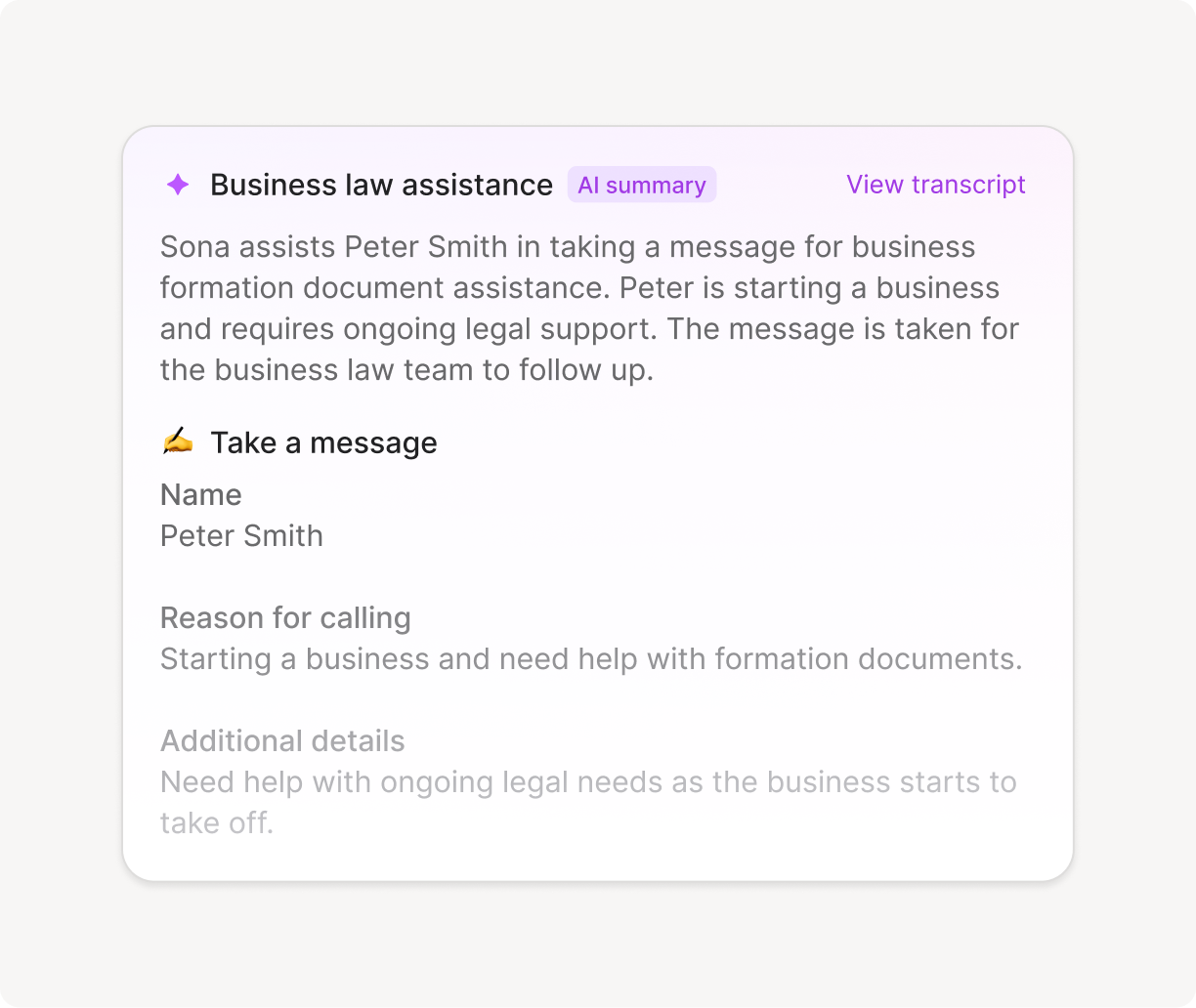
What your team sees:
Business law assistance summary showing message details: Peter Smith is starting a business and needs help with formation documents and ongoing legal support.

Customize Sona to work your way

Voicemail is a dead-end, leaving callers without answers. With Sona, responses are tailored to your business, guiding callers to provide the key information you need to follow up.
Control when Sona handles your calls
Add Sona to multiple points in your call flow so it can step in whenever you're unavailable. Customize its greeting, the questions it answers, and the information it gathers from callers.
Flowchart showing an incoming call routing: phone menu offers option to press 1 to ring users simultaneously for 30 seconds or no selection to voicemail; if call is missed, virtual assistant Sona handles the call. Sidebar describes Sona’s features and setup options.Call flow diagram showing incoming call, phone menu, ring users or voicemail, and Sona handling calls if missed, with Sona assistant setup panel on the right.
Three labeled white boxes on black background: Business description with briefcase icon, Opening hours with clock icon, Team information with group icon.
Make Sona an expert on your business
Add details such as your business name, company description, operating hours, products or services, pricing, FAQs, and more.
Test Sona before launch
Hear Sona's responses to know exactly what your customers will experience.
Instruct Sona to handle specific scenarios
Go beyond basic call handling by telling Sona exactly what to do, send scheduling links, transfer calls, or route to specific departments, so every step fits your workflow and callers get the right next step.
Instructions for new client intake including triggering conditions, steps to book an appointment via SMS, and transferring calls to the front desk.

Sona can help...

Take a message
If you’re in a meeting, on another call, or simply unavailable, Sona can handle incoming calls, take messages, and provide basic information to callers.
Profile photo of a thoughtful person next to a purple icon, with text reading 'Sona is handling Call in progress...'
Capture leads
Customize the questions Sona asks new leads so your team has the info they need to follow up.
Instruction card titled 'Take a message' with details to capture caller’s name, reason for calling, and notes to collect property size and specific service needed, asking for urgency if mentioned.
Answer questions
If customers often ask about business hours, appointment availability, pricing, or services, Sona can answer instantly, reducing the need for human intervention.
Transcript of phone call between Angela Campbell and Sona about weekend work hours and electrician licensing.
Transfer calls
When customers need a real person, Sona seamlessly transfers them to the right teammate or department for a fast, professional experience.
Send a text mid-call
While a caller's still on the phone with Sona, send a text with a scheduling link, form, directions, and more.
Interface showing instructions for booking an appointment with options to Send SMS or Transfer call, with a cursor hovering over Send SMS.
Every Wednesday at 10 AM PT / 1 PM ET

Join the live Sona webinar

See Sona in action, get your questions answered, and hear our vision for AI.

Don’t just listen to us

Headshot of a man with short dark hair and a suit against a purple background.
Christopher Sands
CEO
“With Sona, I never worry about missing a call again. It’s like having a smart, reliable assistant who always picks up. It’s professional, friendly, and on it 24/7.”
Logo text reading 'HANNON DePALMA' with a stylized blue 'H' and a decorative symbol between the words.
Smiling blonde woman with shoulder-length hair against a purple circular background.
Kendall Carameros
Co-founder & COO
“Sona ensures that no calls go completely unanswered. Having someone available to take their information—even after hours—gives customers a better impression of Nutiliti. It reassures them that their concerns are being noted and will be addressed promptly.”
Nutliti company logo
Portrait of a smiling man with short brown hair against a blue circular background.
Jon Christensen
Co-founder
“Prior to adopting Sona, we struggled with consistently capturing after-hours communications, resulting in missed opportunities. We now have absolute assurance that every incoming call is handled promptly.”
Bidmii brand logo in gray stylized text.

Frequently asked questions

How much is Sona?

Sona starts free — you get ~10 calls a month at no cost. If you need more, paid plans begin at $25/month and scale based on usage, with lower per-call rates at higher tiers. You only pay for what you use, and you can cap usage to avoid unexpected charges.

Which Quo plan do I need to be on to use Sona?

Sona is available as an add-on for all Quo plans: Starter, Business, and Scale.

Can I purchase Sona while on a free trial of Quo?

No, you must be on a paid Quo plan to purchase Sona. Free trial users will need to convert to a paid plan first before adding the Sona add-on.

Is there a free trial of Sona?

Eligible customers can start a 7-day free trial of Sona. The trial includes full access to Sona’s features with unlimited usage. After 7 days, it auto-converts to a paid subscription unless canceled.

To start a trial, you must meet all of the following criteria:

  • Be on a paid Quo plan (not a free trial)
  • Use Stripe billing (not Apple iOS subscription)
  • Be a workspace Admin or Owner
  • Your workspace must not have previously trialed Sona
Can I test Sona before purchasing if I have an active Quo account?

Yes, you can drag the Sona block into your call flow and fully configure and test it before purchasing. When you try to publish the changes, you'll be prompted to purchase the add-on.

What languages does Sona support?

Currently, Sona supports English, Spanish, and French. Note that Sona cannot detect or switch between languages mid-call. We're working on adding support for additional languages in the future.

Can I configure Sona to handle different situations?

Yes, you can add multiple Sona steps in your call flow and configure each one differently. For example, you might have different knowledge or greetings during business hours versus after hours.

Can Sona make outbound calls?

Sona currently answers only inbound calls.

Does Sona work with other phone systems?

No, Sona is built to be used in Quo only so you can manage all your phone communication within one platform.