Local and toll-free numbers for your team
Add as many numbers as you need with Quo. Choose between local US and Canadian phone numbers and North American toll-free numbers. If you operate multiple legal practices or provide legal services in multiple regions, local numbers are a great option to build trust with clients. Toll-free numbers let you offer a dedicated customer support number that stands out from your competitors.
All Quo plans include a phone number for every user who joins your workspace. Your team members can have individual numbers, or you can share numbers for specific departments. With a Quo number, you can make outbound calls and send text messages to US and Canadian numbers with no limits.
Need more phone numbers than your current team size? Additional numbers cost just $5 per number per month.
Call handling made easy
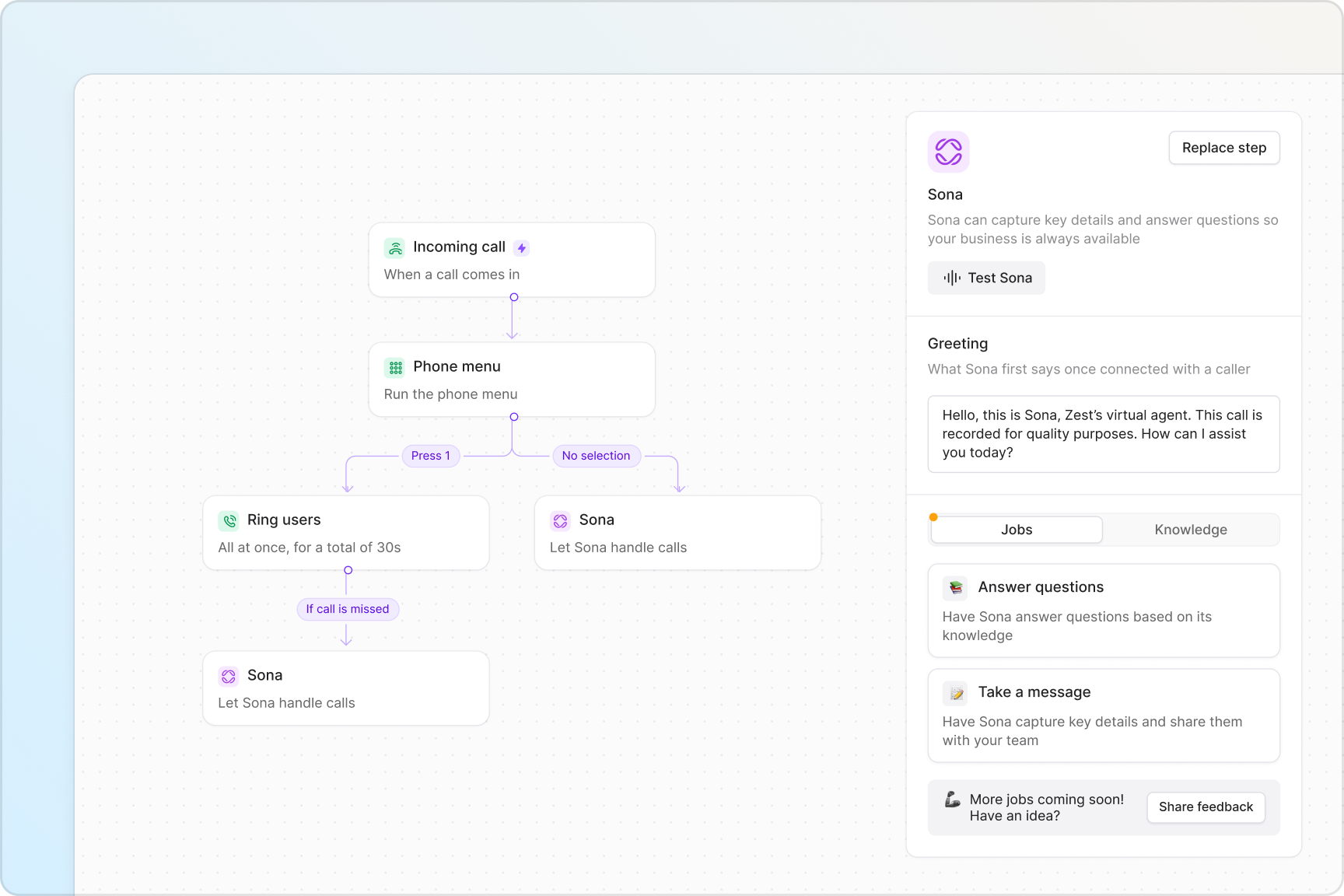
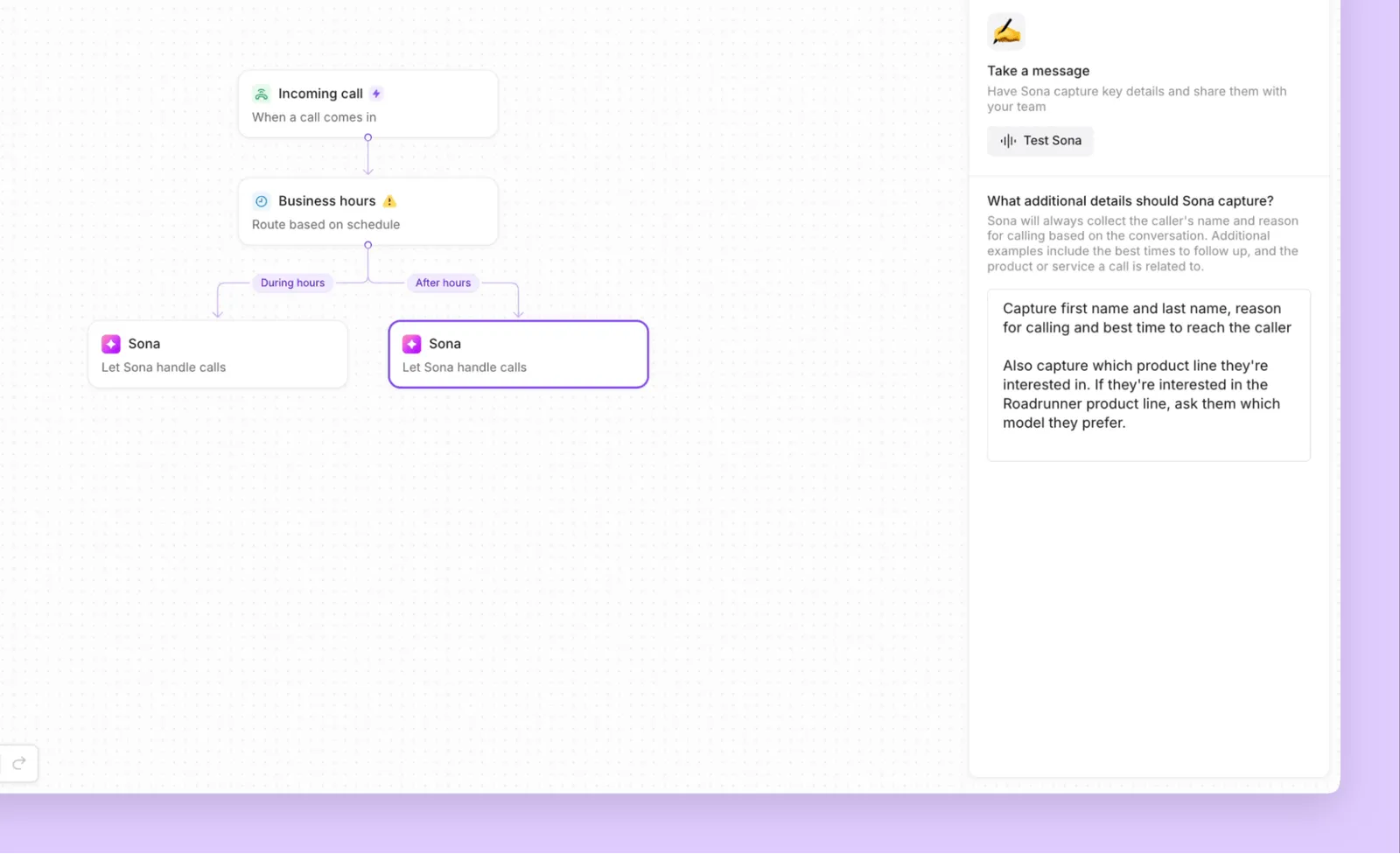
Automatically route incoming calls to the right place with Quo. Create custom call flows in seconds with our call flow builder. See how calls are routed during and after business hours and make adjustments in our drag-and-drop visual canvas.
Give your team the essential business phone features to handle any call volume. Choose how your team receives phone calls, simultaneously or in custom batches, with ring groups. Give your callers a self-serve navigation option with phone menus. Direct emergency phone calls to a secondary number with our call forwarding options.
Need to transfer client calls to a colleague? Warm transfers help you share the right amount of context with your team when you transfer calls.
Collaborate better as a team
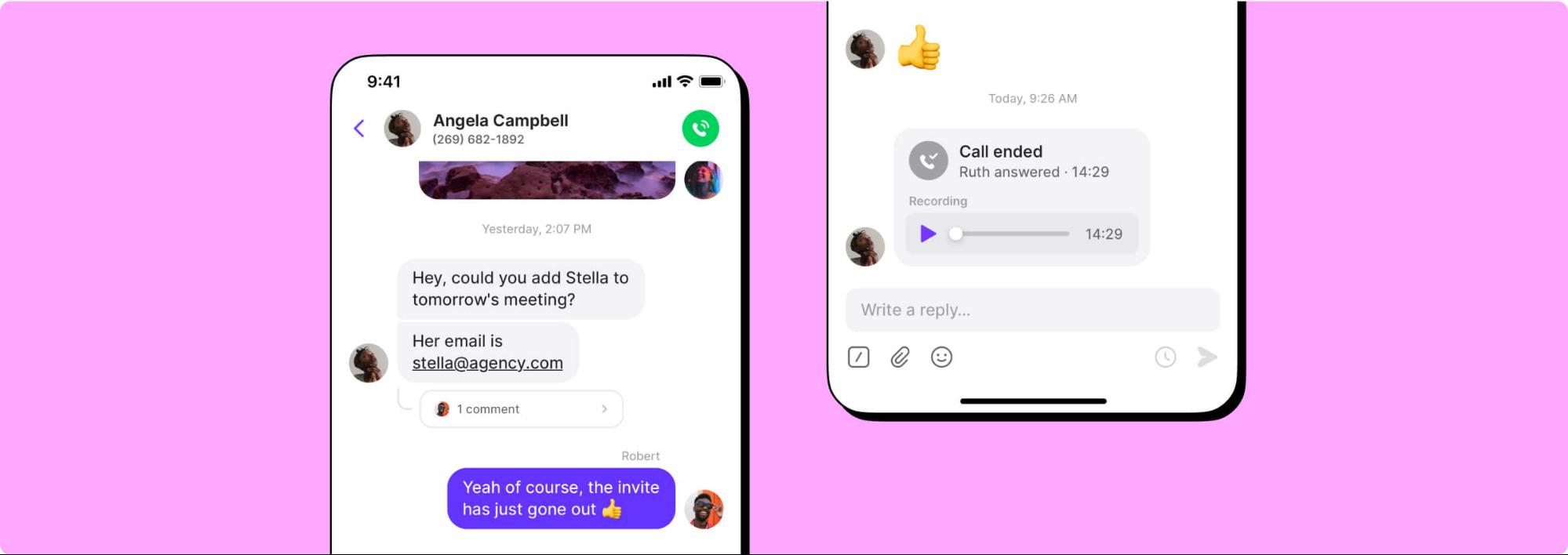
Work more efficiently with Quo. Split responsibility for incoming calls and texts with shared numbers. See what your team is working on with a complete history of all your client interactions with shared inboxes. If you manage a team, you can easily see who said what in specific conversations.
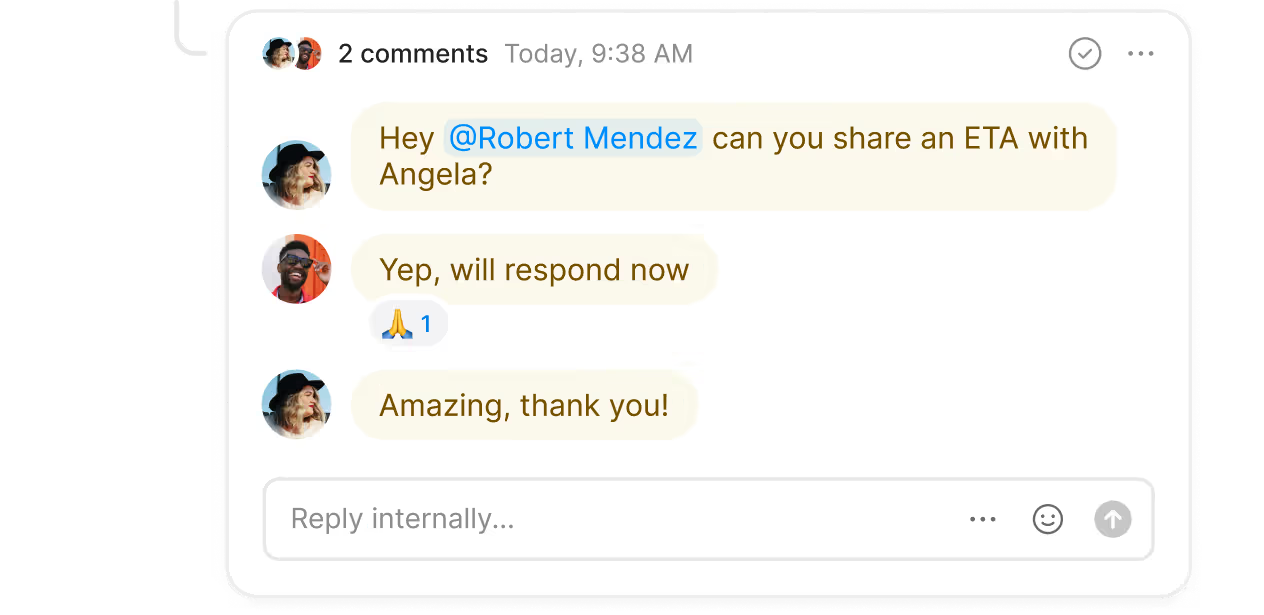
Collaborate on case management as a team. Tag team members and assign follow-up tasks next to a client text or call recording in real time with internal threads. Track which team members have viewed interactions with inbox viewers. Use our voicemail transcripts to save time catching up on client requests. Then message colleagues directly to discuss action items.
Automate repetitive admin work
Put your administrative tasks on autopilot with Quo's paralegal AI tools.
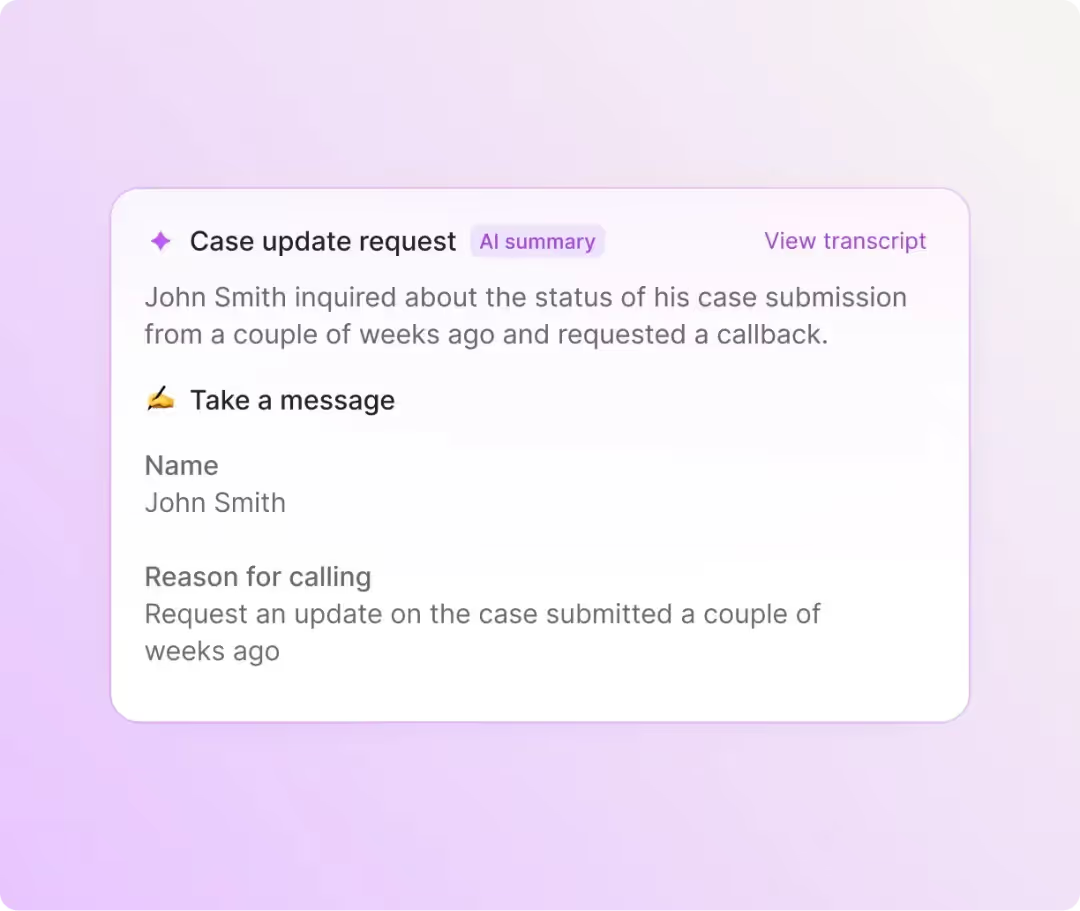
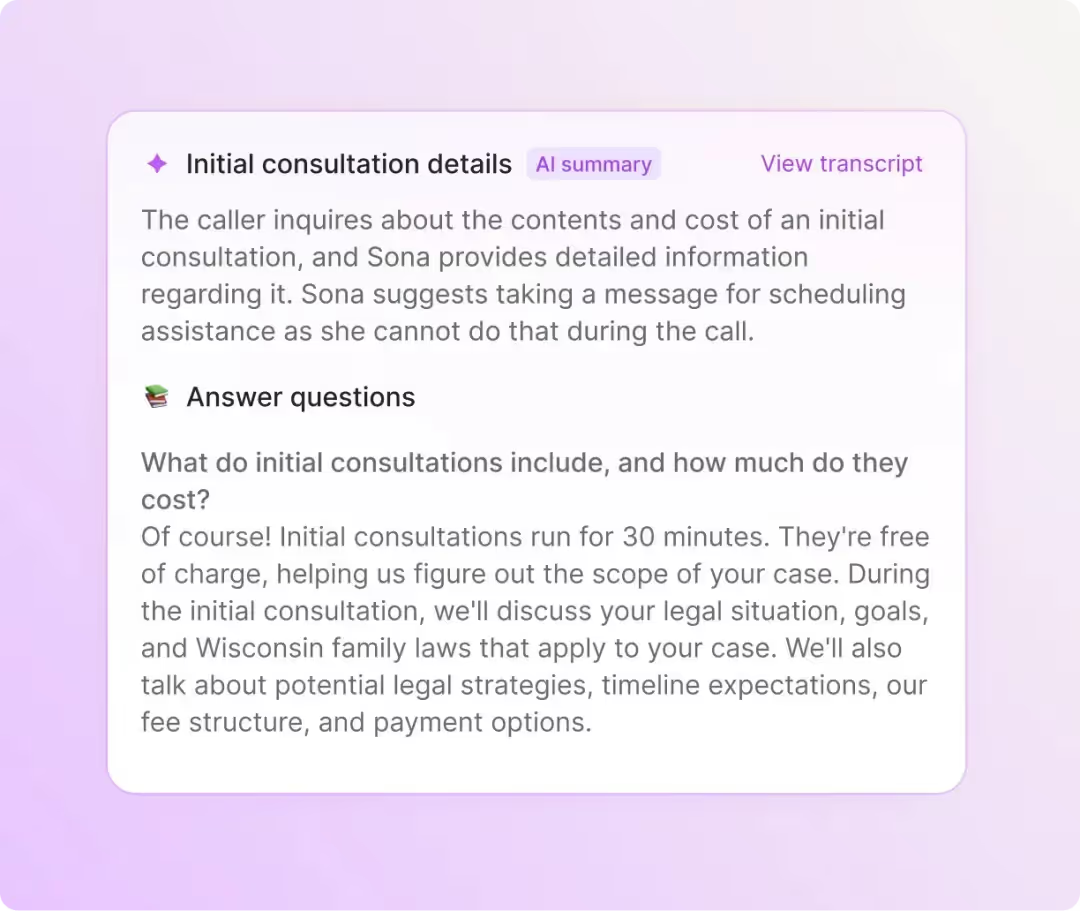
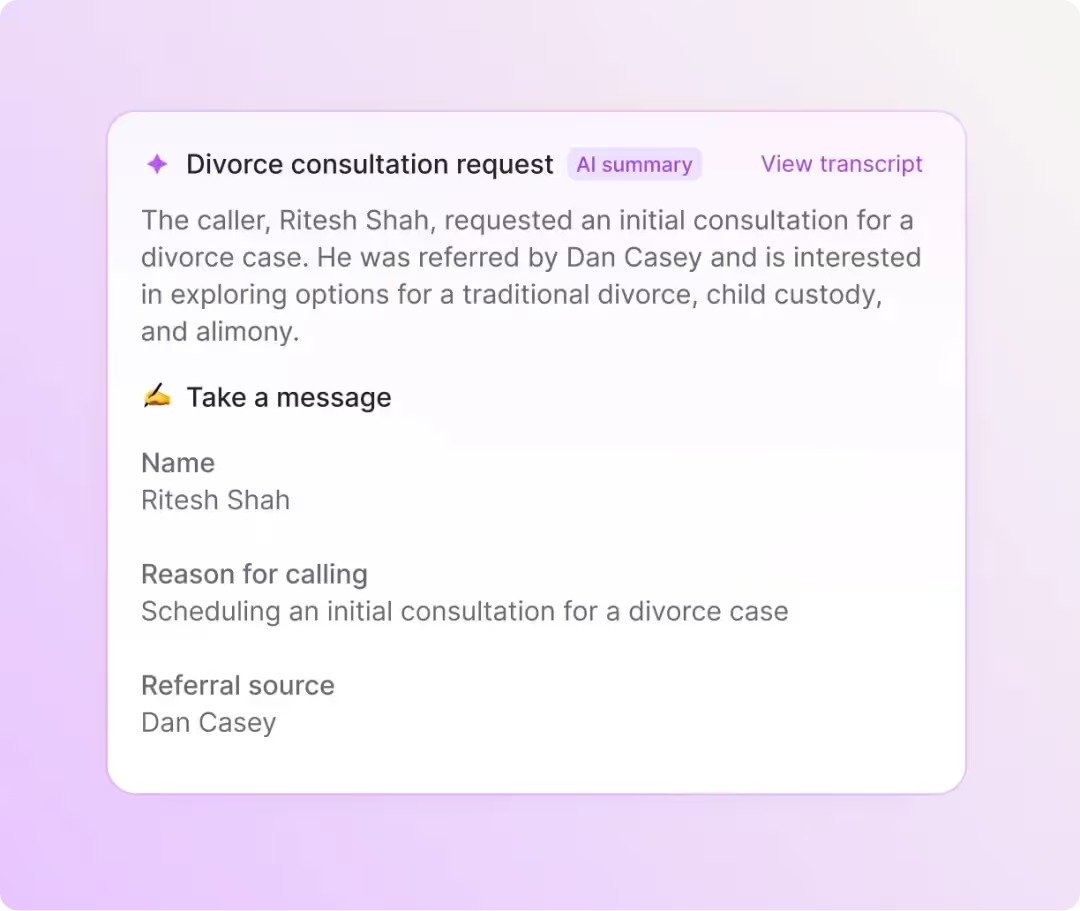
Record client calls (with their consent, of course) with automatic call recording in Quo. Use our AI call summaries and transcripts to capture every client detail. Recordings, summaries, and transcripts are stored in your Quo account with no limits, so you have a clear record of what was shared with you.
Automatically log your calls and texts in your CRM with our third-party CRM integrations. Connect to HubSpot and Salesforce or use Zapier, Make, or the Quo API to build a custom integration.
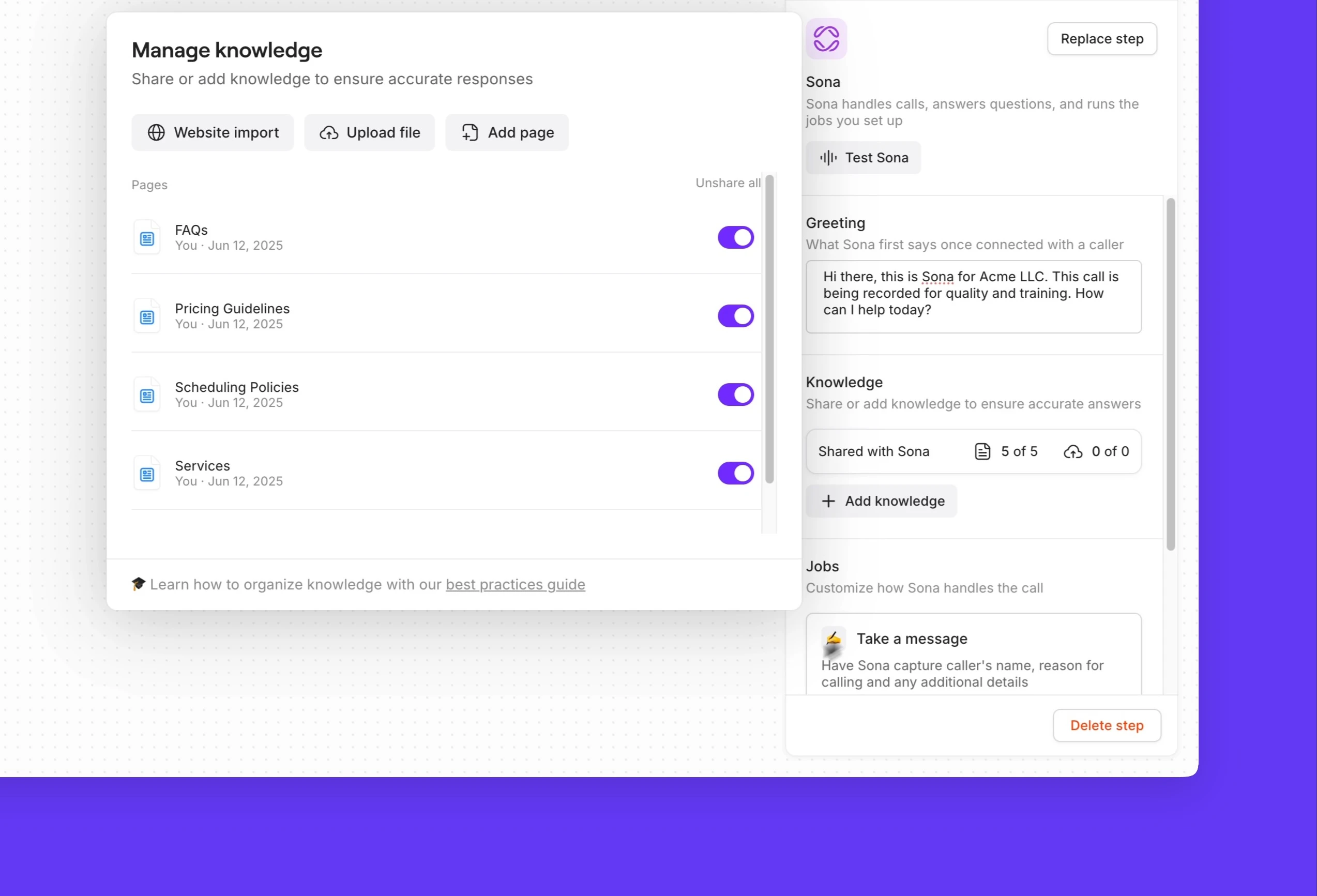
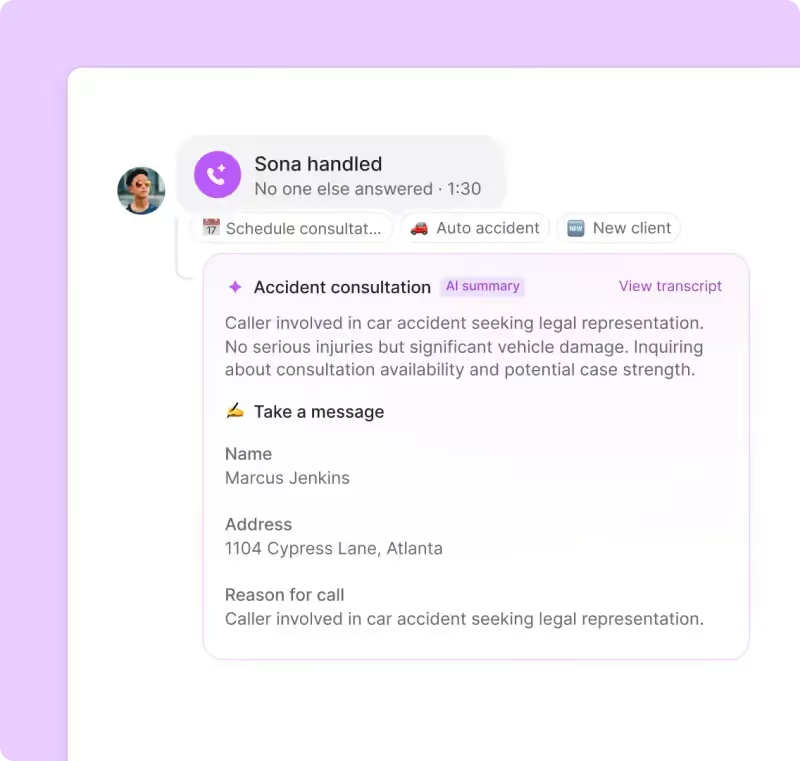
Plus, Sona is always available to handle AI phone calls for you. It's your in-house virual receptionist that can answer questions and take messages on your behalf so you can give your clients all your attention, whether in the office or in court.
Build client relationships over text
Stay connected with clients between consultations with SMS and MMS messaging.
Automatically respond to clients when you're unavailable with SMS auto-replies. Schedule texts to reach them in their time zone with scheduled messages. Your assistants can use your shared number to text clients and quickly answer frequently asked questions with pre-written text templates, also known as snippets.
Set up automatic text workflows with Zapier or Make for common client use cases, like appointment scheduling and case notifications.
Call and text from any device
Whether you're in the office, in court, or on the go, Quo travels with you. Download our desktop and mobile apps for your device and start making calls — all you need is an internet connection.
Quo is available for Mac, Windows, iOS, Android, and on the web, so your team can use their preferred devices to access our platform. No need for clunky desk phones to keep people at the office.


.svg)







.svg)