Get a phone number for every team
Scale your customer support with flexible phone number options. Choose local numbers to establish trust with your customers. Your Austin customers are more likely to answer a 512 number when you're following up about their abandoned cart. Set up a regionwide toll-free number for order support and returns to project an established brand presence.
Every Quo plan includes a dedicated number for each team member. Create different numbers for different teams: one for customer support, another for working with vendors, and special lines for VIP customers or wholesale accounts. Your fulfillment team can have their own number for delivery coordination without mixing it with general support calls.
Need to expand for the holiday rush? Add seasonal support numbers instantly for just $5 per number per month.
Optimize team collaboration
Make sure your entire team is on the same page with Quo's collaboration tools. Share responsibility for incoming calls and texts with multiple team members using shared numbers. No dedicated team member needs to be available to take calls; everyone who has access to your shared number will be dialed when customers call you. No more transferring customers between departments or asking them to explain their issue multiple times.
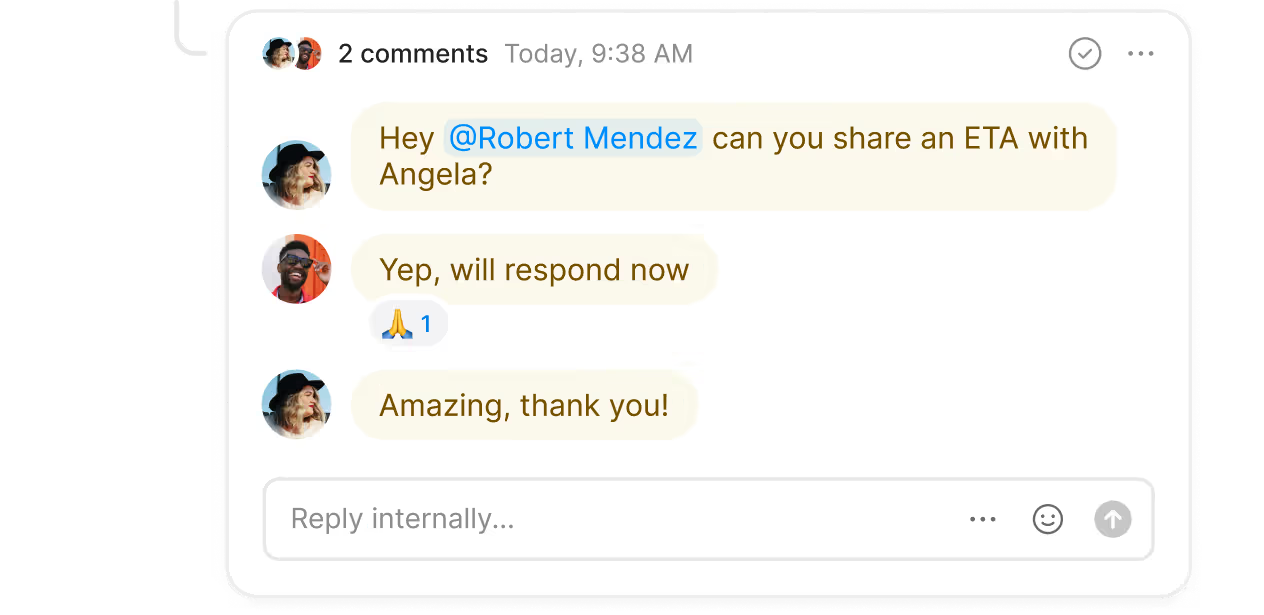
Track follow-up tasks for high-value orders and troubleshoot customer issues in real time with internal threads. Tag your warehouse manager when a customer reports missing items from their order or loop in your marketing team when influencers ask for new discount codes. Monitor who's viewed an ongoing thread with inbox viewers, eliminating the need to follow up with team members directly.
Handle incoming phone calls easily
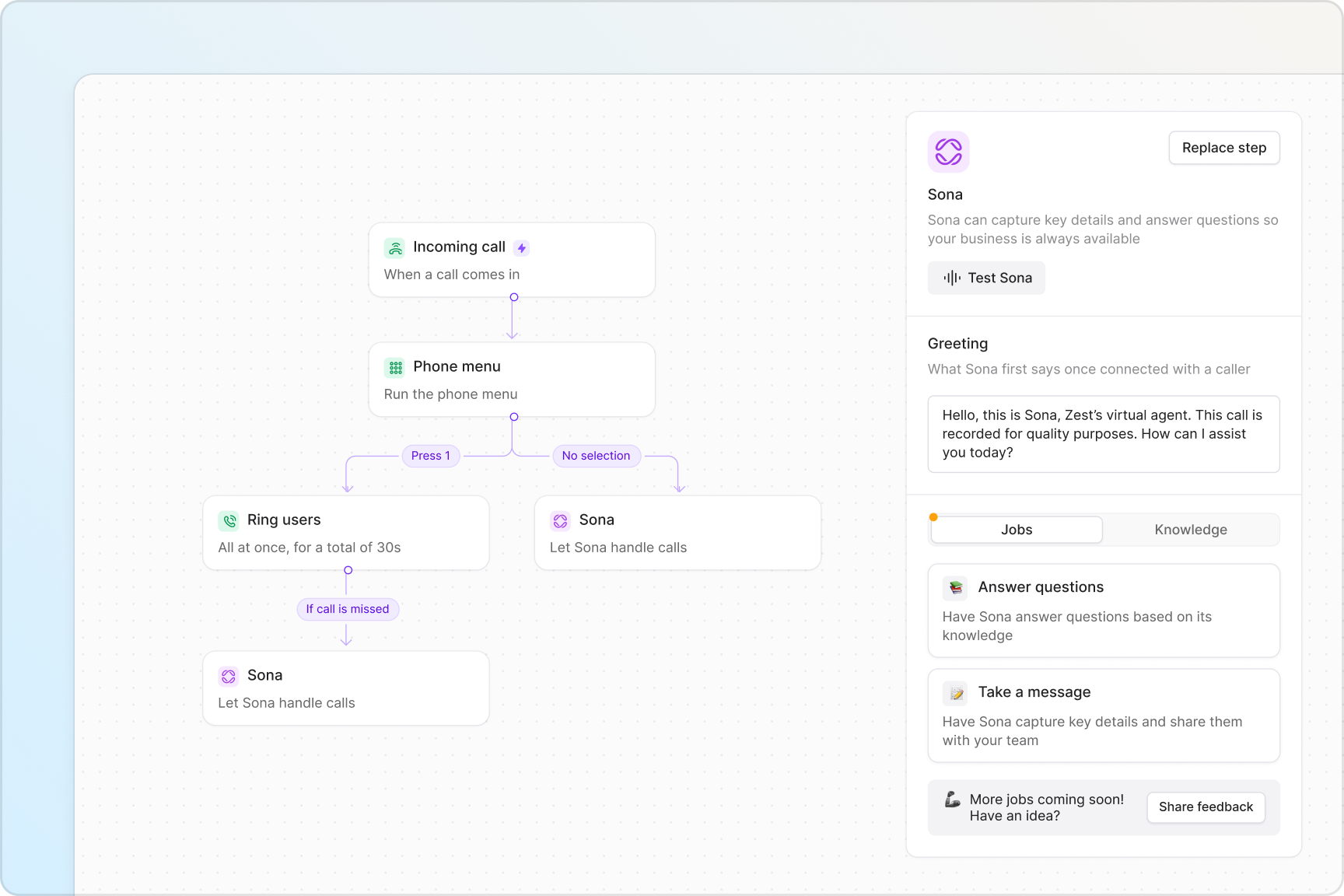
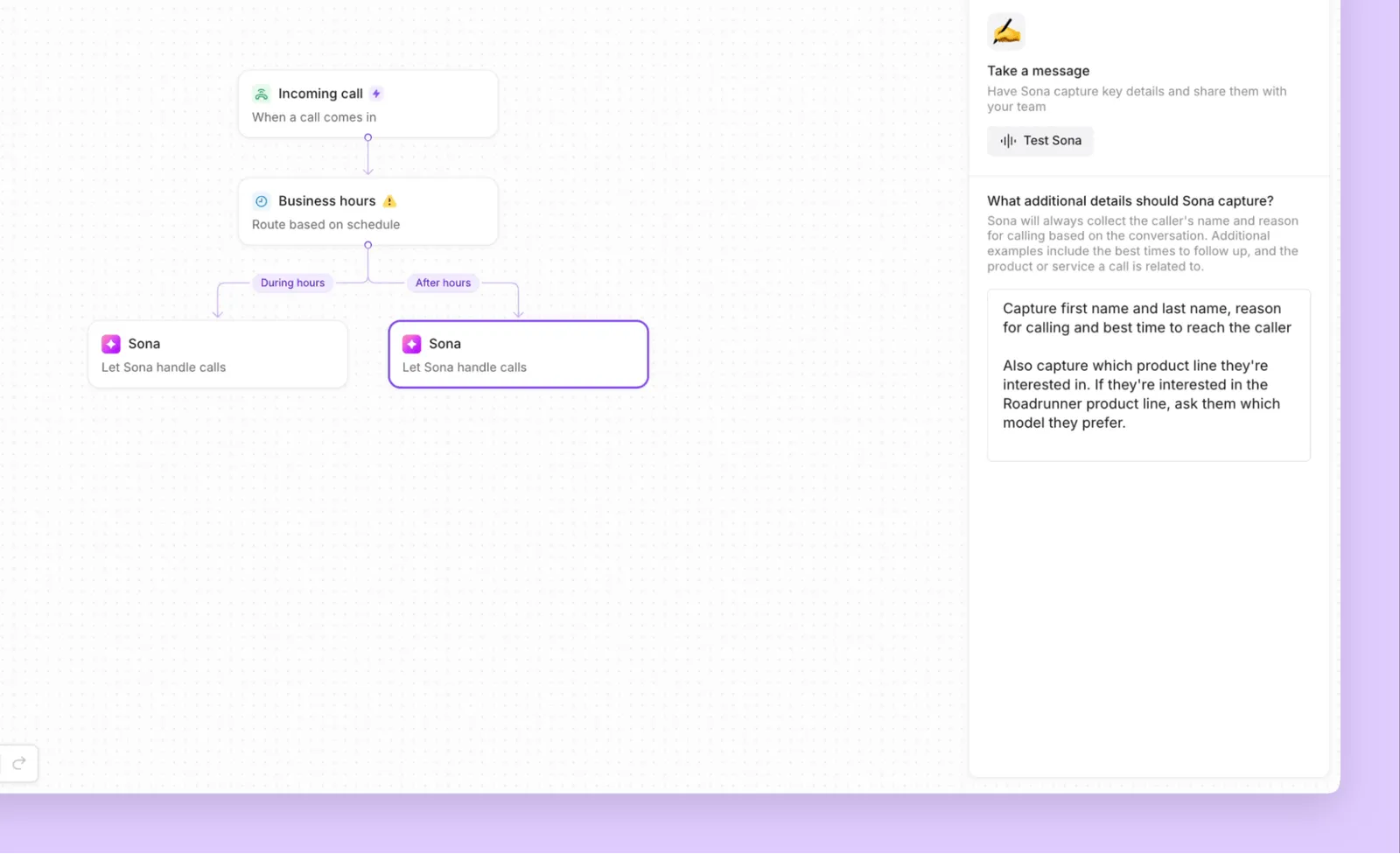
Design professional call flows in minutes with Quo's intuitive call flow builder. See how customer calls go through your system and make changes right away as your business needs change. With the builder's drag-and-drop interface, you don't need any technical expertise to set up your flows.
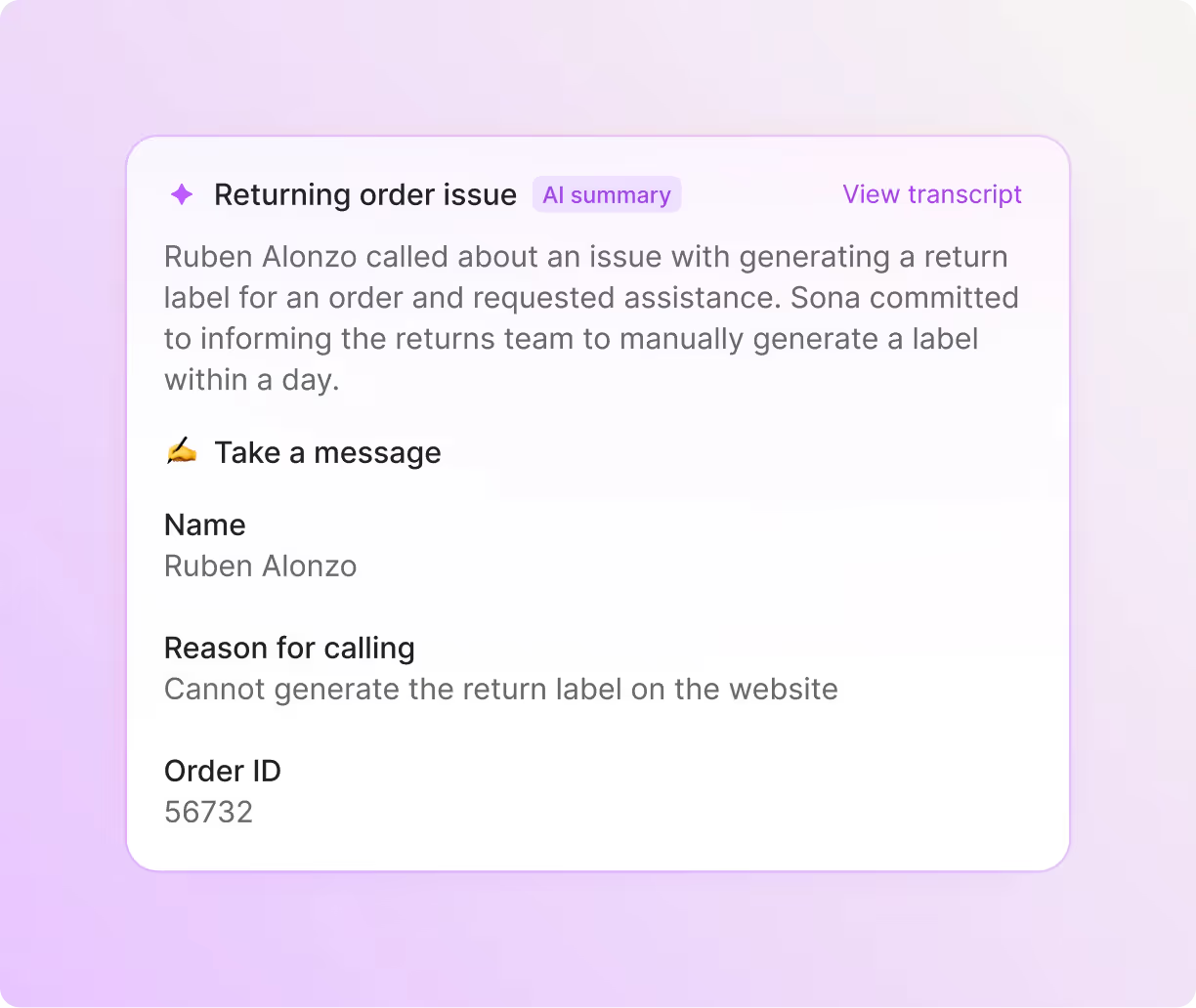
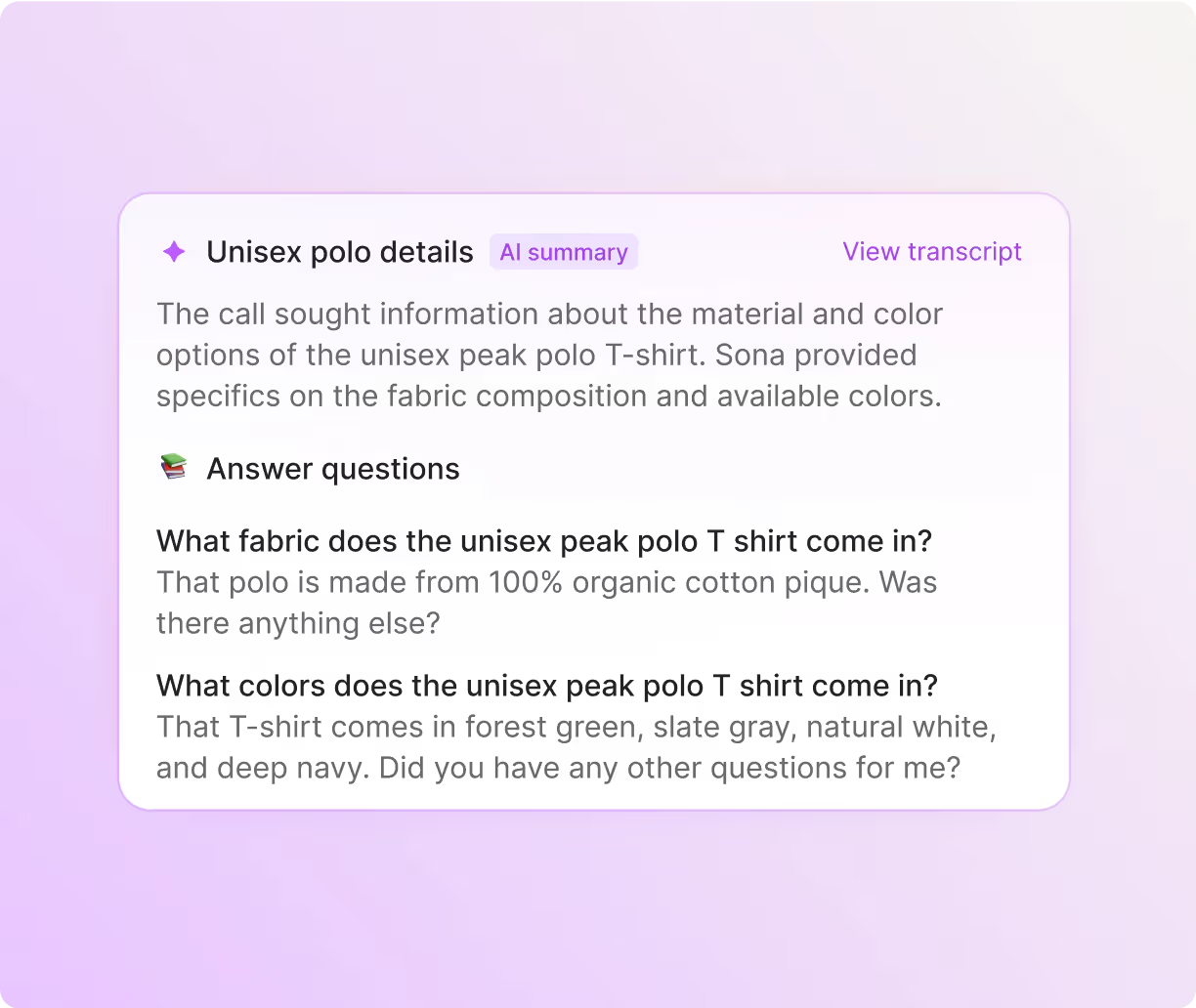
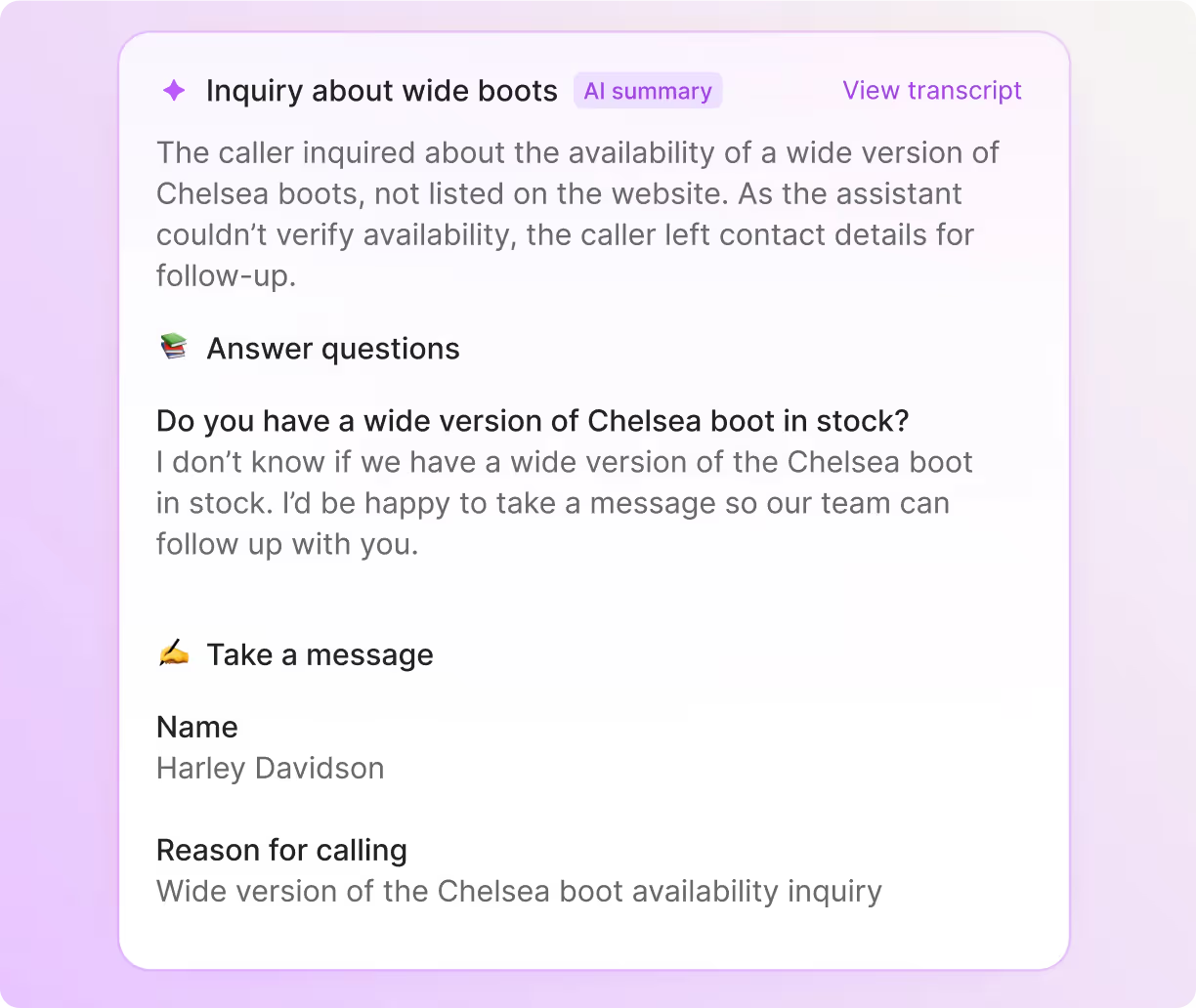
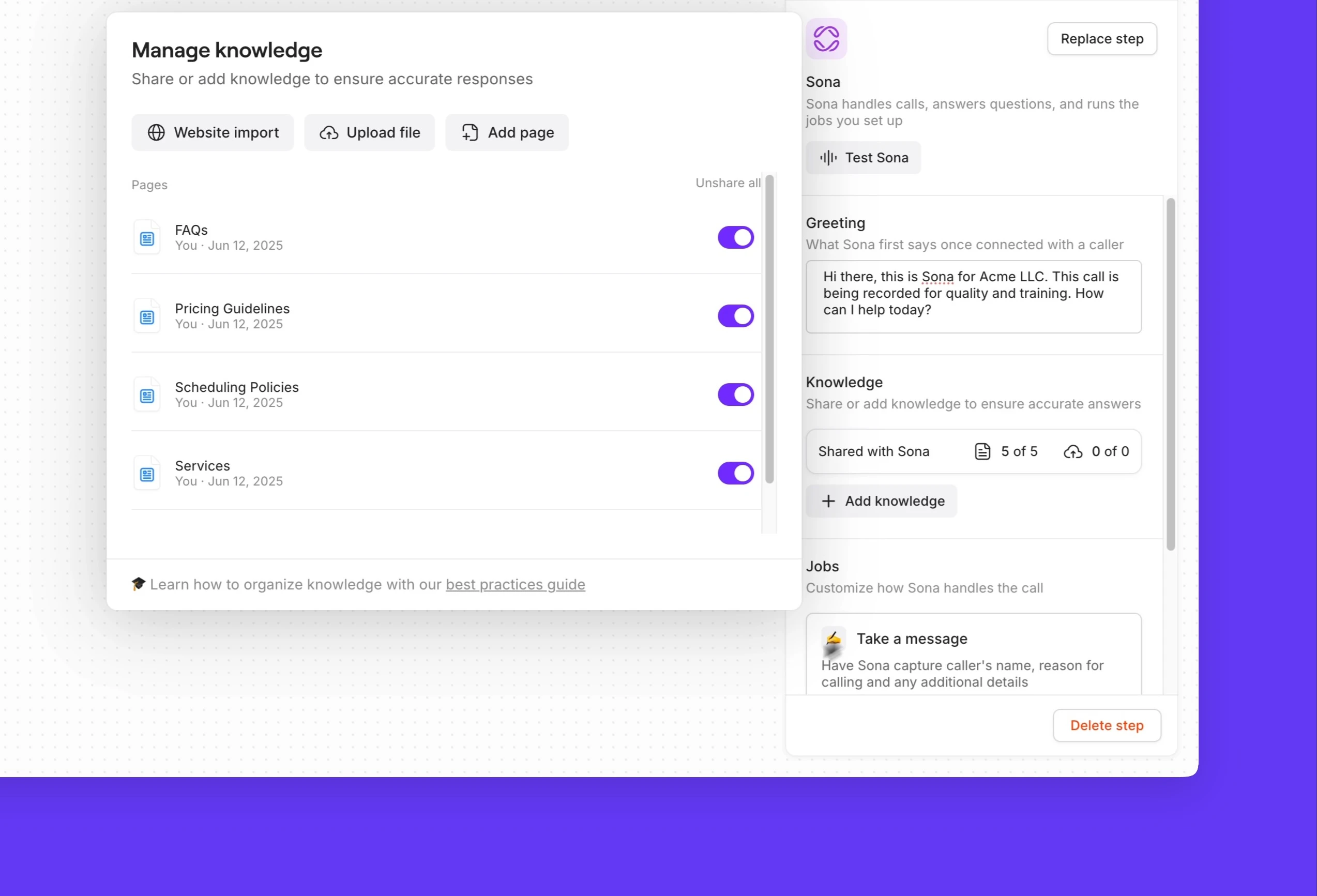
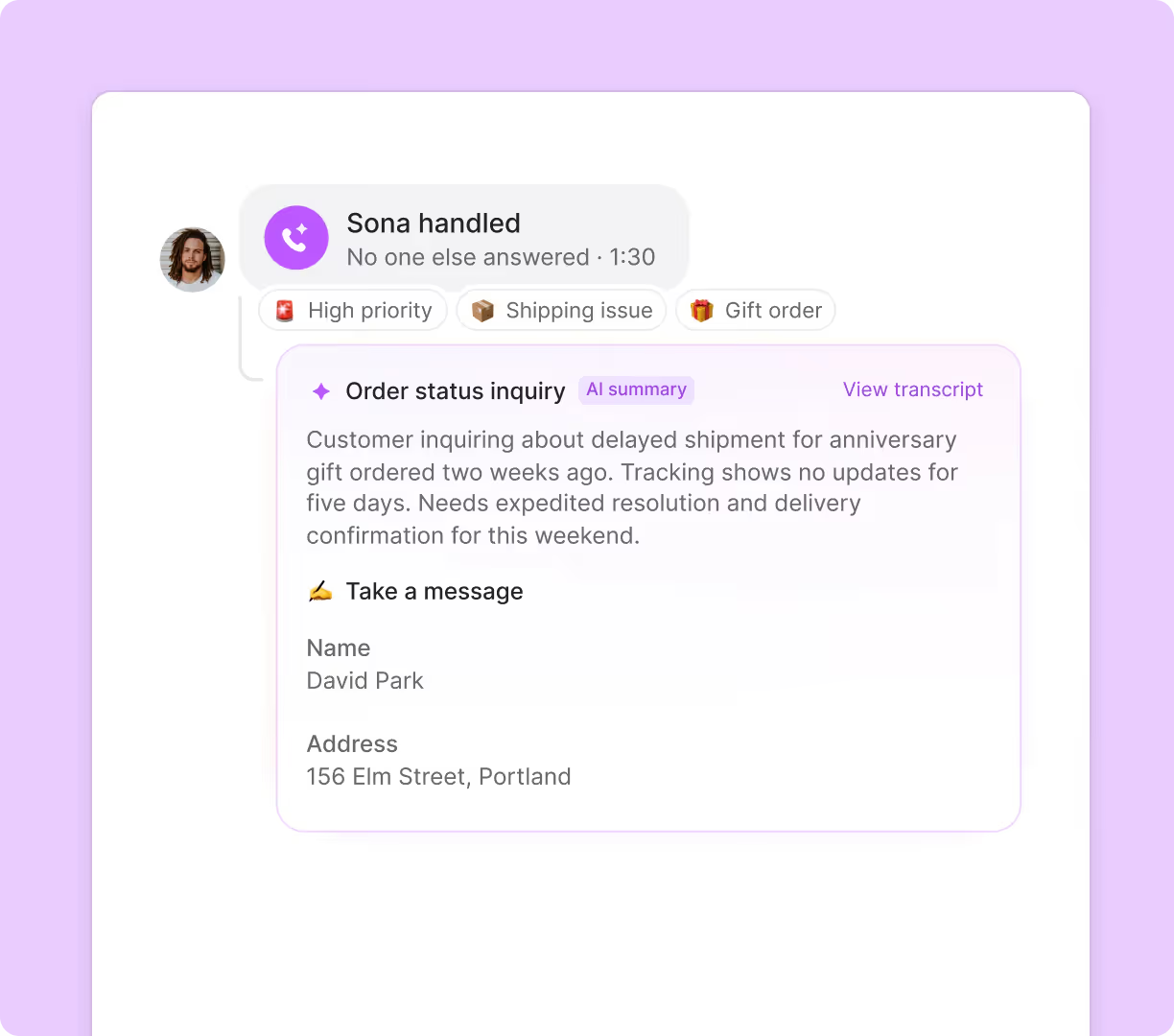
Set up ring groups so your whole support team gets notified of calls at the same time. Or make a sequence where calls ring in tiered ring batches based on level of experience. Give customers self-service options with phone menus that connect them to the right department immediately. Forward unanswered calls to a backup number when your team is swamped with holiday orders. Or let Sona step in to capture customer details and order issues for morning follow-up.
If you need to add a colleague to a live call, you can always add them with group calling. Or you can connect your caller with them directly and give them a quick heads-up with warm transfers.
Automated SMS and MMS messaging features
Keep customers informed at every step of the purchase and post-purchase experience with automated text messages. Set up triggered SMS workflows with Zapier or Make that automatically notify customers about their orders, from confirmation to delivery. You can also build a custom integration with your order tracking software using the Quo API.
Get even more text automations to engage with customers. Send auto-replies to incoming messages when your team is busy or unavailable. If a potential customer wants more product images, send them over text with MMS messaging. Create pre-written text templates (snippets) to quickly respond to common questions about return procedures, size guides, or care instructions.
No more repetitive admin tasks
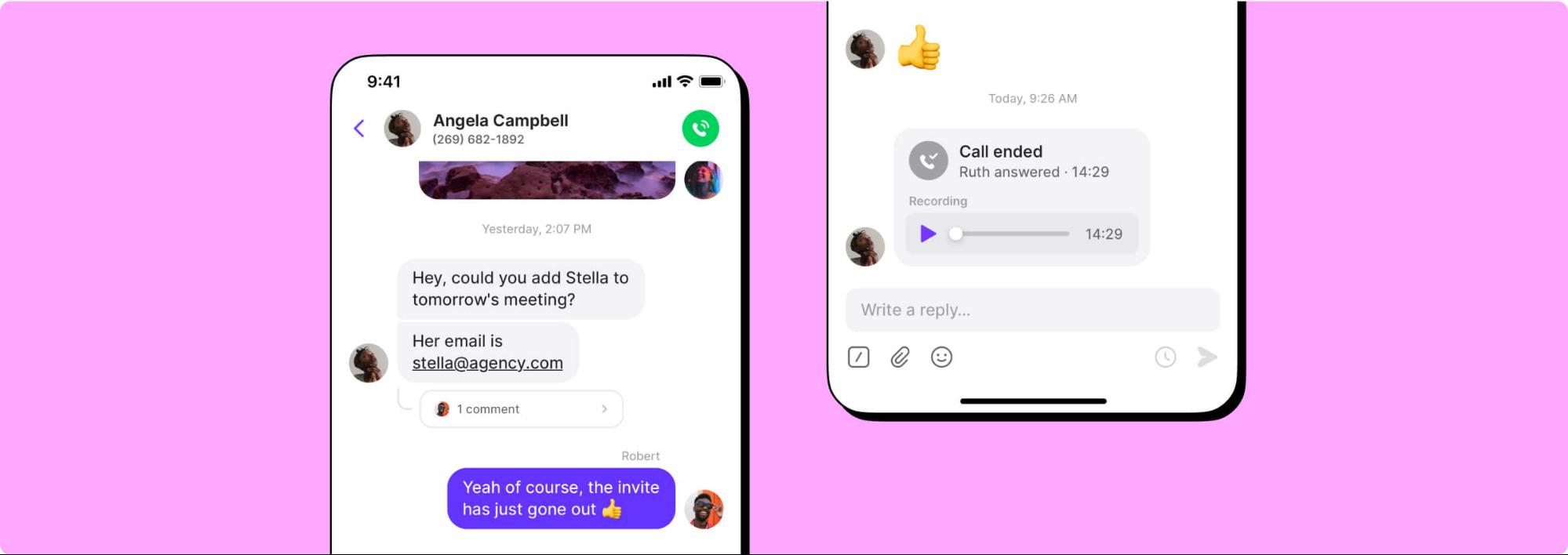
Let Quo handle the busywork while your team focuses on driving sales. Every customer call is automatically recorded and transcribed so you know what your team members and customers have shared with each other. When a customer claims they were promised an additional free item even though they weren't, you have the conversation on record.
AI call tags analyze your support calls to surface valuable insights about your business. Track which products generate the most questions and identify common shipping concerns. Sync everything with your ecommerce platform or CRM using our Zapier and Make integrations or build custom connections with your order management system using the Quo API.
Make calls and send texts anywhere
Quo works on Mac, Windows, iOS, Android, and web browsers. Your team can respond to customers with their preferred devices. Team members can switch between devices and continue conversations without missing a beat. All you need is an internet connection to get started.


.svg)







.svg)