Get a phone number for every business need
Get multiple types of phone numbers for your business operations with Quo. Add local US and Canadian numbers for each service region to establish trust with your clients or North American toll-free numbers to project a professional image for customer service.
All Quo plans include a phone number for every user who joins your workspace. Assign dedicated numbers to your team members or share numbers for different departments, like one number for electrical and another for HVAC.
If you need more numbers, like a dedicated number for a specific project, you can add additional numbers for $5 per number per month.
Foster stronger team collaboration
Keep everyone on your team in sync with Quo. Split responsibility for incoming calls and cut down on missed calls with shared phone numbers. Your entire team can view all your customer and vendor communications and stay on top of project updates with shared inboxes. You can always control user access to a shared number by updating user roles in your settings.
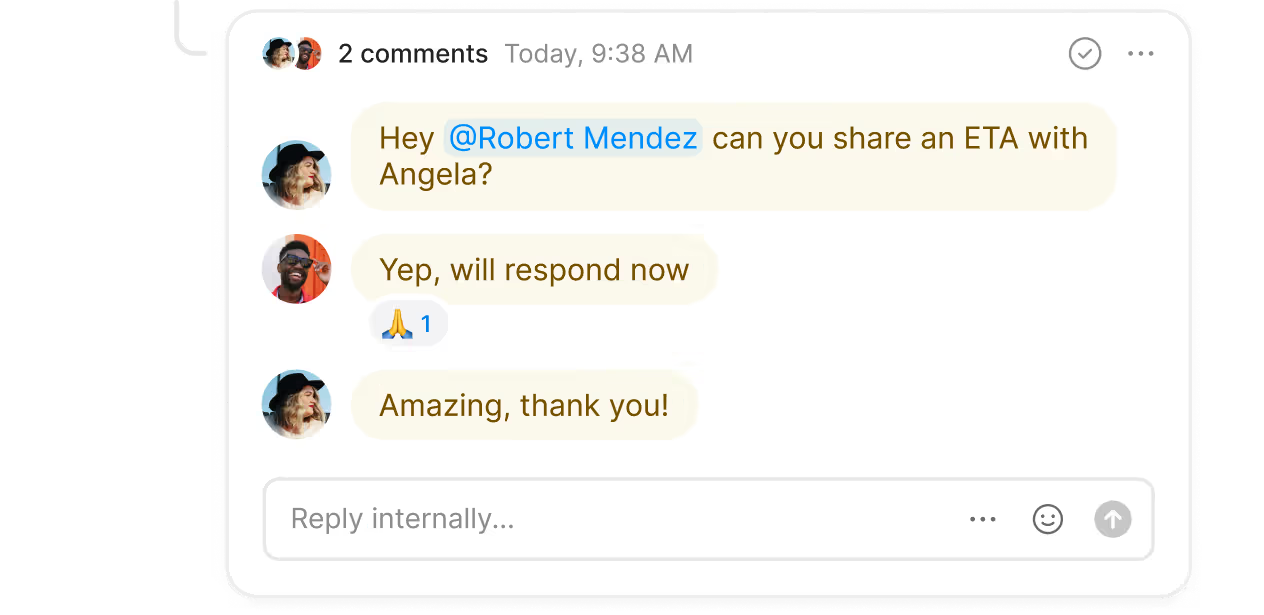
Tag your teammates next to a customer conversation to brainstorm a response or assign a follow-up task with internal threads. These threads can only be seen by your team and are never shared with your customers. See which team members have reviewed specific conversations with inbox viewers.
Coordinate with your project stakeholders over the phone or by text with our group calling and texting features. Whether it's an internal project or an external alignment call, add up to 10 participants in a call or text thread.
Manage incoming customer calls smoothly
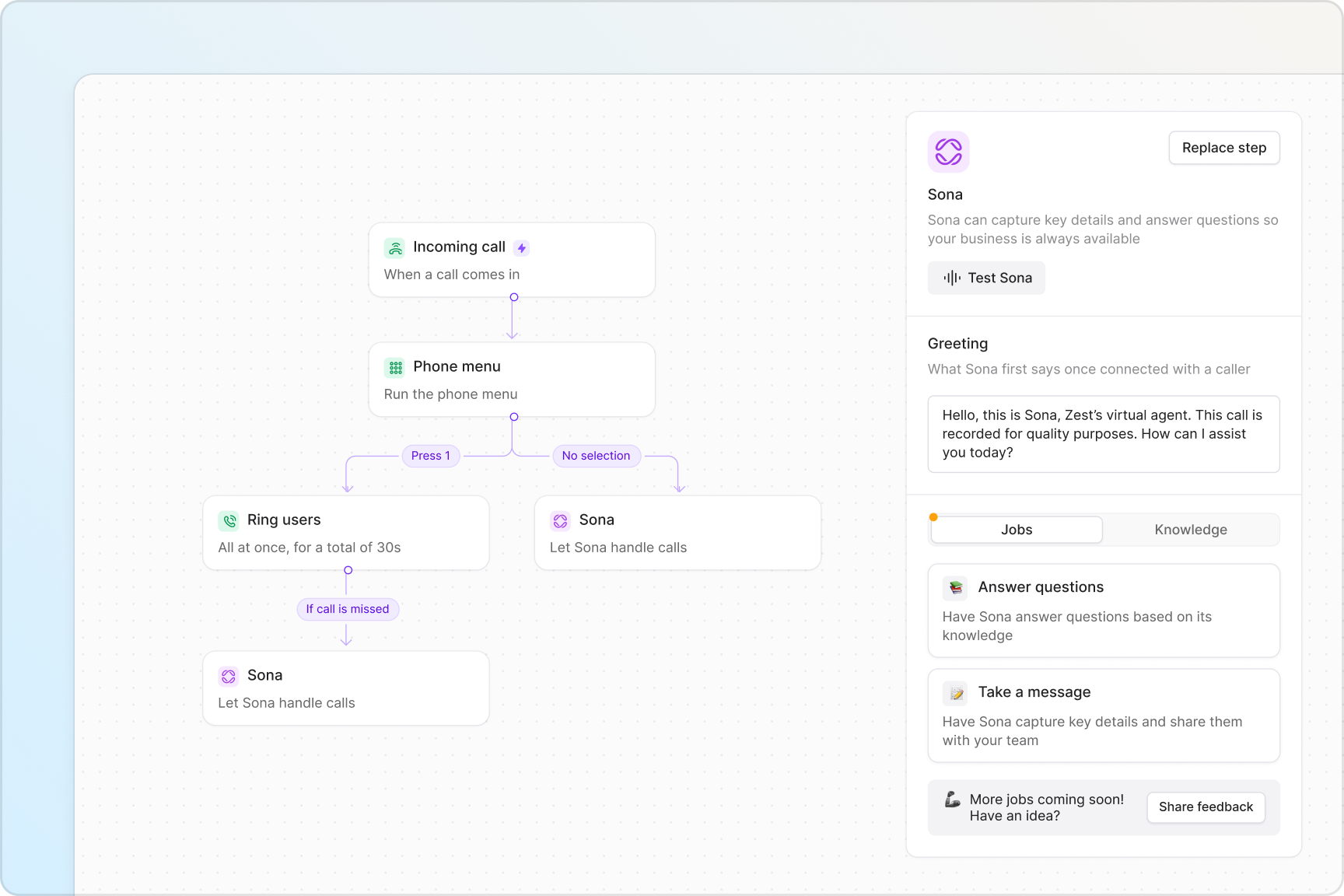
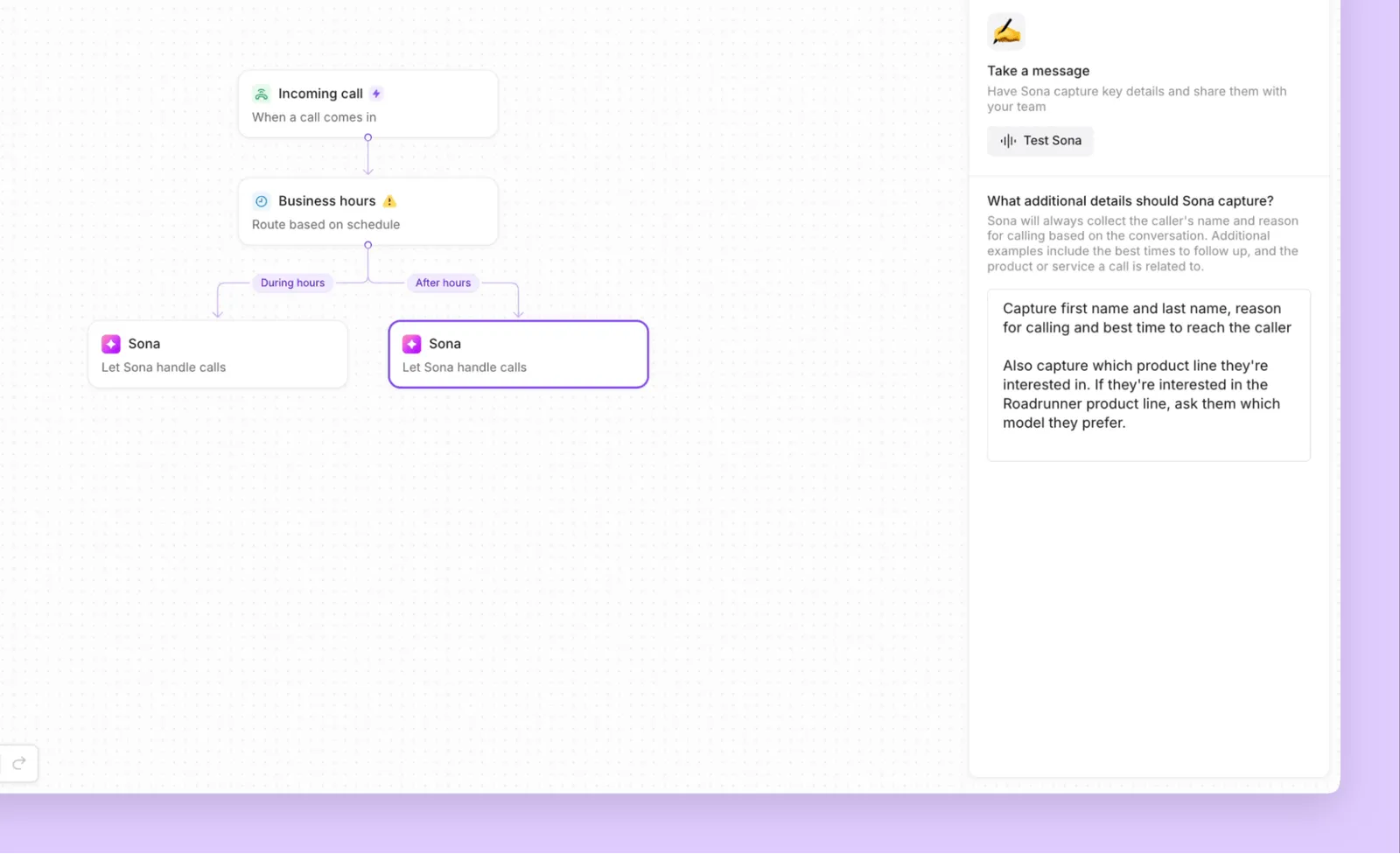
Handle calls easily with Quo's call management features. Design powerful call flows in minutes with zero technical knowledge using our call flow builder; simply drag and drop call flow steps into our visual canvas.
Customize each call flow step to match your team's needs. Set up ring groups to manage how your team receives incoming calls — all at once or in custom ring batches — so your callers always reach available team members. Give your callers phone menu options that let them choose which department they wish to reach. If you need to transfer a live call, warm transfers let your staff hand off calls with complete context, so customers never have to repeat themselves when speaking with different team members.
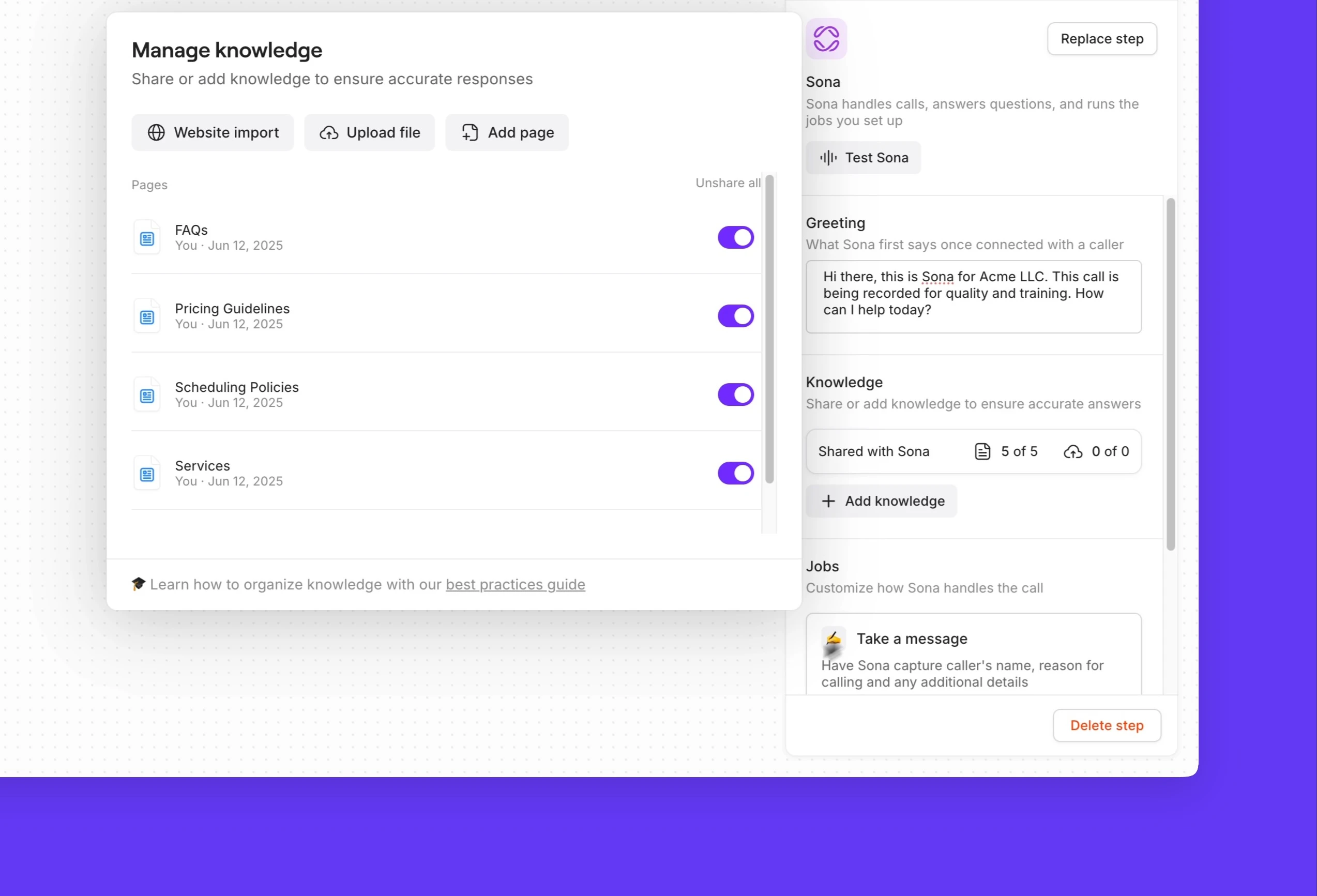
Configure call flows based on the time of day. For example, during business hours, direct calls to your office. After hours, forward emergency calls to your on-call supervisor and send non-emergency calls to Sona.
Appointment scheduling on autopilot
Text smarter with Quo's automated text messaging features. Create automated text workflows for common scenarios like appointment scheduling with our Zapier and Make integrations. Reply to incoming texts automatically when your team is busy with SMS auto-replies. Answer common questions quickly over text with pre-written templates (snippets).
Send visual updates of an ongoing project with MMS messaging. You can send photos and videos to your clients over text to show them how a project is going.
Never lose track of your customer and vendor details
Ever find yourself searching for a piece of customer information? Maybe it was a specific request on a kickoff call you wanted to fulfill or a personal hobby you wanted to follow up on to build rapport. With Quo, no customer detail will slip through the cracks, making sure you're always on top of your customer needs.
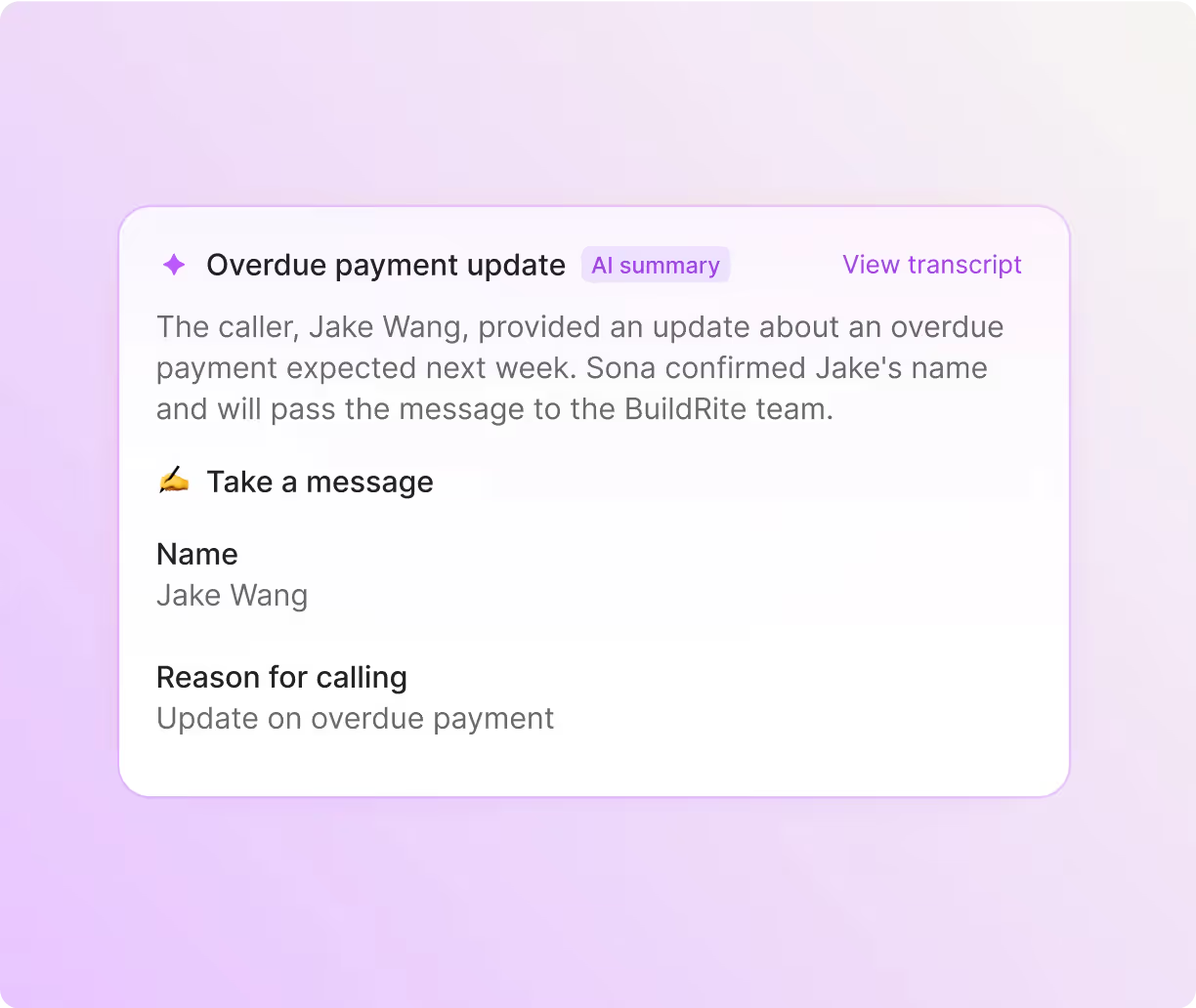
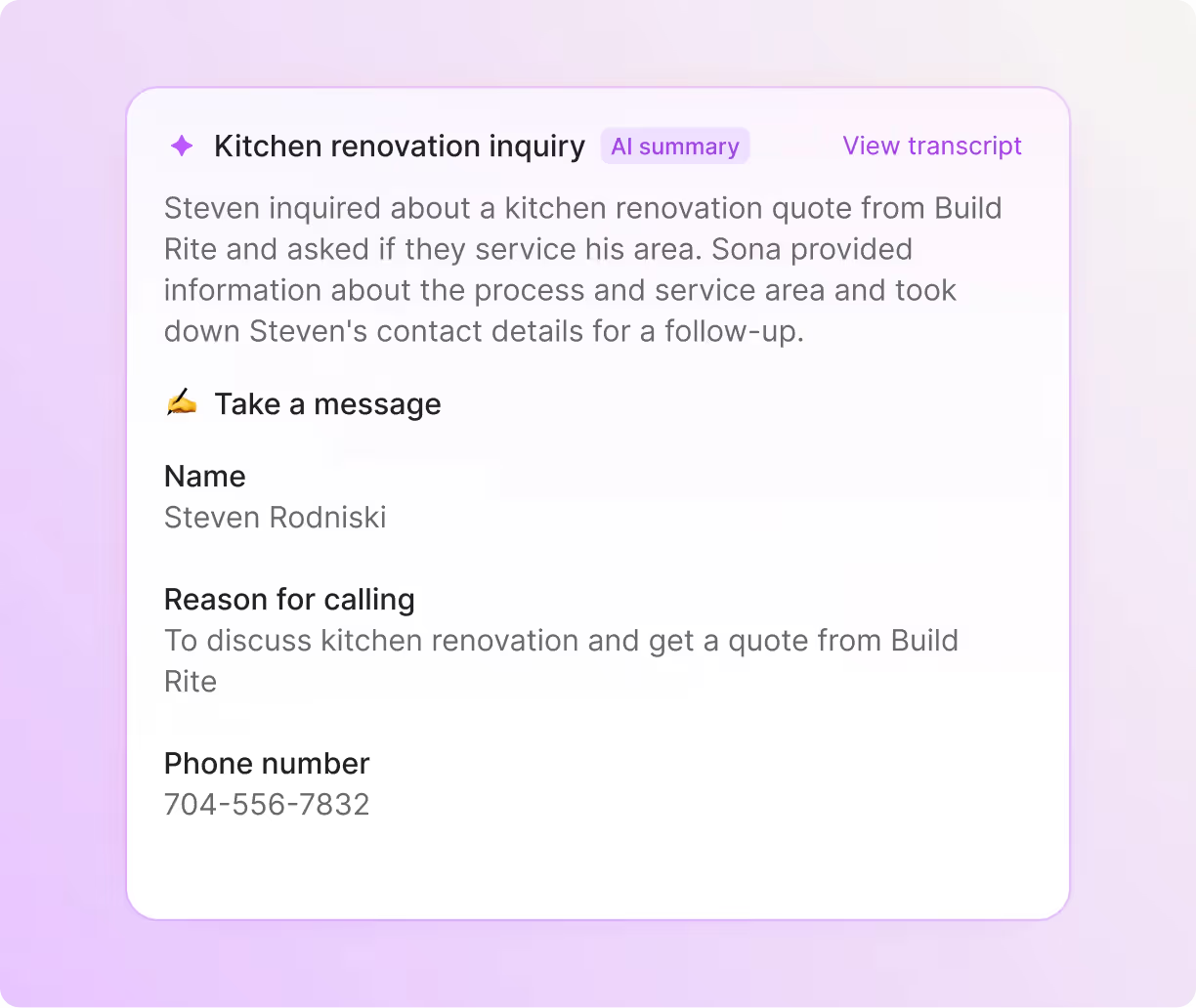
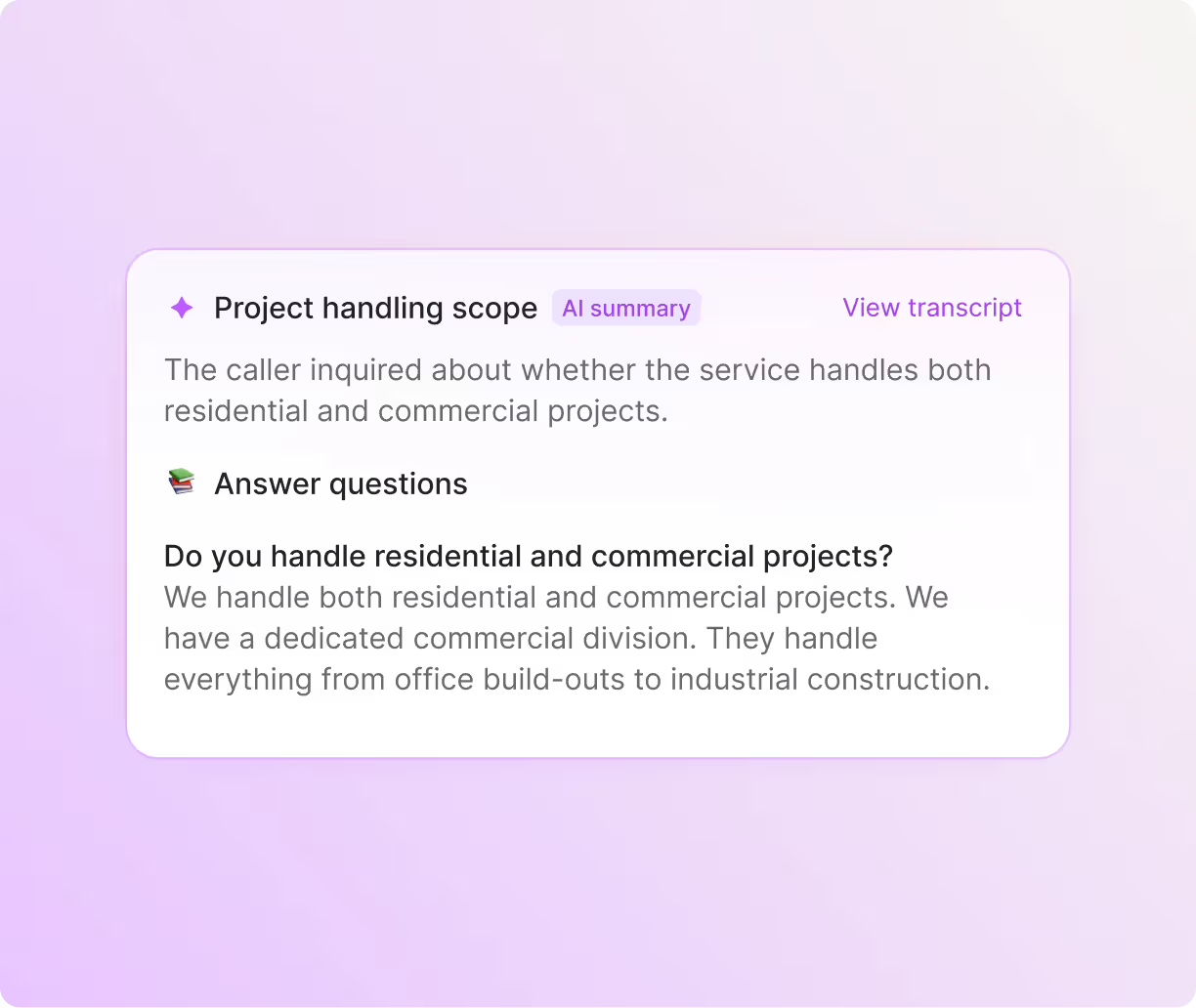
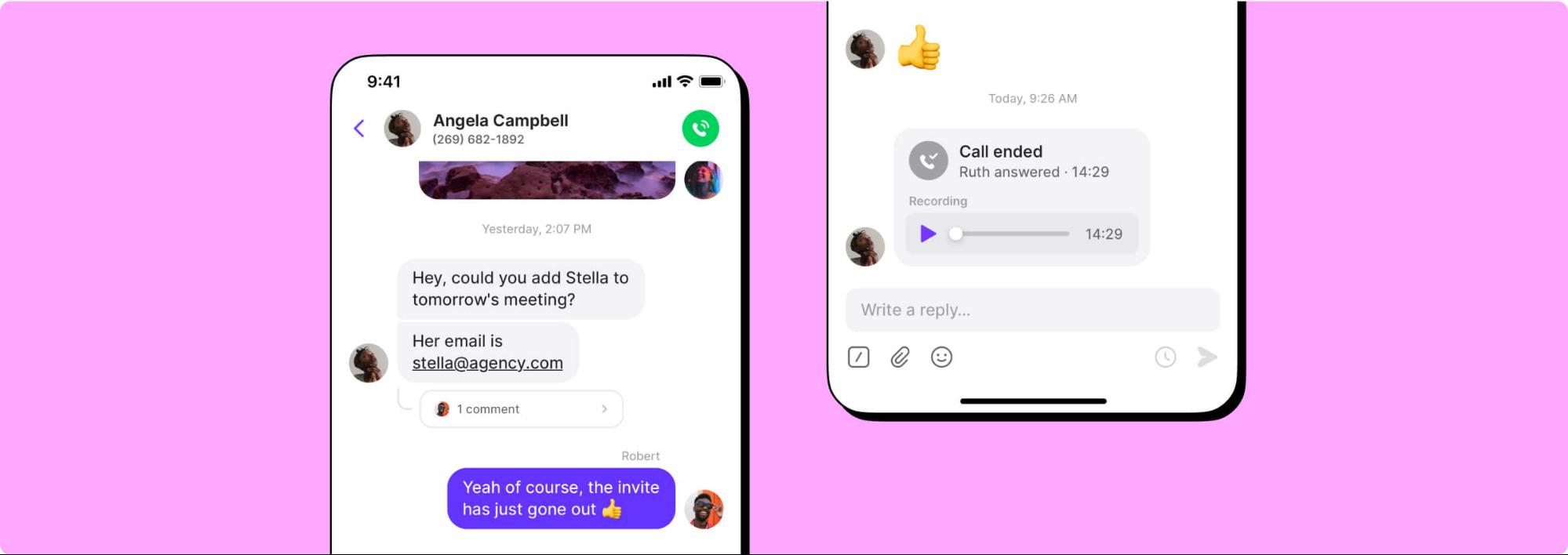
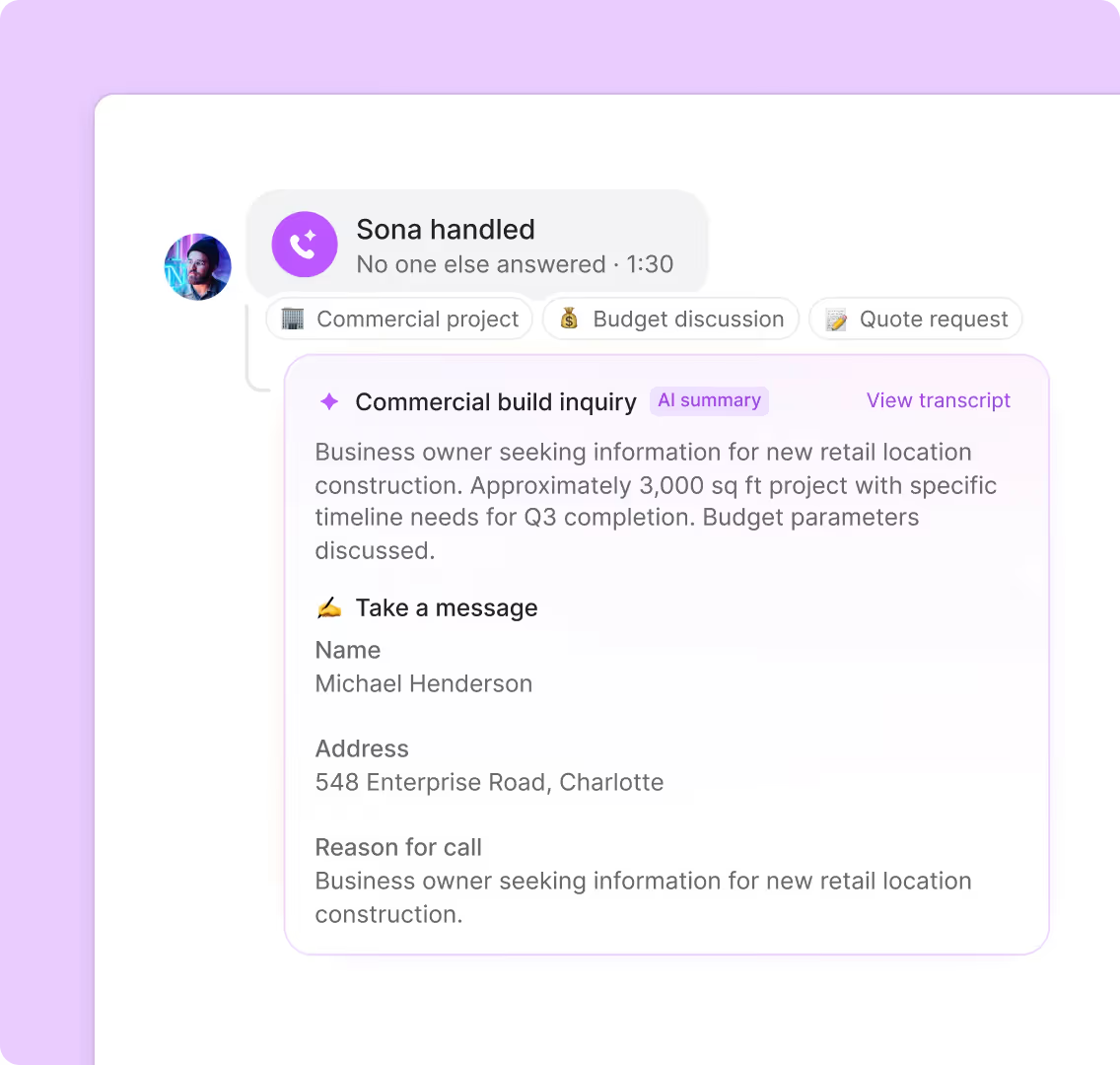
With automatic call recording and AI-powered call summaries and transcripts, every project conversation is recorded and transcribed. You can pay more attention to your clients instead of manually taking notes. With AI call tags, you can identify ongoing trends based on what customers tell you. Use AI to analyze your phone calls and gain insights that are instantly actionable.
Connect Quo with the rest of your tech stack. Sync calls, texts, recordings, summaries, and more with your CRM. Use our HubSpot, Salesforce, and Jobber integrations, or build a custom integration with the Quo API.
Call and text from anywhere on any device
Whether you're in the office, at a job site, or visiting a client, Quo travels with you. Your team members can use our apps on their preferred devices, no custom hardware required.
Access Quo on a Mac, Windows, iOS, Android, or the web. All you need is an internet connection to get started.


.svg)







.svg)