Get a number and give access to anyone at your accounting firm
Get as many numbers as your firm needs with Quo. Select from local US or Canadian phone numbers and North American toll-free numbers for your business.
If your firm provides service for clients in multiple states, build trust with local clients when you get phone numbers with specific area codes. Or if you need an overarching number that appeals to a broader customer base, you can use a toll-free number.
Quo plans include a unique phone number for each user who joins your workspace. Your team members can have individual numbers or you can share numbers and give access to everyone at your firm. Additional numbers cost just $5 per number per month.
Call handling made easy
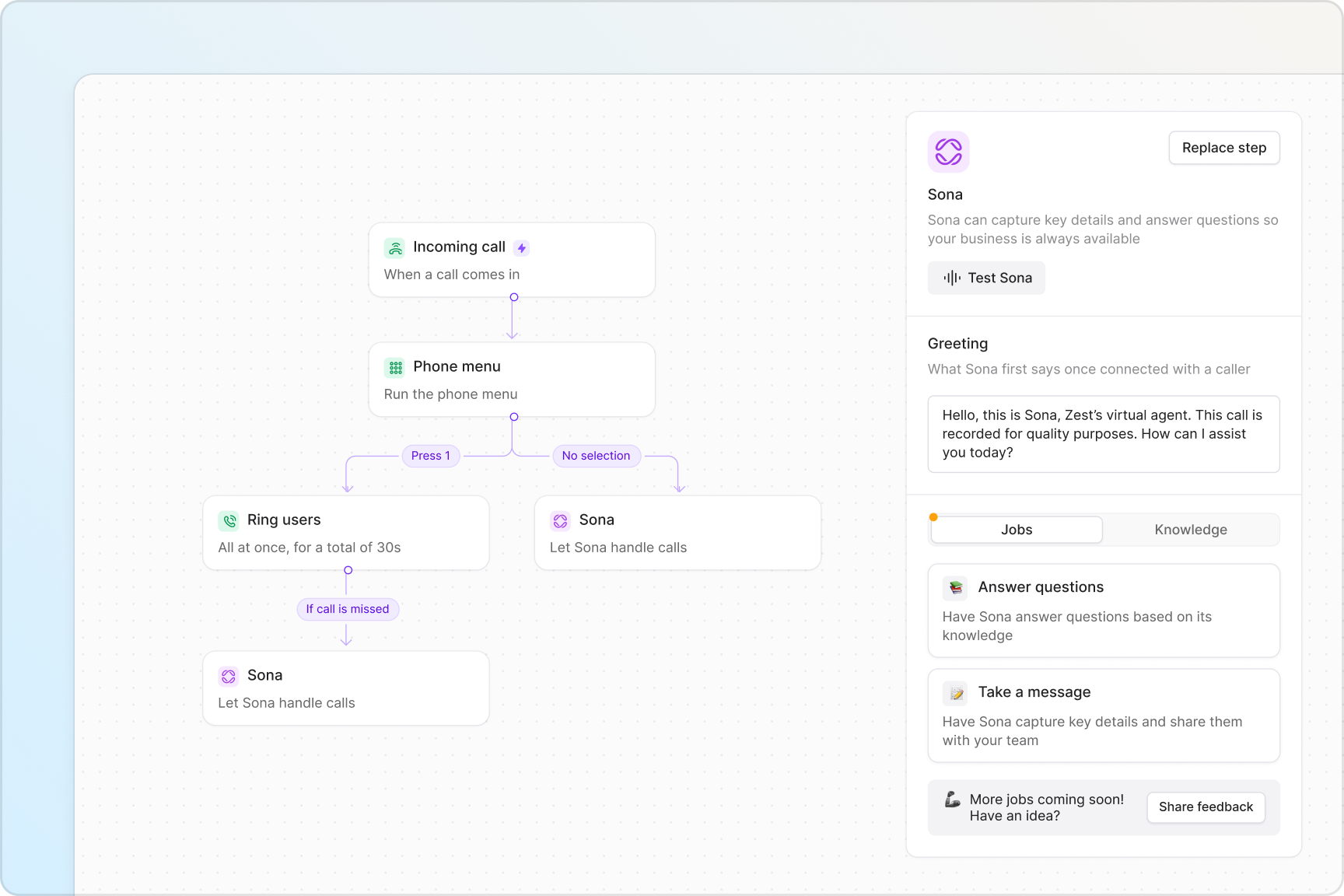
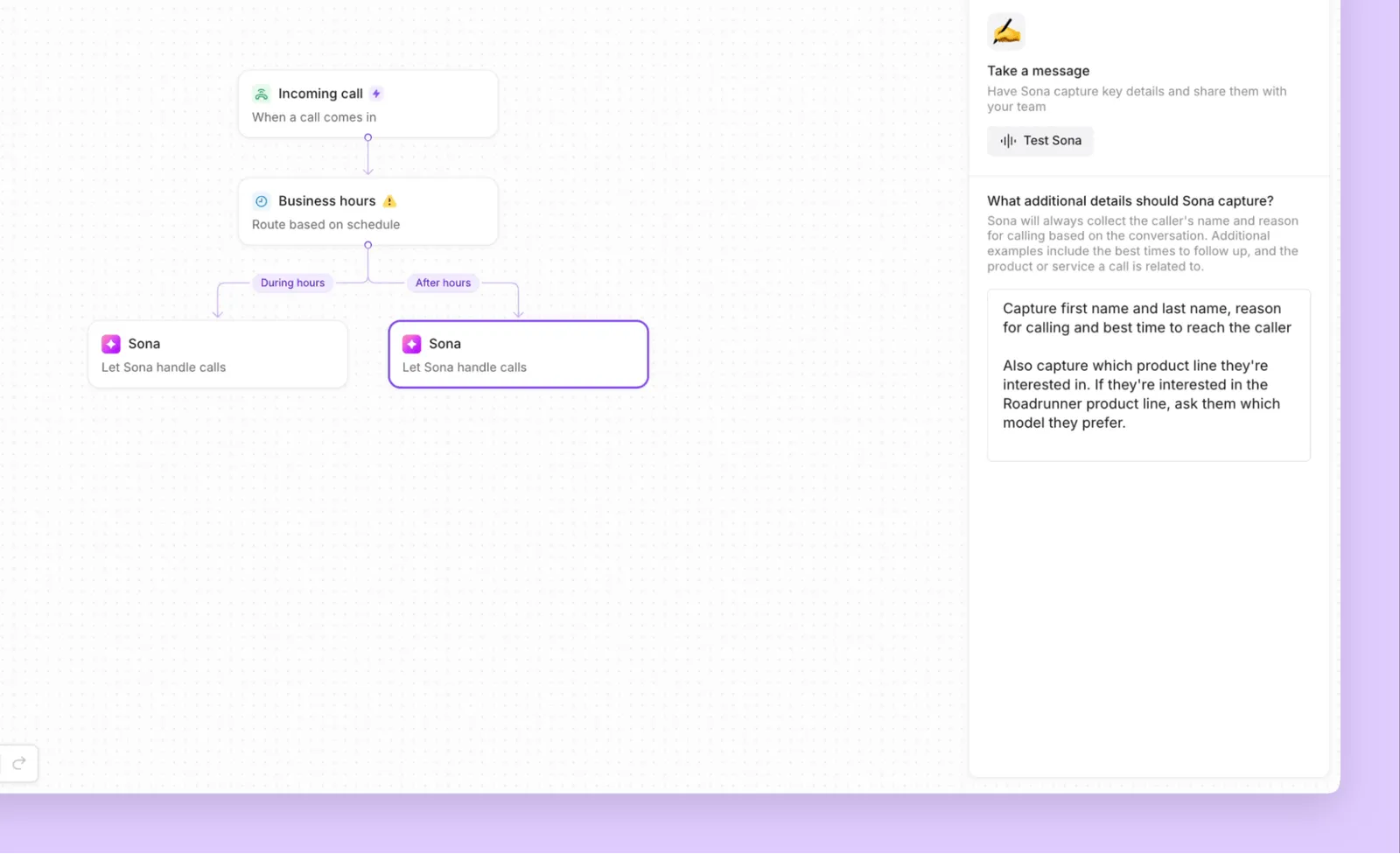
Manage incoming calls easily, at any call volume, with Quo. Set up flexible call flows during business hours and after hours with our call flow builder. Modify call flow steps in our drag-and-drop visual canvas.
Choose how you want client calls to reach your team, either simultaneous incoming call notifications or in custom batches, with ring order. Give your clients self-serve navigation options to different departments with phone menus. Direct emergency phone calls to a secondary number with our call forwarding options.
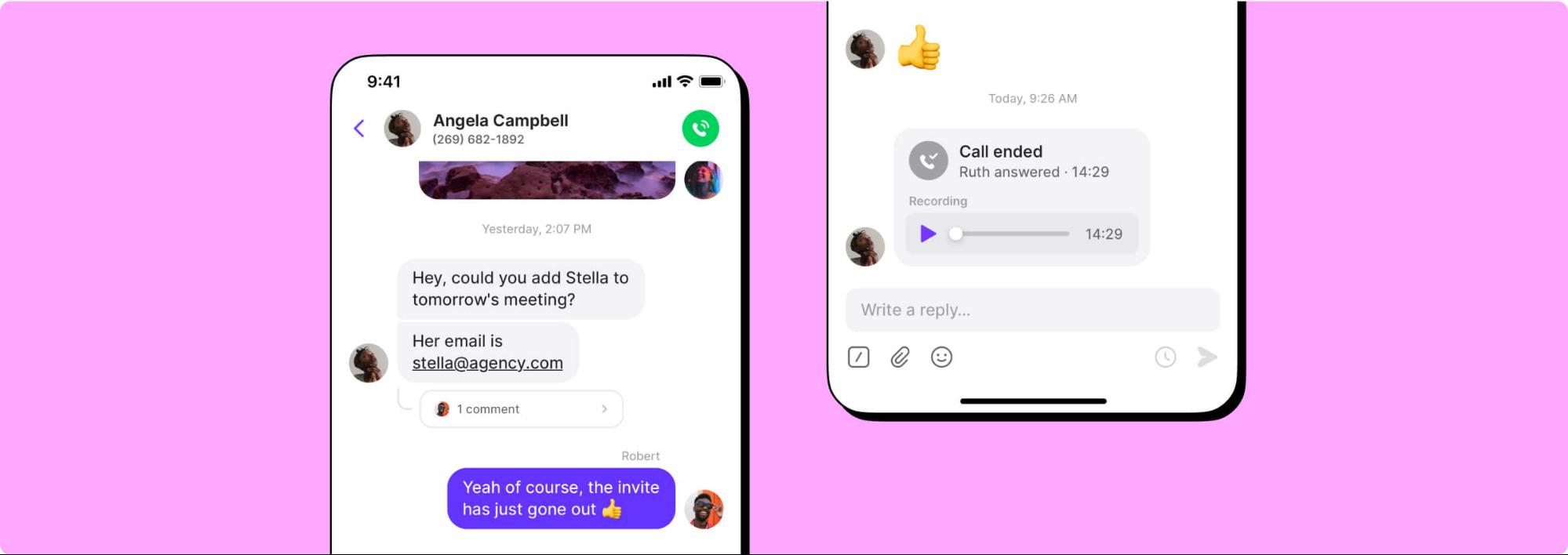
Need to transfer customer calls to a colleague or another department? Warm call transfers help you share the right amount of context with your team when you transfer live calls.
Collaborate better with your team
Handle client relationships as a team with Quo. Split responsibility for inbound calls and texts with shared numbers. View all your customer interactions in one place — calls, texts, voicemails, call recordings, and more — with shared inboxes.
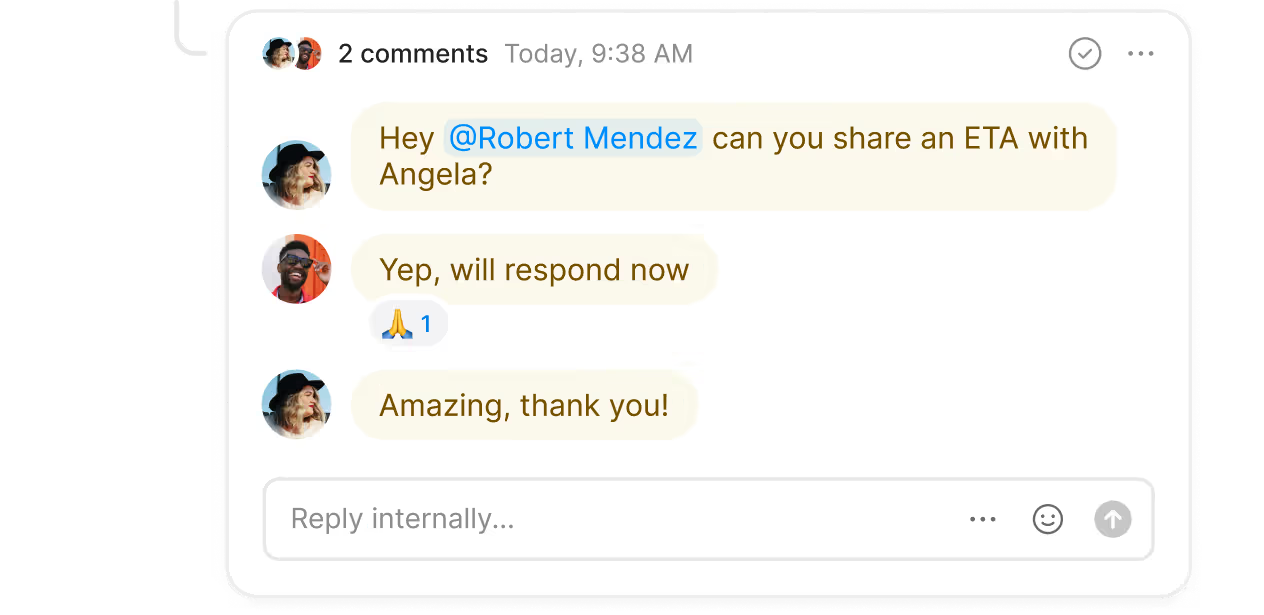
Troubleshoot client issues in real time and assign follow-up tasks with internal threads. Check whether a teammate is caught up on a particular interaction with inbox viewers.
Say goodbye to repetitive admin work
Focus on bookkeeping, tax preparation, and other financial services for your clients, not repetitive administrative tasks.
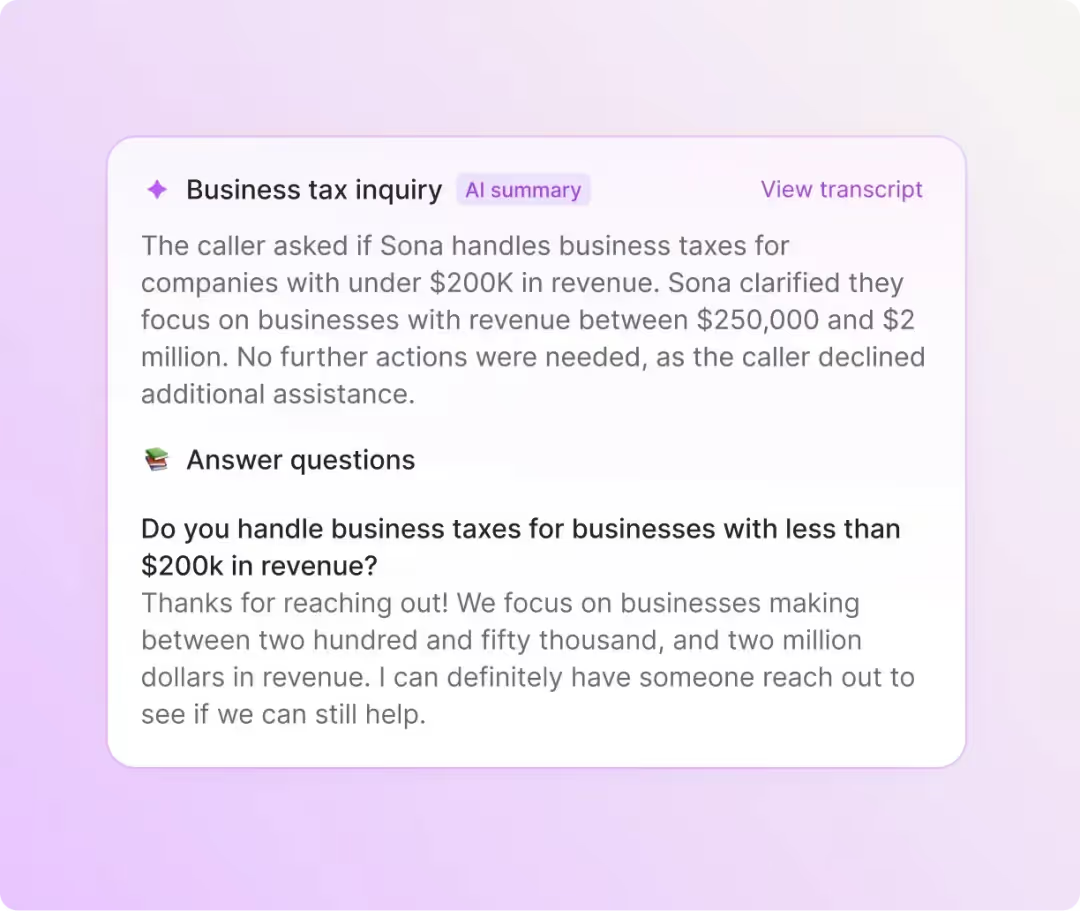
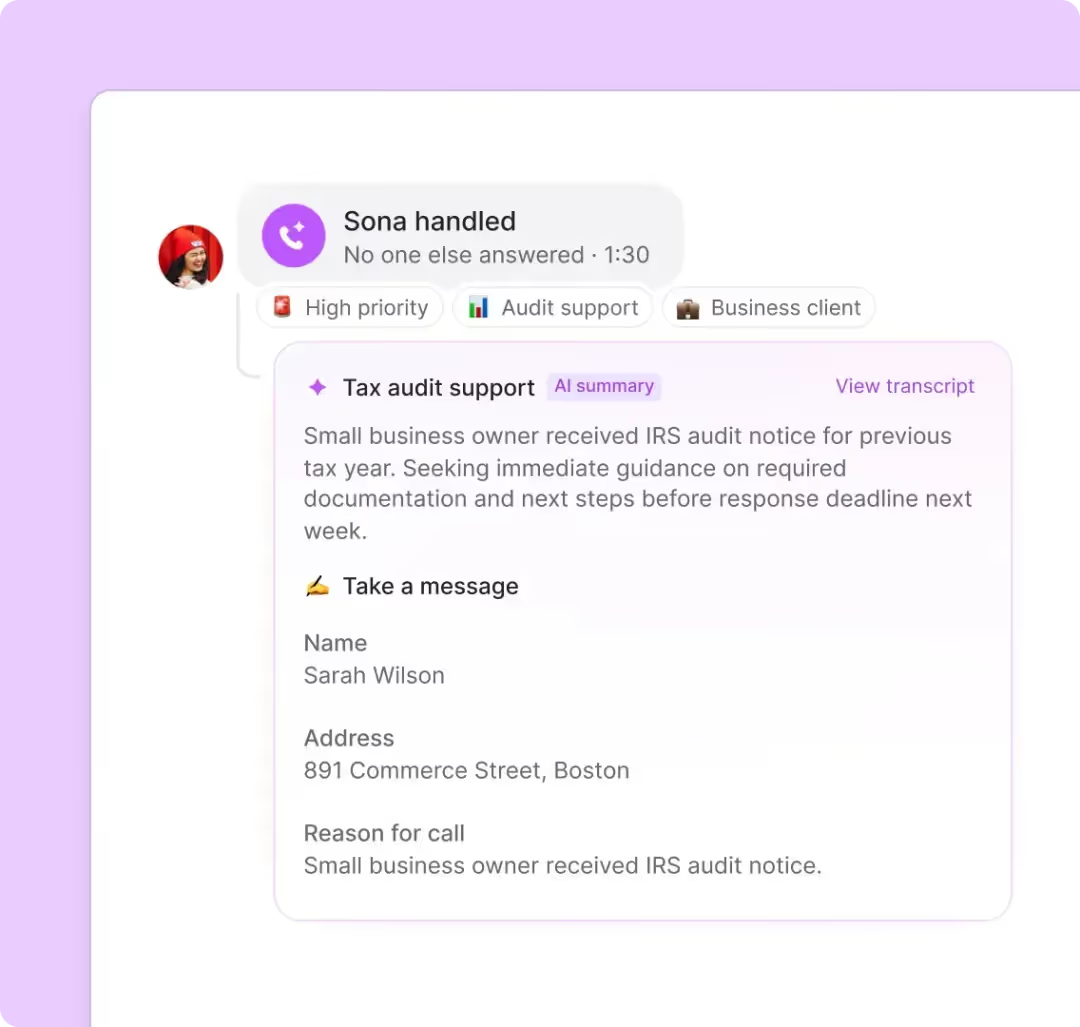
Record calls automatically and generate AI-powered call summaries and transcriptions for every call so you can keep track of every client's specifications. With AI call tags, you can use AI to analyze phone calls and gain business insights based on what clients share with you.
Another admin task you can automate in Quo: CRM logging. Automatically log your calls and texts in your CRM with our third-party integrations — connect directly to HubSpot and Salesforce or build a custom integration with our Zapier and Make integrations. If you really want to customize your third-party integrations, you can go even further with the Quo API.
Text smarter with our advanced messaging features
Always send the right text message at the right time with Quo. Send SMS and MMS messages to your clients. Schedule replies to customers to remind them to provide any outstanding information you need to file their taxes with scheduled messages. Answer common questions quickly with pre-written text templates, also known as snippets.
Do more with less and scale your texting capabilities with Quo's automated text workflows. Schedule appointments and send confirmations and reminders automatically with our Zapier and Make integrations.
Easily update your business phone settings during tax season
Phone ringing off the hook during tax season? Quo has you covered.
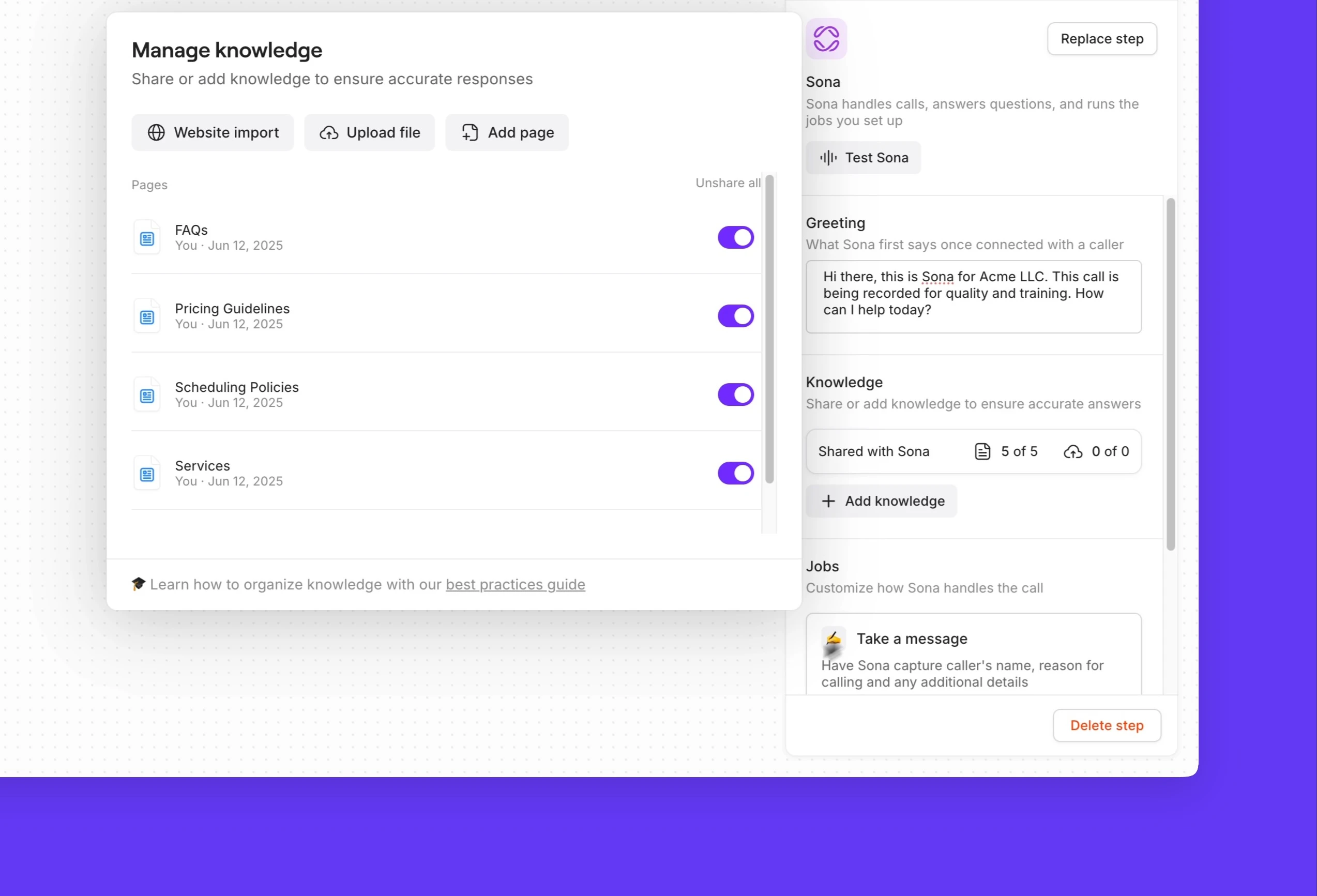
With SMS auto-replies, you can automatically text customers when you're busy or unavailable and let them know when you'll get back to them. You can also create a custom audio message when clients call your number to set expectations about high call volumes. Add Sona as an option to take messages from clients so that you can effectively triage your inbound calls and prioritize your callbacks.
Call and text from anywhere
Client communication doesn't just have to happen in the office. Quo's apps are available on every platform, including Mac, Windows, iOS, Android, and the web. Your team can use their preferred devices to communicate with customers — all they need is an internet connection to get started.


.svg)







.svg)