Get a phone number for every team member
Scale your contractor business with flexible phone number options. Choose local US or Canadian phone numbers to build trust in your service areas or North American toll-free numbers for a professional, nationwide presence.
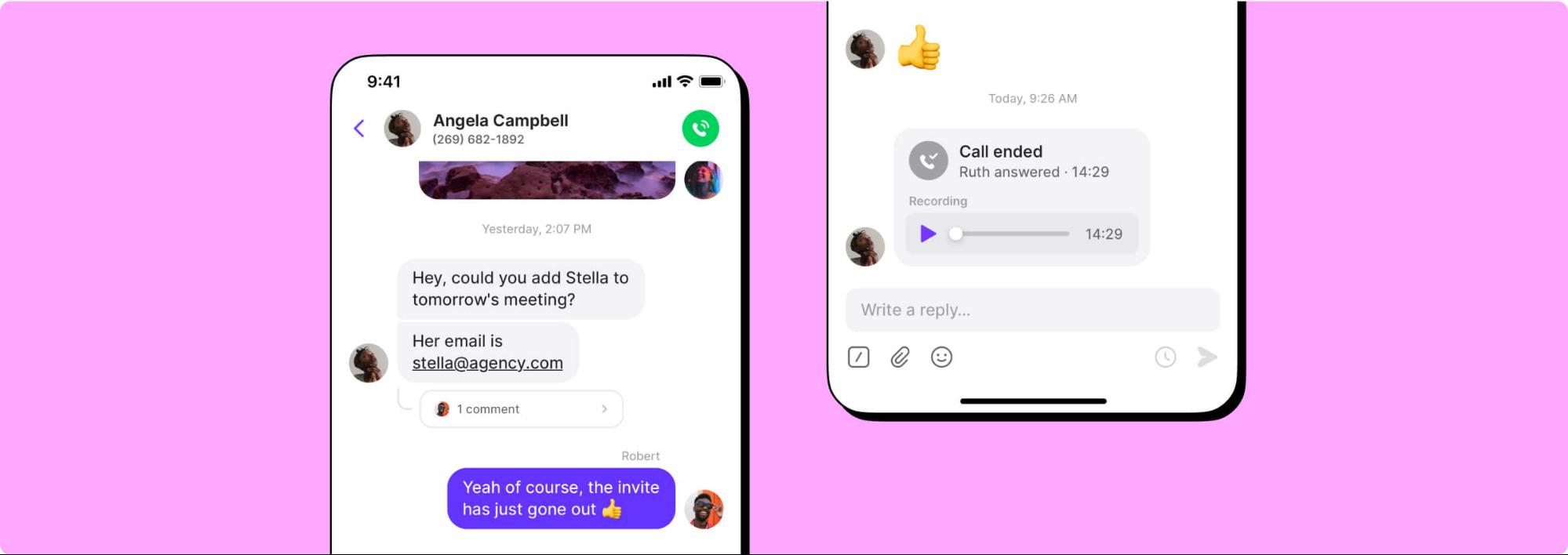
Every Quo plan includes a dedicated number for each user. Share numbers across departments — like having one number for your electrical division and another for plumbing.
Adding new numbers costs $5 per number per month, making it easy to expand as you take on more projects or enter new regions.
Collaborate better with your team
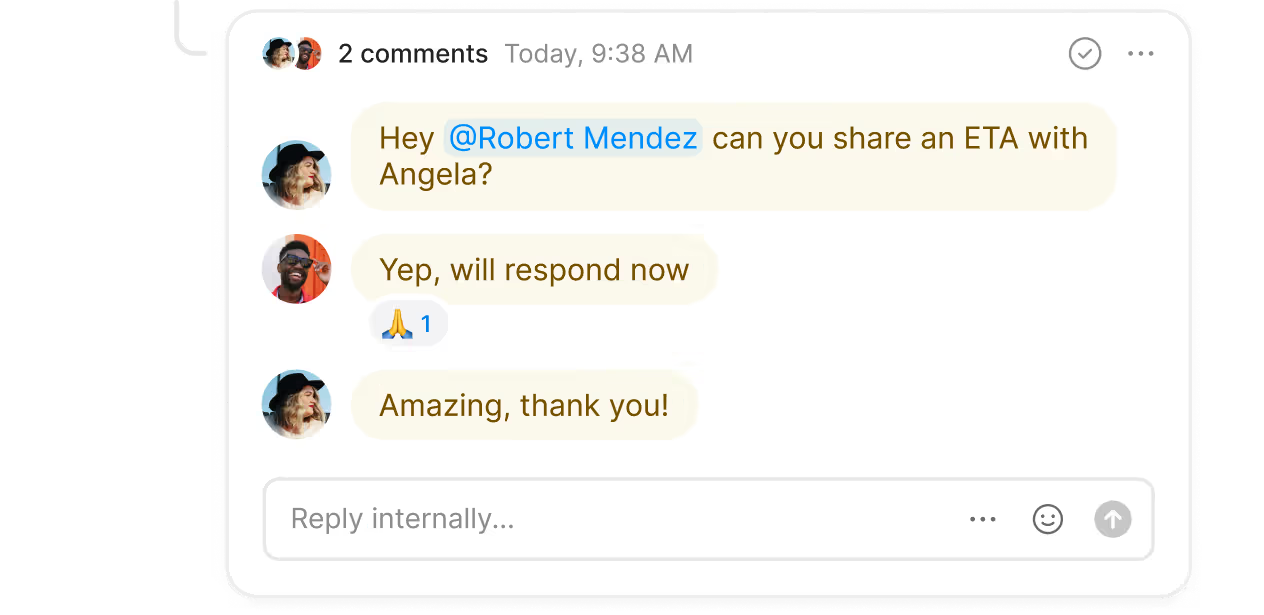
Keep your entire crew on the same page with Quo's collaboration features. Split responsibility for urgent incoming phone calls and texts with shared numbers. Give your team visibility into customer conversations with shared inboxes, especially when you need to hand off a project to a new team lead.
Work through project updates and assign follow-up tasks to team members with internal threads. Tag specific team members to address inquiries related to their area of expertise and check to see if they're caught up with inbox viewers.
Call handling made easy
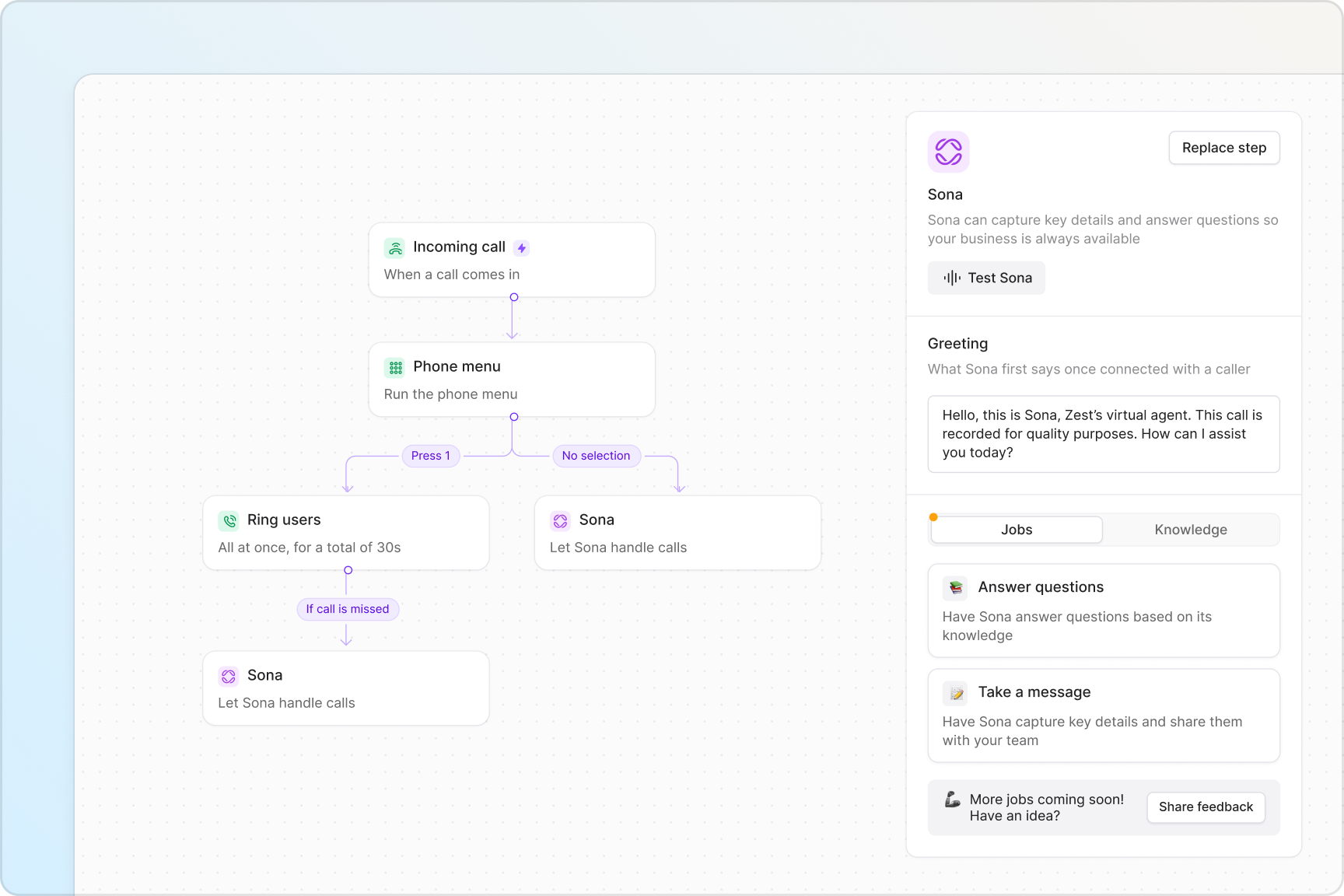
Manage incoming calls with ease using Quo. Create custom call flows with no technical expertise using Quo's visual call flow builder. Our drag-and-drop interface lets you see exactly how calls move through your system and make instant adjustments as your business grows.
Route calls intelligently to ensure every customer reaches the right person. Set up ring groups so calls go to available team members simultaneously or in a specific ring order. Create phone menus that let callers choose between departments — for example, press 1 for new projects, 2 for ongoing work, or 3 for emergencies.
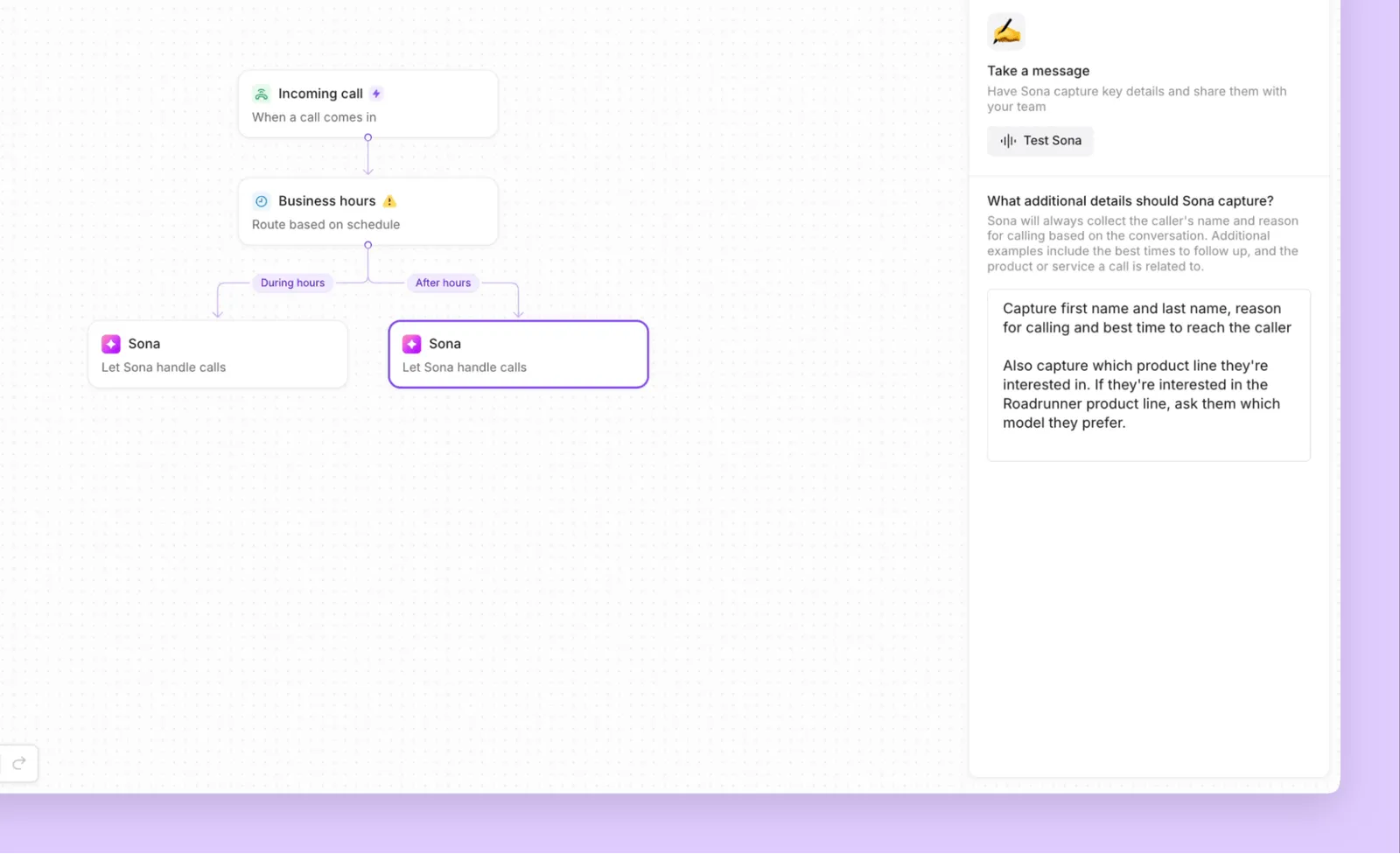
Forward after-hours emergency calls to your on-call contractor, and use customizable business hours to automatically adjust routing based on your schedule. And with warm transfers, our team can transfer calls with full context, ensuring customers never have to repeat themselves when speaking with different crew members.
Make appointment scheduling as easy as texting
Communicate efficiently with clients with business text messaging.
With our automated text messaging workflows, you can send more messages in less time to clients. Build automated workflows with Zapier or Make to send appointment confirmations, reminders, payment requests, and more — all without manual intervention.
Send photos and videos of project updates or completed work with MMS messaging. Set up SMS auto-replies to acknowledge inquiries when your team is on job sites and schedule texts to reach clients at convenient times with scheduled messages. Use text templates (snippets) to quickly respond to common questions.
Automate repetitive admin tasks
Focus on your ongoing projects — let Quo take care of your administrative tasks.
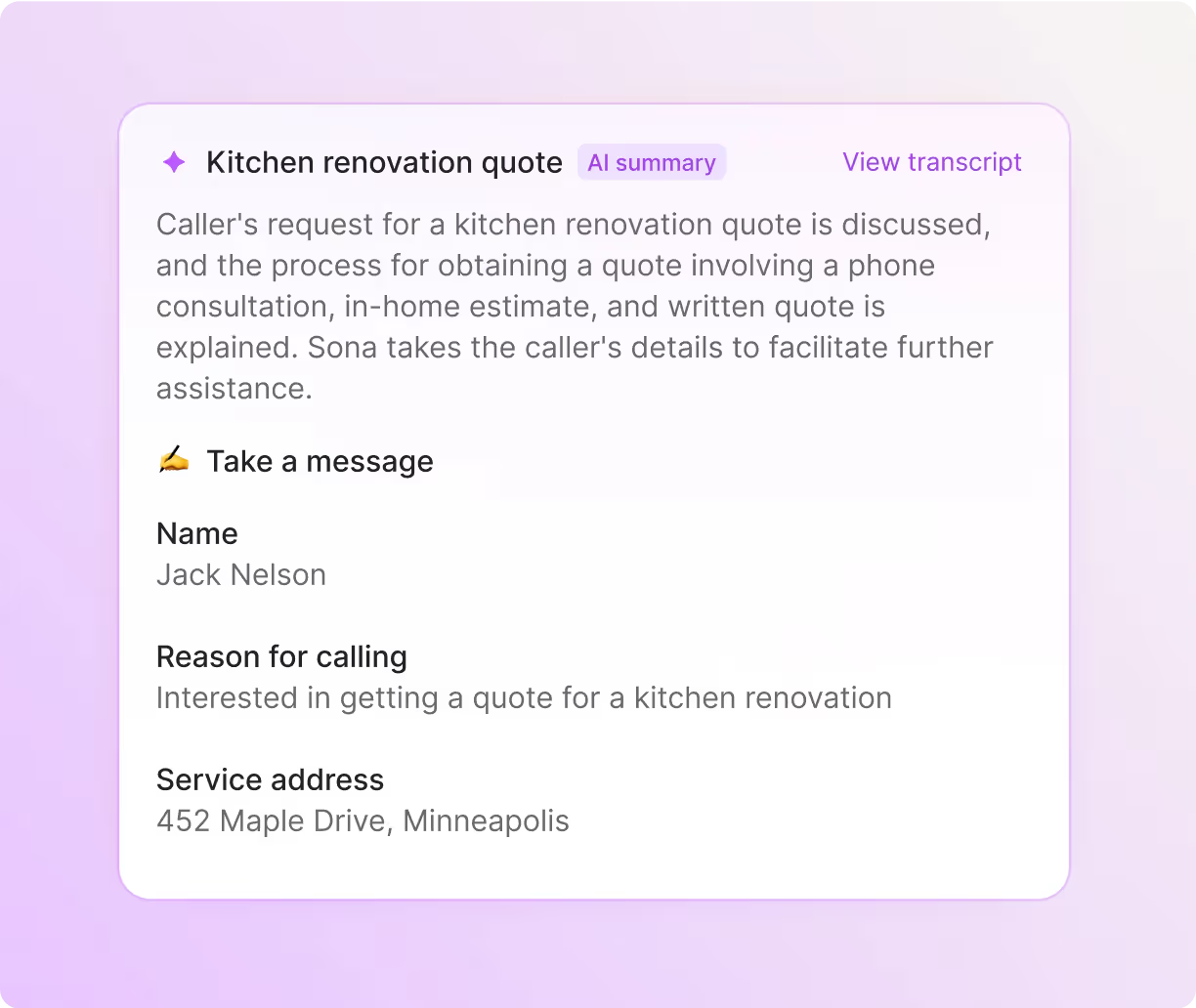
Automatically record your calls and generate instant AI-powered call summaries and transcripts. Call recordings and transcripts are useful to have for lengthy projects to keep track of your customer requests and resolve disputes that may arise.
Get business insights based on what customers are telling you over time with our AI tools for contractors. Use AI to analyze phone calls with AI call tags. Call tags are also a valuable resource to help you prioritize which customers need your attention the most.
Dedicated Jobber integration
Streamline your workflow with Quo's native Jobber integration.
Automatically capture new leads from calls and texts and sync them directly into Jobber, complete with contact information and project details. Call summaries and transcripts sync seamlessly, giving your team full context when following up on estimates or scheduling work.
Call and text from anywhere
Whether your team is at the office, on a job site, or driving between projects, Quo keeps them connected. Available on Mac, Windows, iOS, Android, and web browsers, your crew can use Quo to make calls and send texts from any device with just an internet connection.
Field technicians can update customers on project progress without sharing personal numbers, while your office staff can take calls from their computers. Everything syncs in real time, so switching between devices never disrupts your workflow.


.svg)







.svg)