Share dedicated numbers for your chiropractic office
Give everyone in your office their own phone number. Build trust with patients using local US or Canadian phone numbers or offer professional region-wide customer support with a North American toll-free number.
Every Quo plan includes a dedicated number for each team member on your account. Share numbers for specific departments, depending on your practice specializations. As your practice grows, Quo grows with you. Add new numbers for just $5 per month each.
Collaborate better with your team
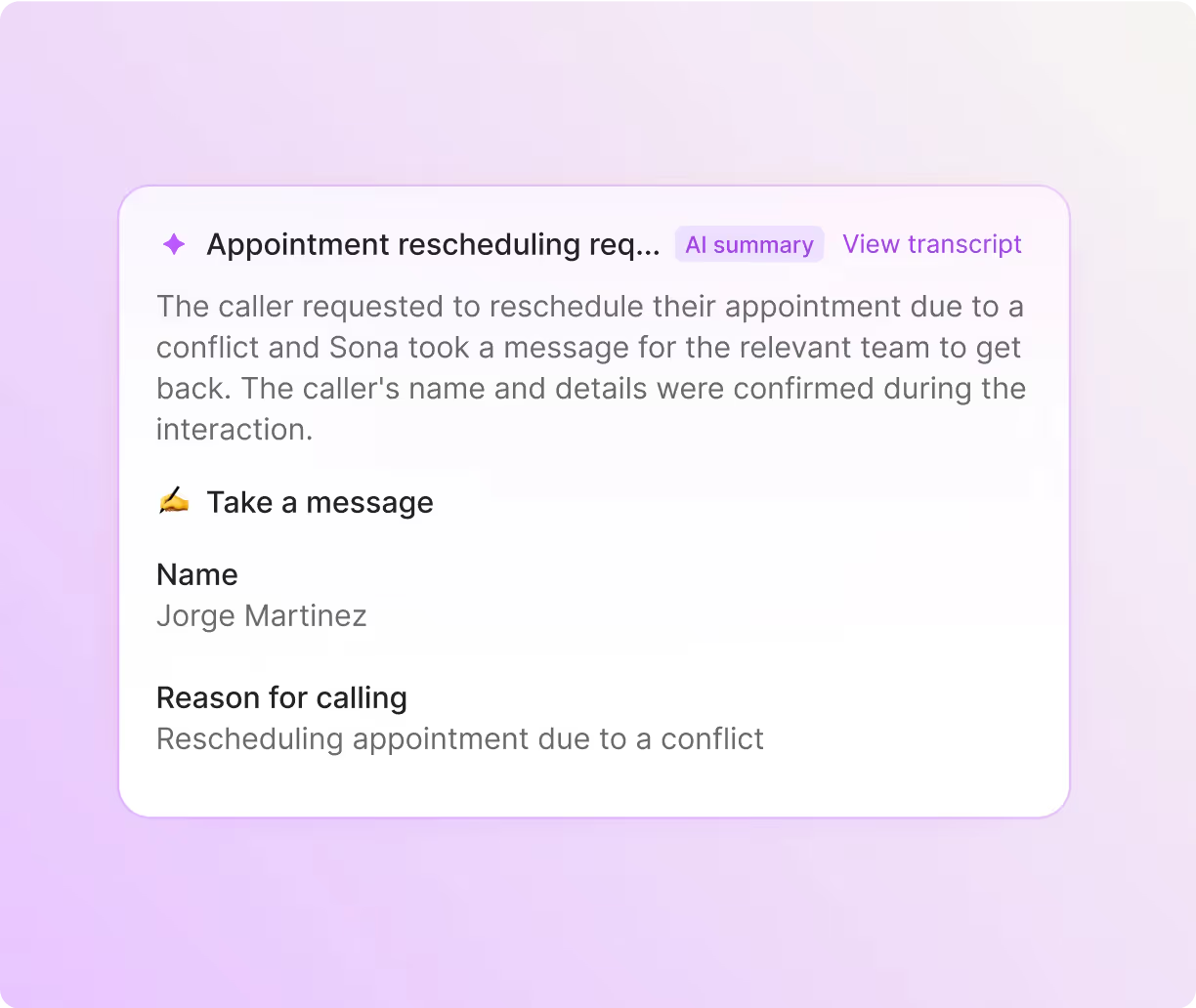
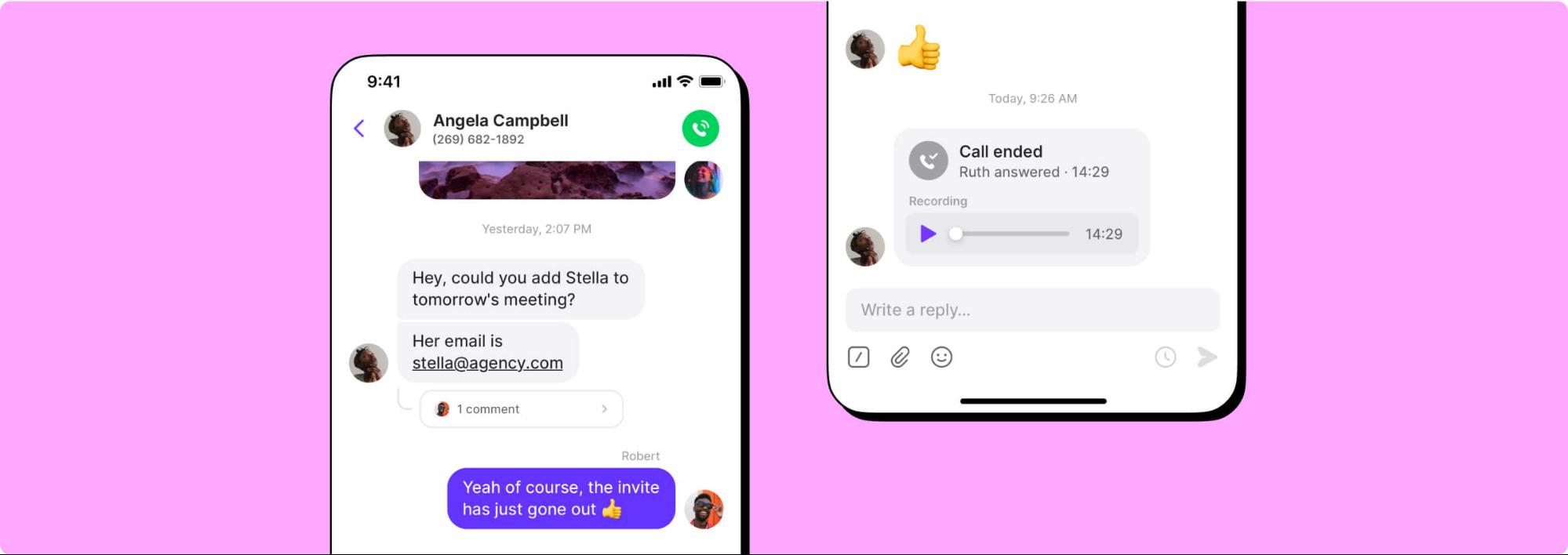
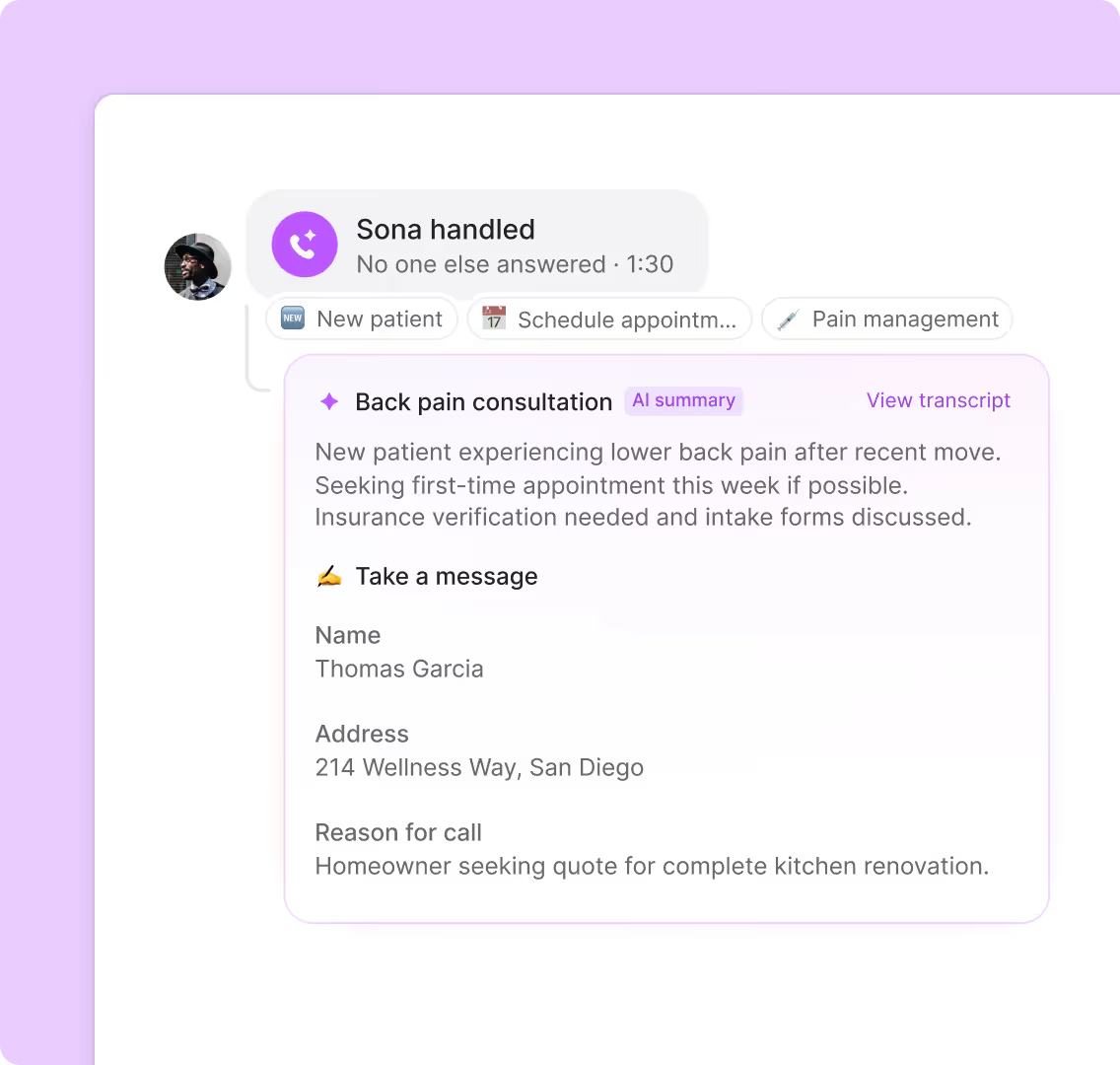
Keep your entire practice aligned with Quo's collaboration features. Split responsibility for incoming calls and texts with shared numbers. See conversation history, including texts, call summaries, and voicemails, across the team and ensure seamless patient care even when a staff member is on leave.
Sync patient interactions to your practice management system or CRM in real time — use our native HubSpot and Salesforce integrations or build a custom integration with Zapier, Make, or the Quo API.
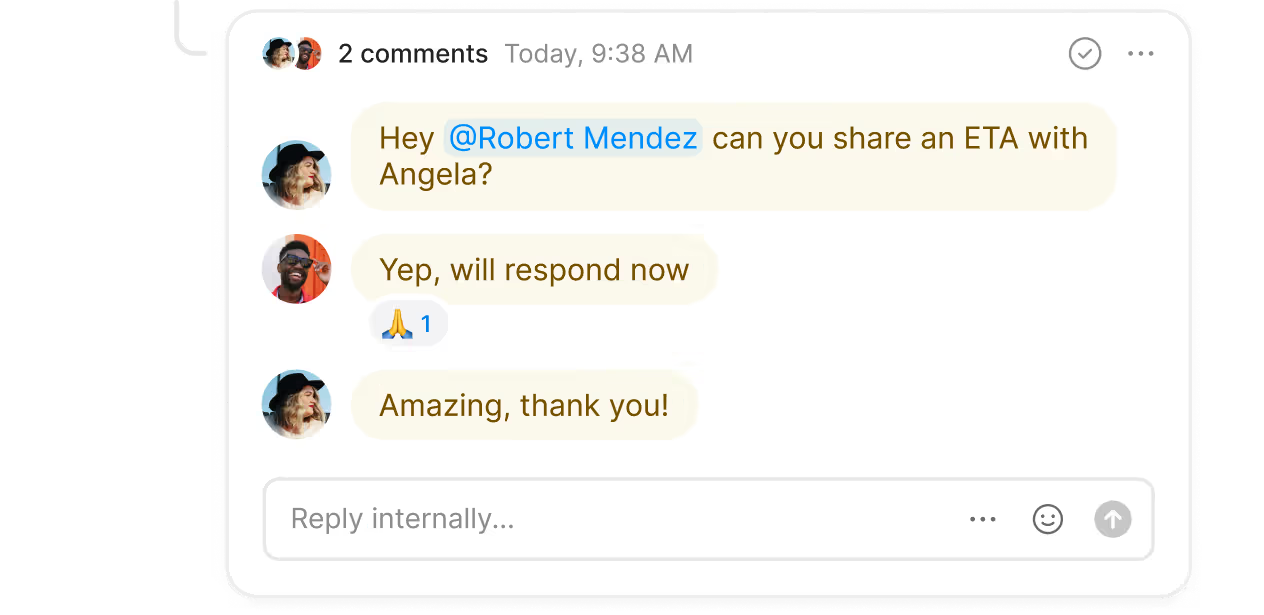
Need help with a patient request or want to assign follow-up tasks to another team member? Use internal threads and tag teammates right next to a conversation. They're private and can only be seen by your colleagues, not your patients. With inbox viewers, you can track which team members have reviewed conversations you've tagged them in.
Call handling made easy
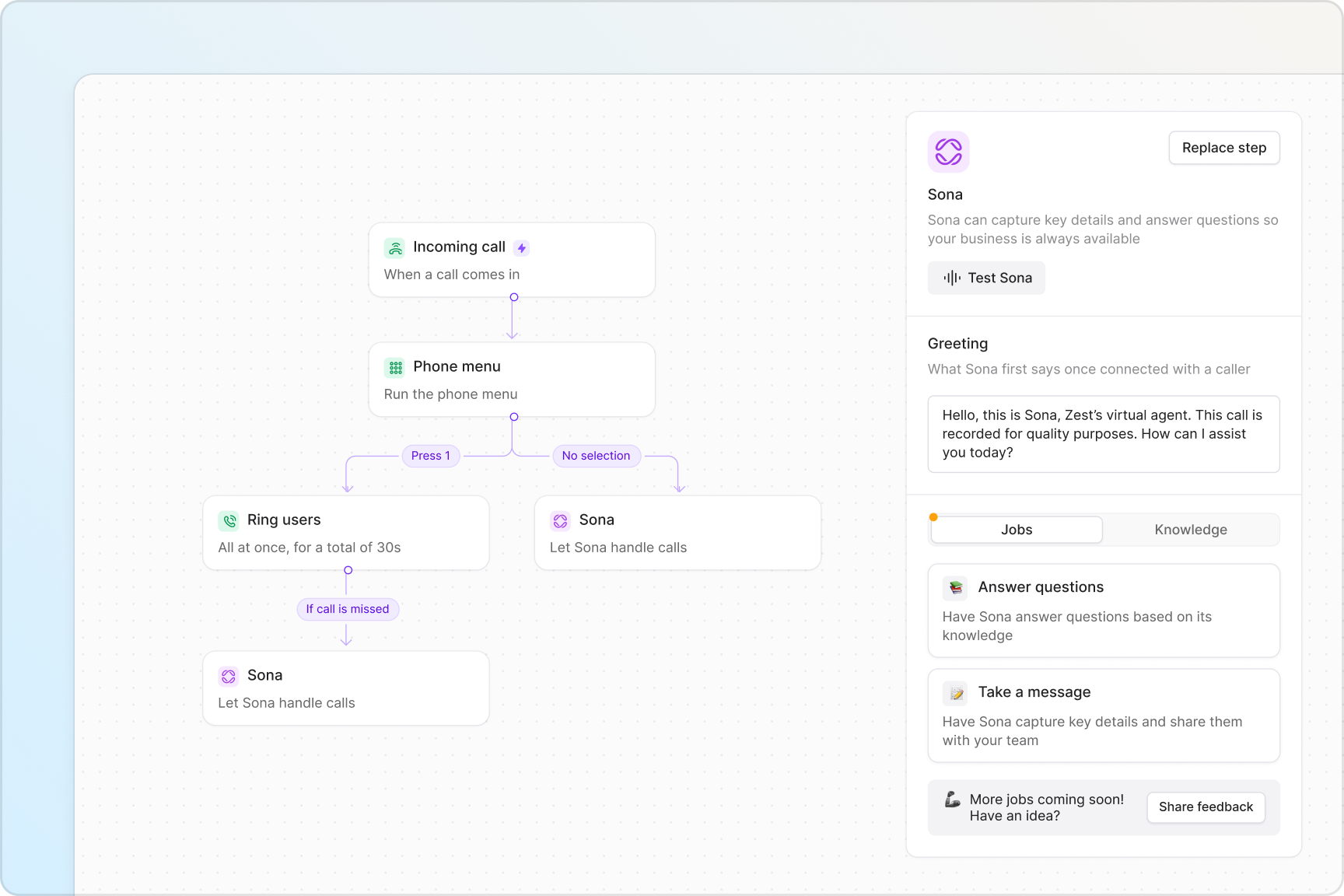
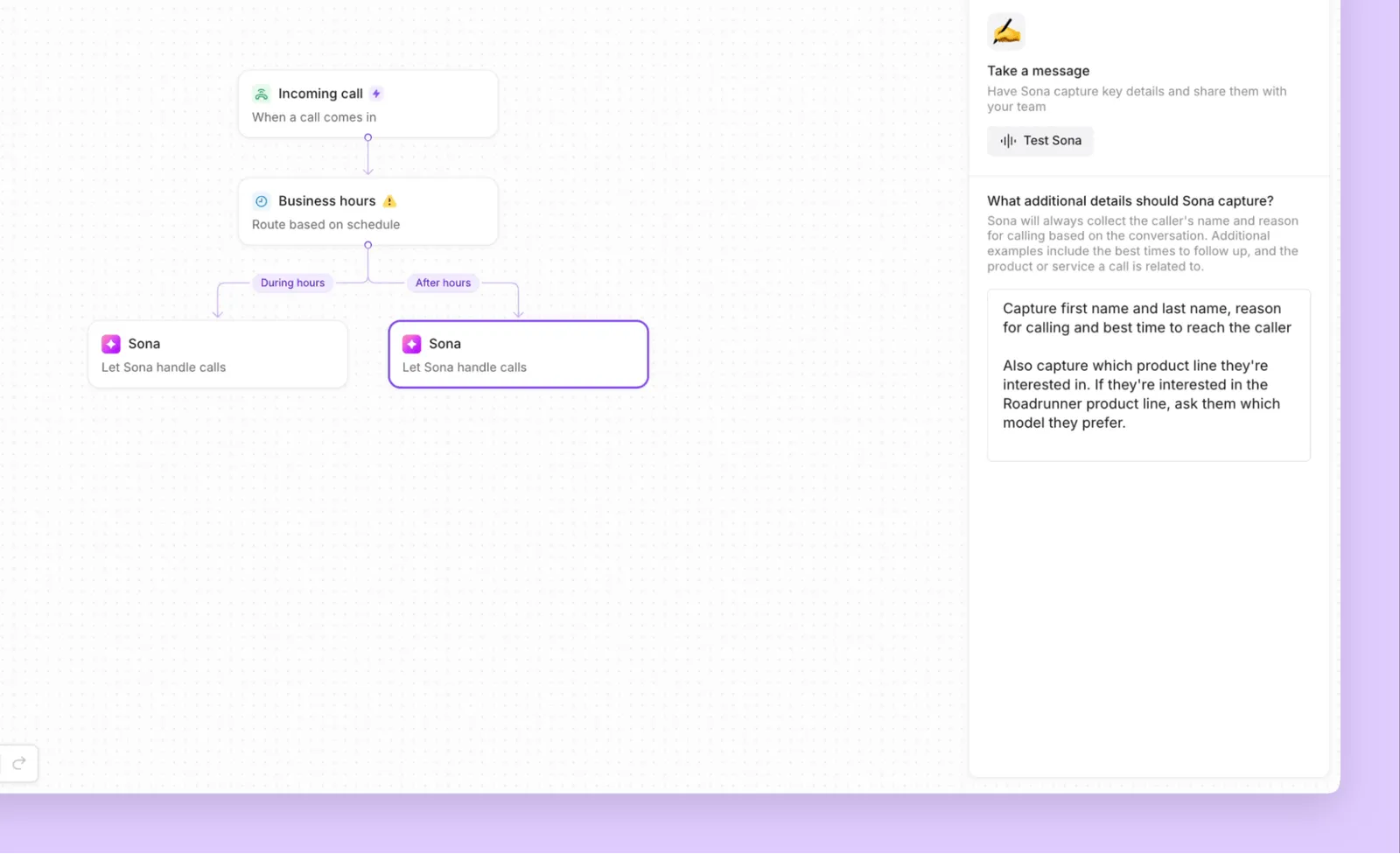
Handle incoming calls smoothly with Quo. Create custom call flows with our visual call flow builder. Drag and drop call flow steps into the builder's canvas and get a clear view of your call routes, both during business hours and after hours.
Get access to powerful business phone features that are easy to use. Customize how you send incoming calls to your team, either at the same time or in custom call batches, with ring groups. Set up phone menus that let patients navigate to specific departments or people on your team. Route emergency phone calls to a secondary number with our call forwarding options.
Transfer calls to your colleagues with the right amount of context using warm transfers. Provide a smooth handoff to your patients so they don't have to repeat themselves.
Put healthcare appointment scheduling on autopilot
Manage appointments more efficiently with Quo's text messaging capabilities. Build text workflows with our Zapier or Make integrations that automatically send appointment confirmation texts when bookings are made, reminders 24 hours before visits, and follow-up care instructions after appointments.
Set up SMS auto-replies for common scenarios. For example, when patients text after hours, instantly acknowledge their message and let them know when to expect a response. Use text templates (snippets) to answer common questions, like directions to your office, parking information, or new patient paperwork reminders.
Want to provide even more care to patients between visits? Share exercise tutorials your patients can follow at home. With Quo's MMS messaging, you can easily send photo and video tutorials to your patients.
Call and text from anywhere
Stay connected with patients, whether you're at your practice, making home visits, or attending a conference. Quo is available for Mac, Windows, iOS, Android, and web browsers.
Your team can make calls and send texts from anywhere with an internet connection. Your front desk staff can manage patient scheduling on their computers, and chiropractors can confirm availability over their mobile devices.


.svg)







.svg)