Get a number for every team member
Add as many phone numbers as you need with Quo. You can choose between local US or Canadian phone numbers or North American toll-free numbers.
Give each of your technicians a dedicated number with local area codes. Local numbers help you build trust with customers when your team needs to coordinate with them during service calls. With dedicated business numbers, your team can distinguish between personal and work calls on their phone and tailor conversations accordingly.
Operate in multiple cities? Offer a dedicated customer support option with a toll-free number. You can choose your preferred toll-free prefix or a custom vanity number to stand out from the competition.
Every Quo plan includes one unique phone number for each team member. Need additional numbers? Add them for just $5 per number per month. Give technicians individual direct numbers or create shared department numbers for scheduling, emergency calls, or new customer inquiries.
Foster stronger team collaboration
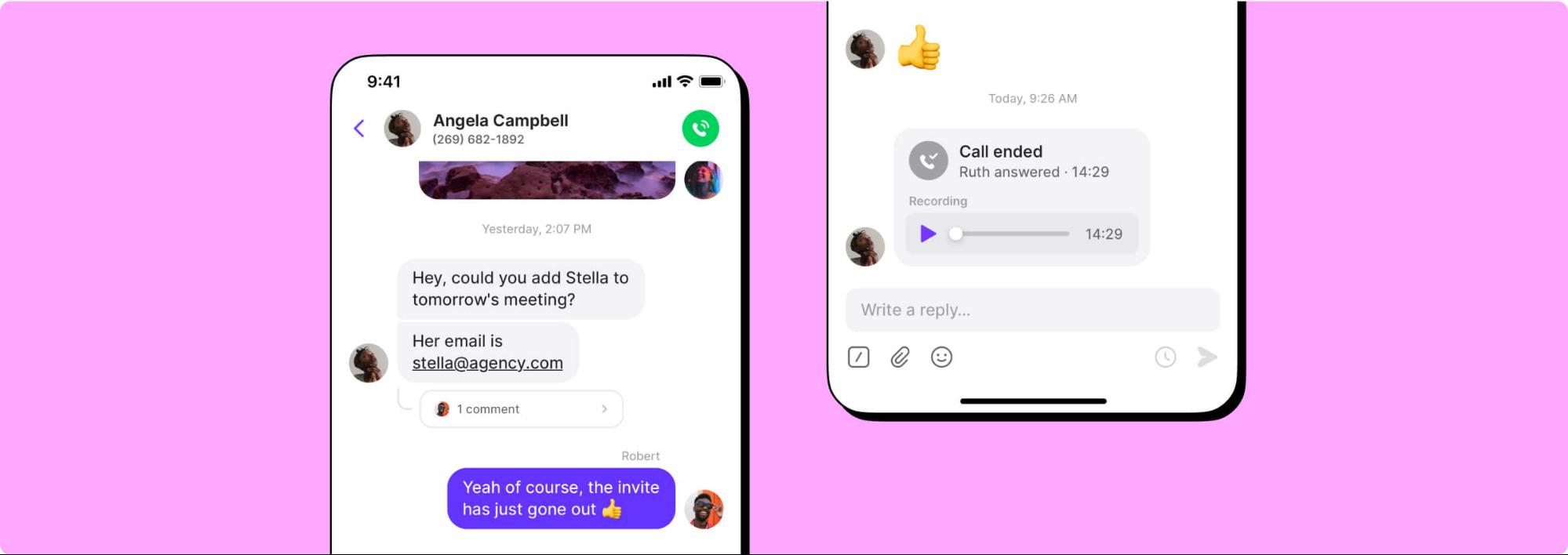
Keep your entire team aligned with Quo's collaboration features. Split responsibility for incoming calls and texts so you can cut down on response times and unanswered messages with shared numbers. See every customer's conversation history so you have their initial conversation request or their most recent service date with shared inboxes.
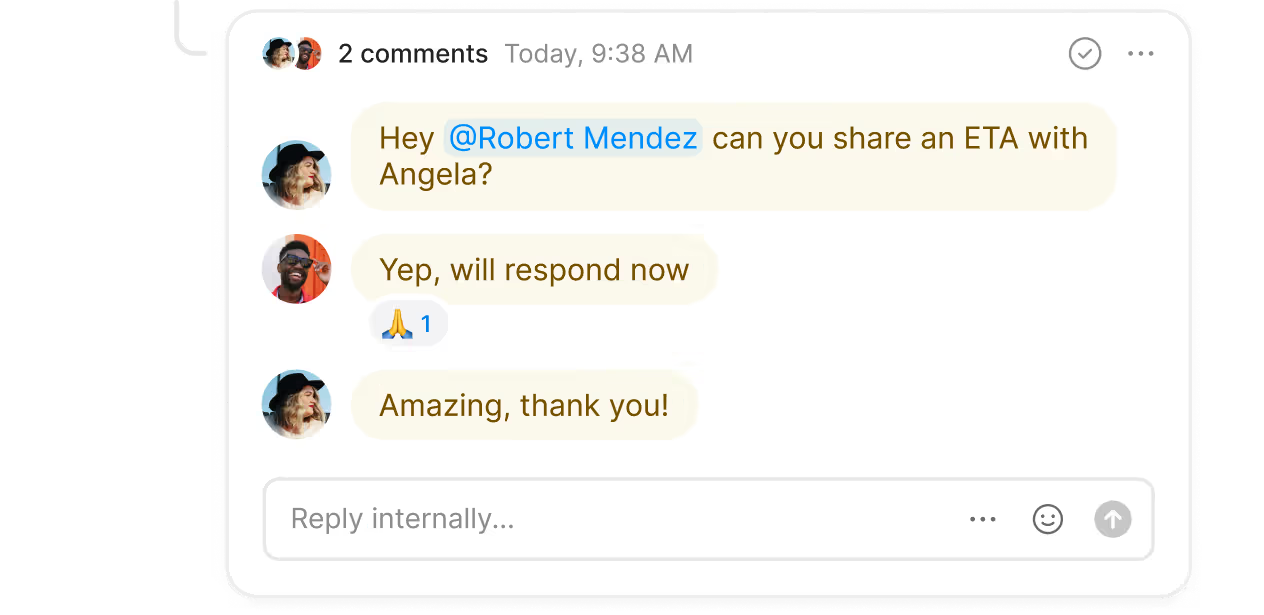
Troubleshoot ongoing issues or discuss treatment strategies next to conversations with internal threads. Tag teammates for assistance with an extermination strategy or message them directly. Check if your team is caught up on a specific job with inbox viewers.
Manage incoming customer calls smoothly
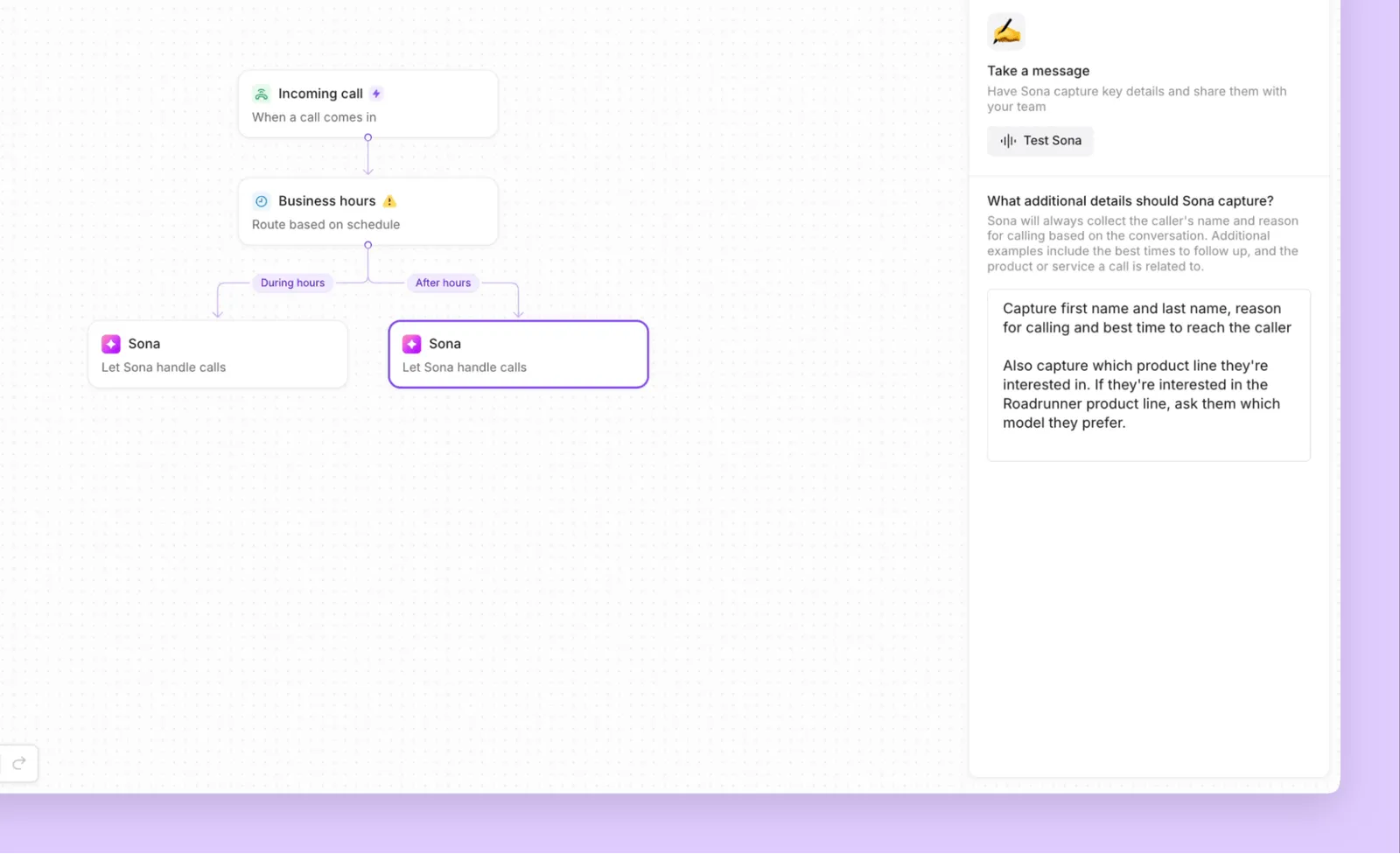
Handle phone calls according to your team's schedule. Quo helps you design flexible call flows that you can customize to your business needs.
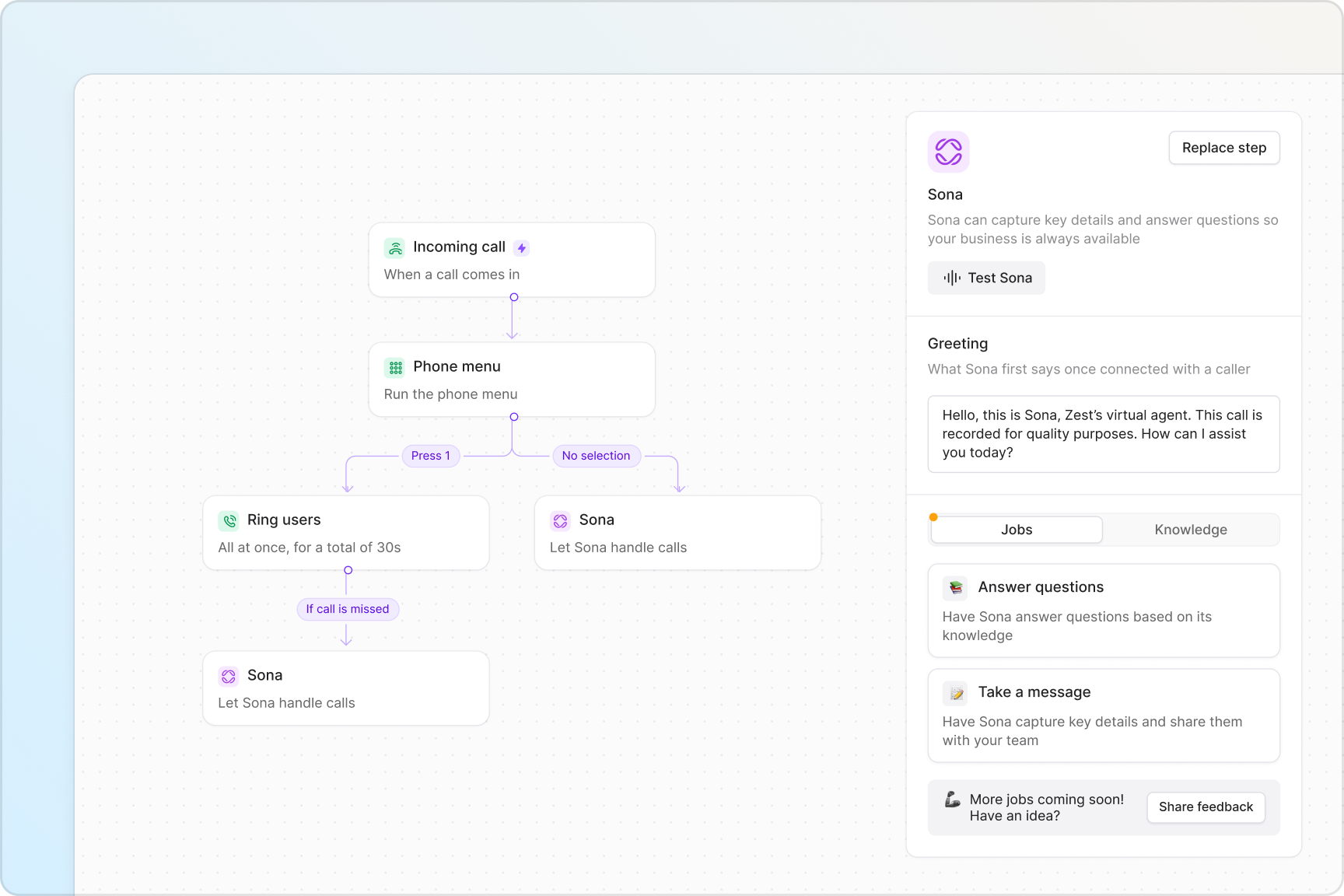
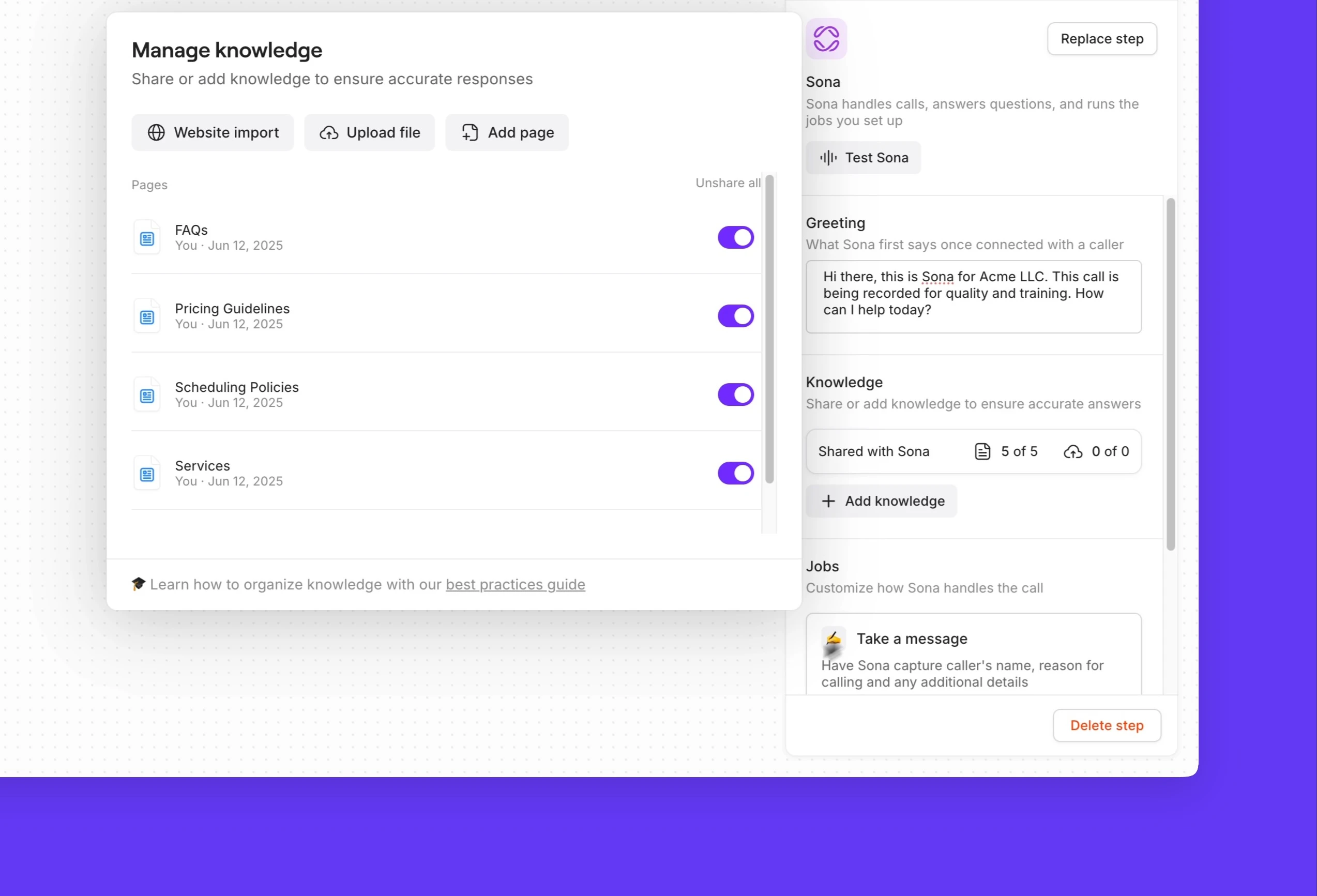
Set up call flows quickly in our visual drag-and-drop call flow builder. Choose from a range of different call flow steps and customize each step to offer the best customer experience. Select how your team likes to receive incoming calls, all at once or in custom batches, with ring groups. Give your callers the ability to reach different departments directly with phone menus. Direct after-hours pest emergencies and urgent calls to a secondary number with our call forwarding options.
Need to connect a caller with a colleague? Warm transfers let you put a caller on hold so you can brief a teammate about the caller's request before making the transfer.
Automated SMS and MMS messaging
Put your text messages on autopilot with Quo's automated messaging features. Set up automated text workflows for appointment scheduling with our Zapier and Make integrations. Reduce no-shows by homeowners using reminder texts and help your team plan their service routes efficiently. Respond to common questions quickly or prepare customers for their upcoming service appointments with pre-written text templates (snippets). Automatically reply to customers after business hours to let them know when to expect a call back with SMS auto-replies.
Share progress updates and proof of service with your customers with MMS messages. You can send photos and videos so customers have peace of mind regarding your service quality.
Say goodbye to repetitive administrative tasks
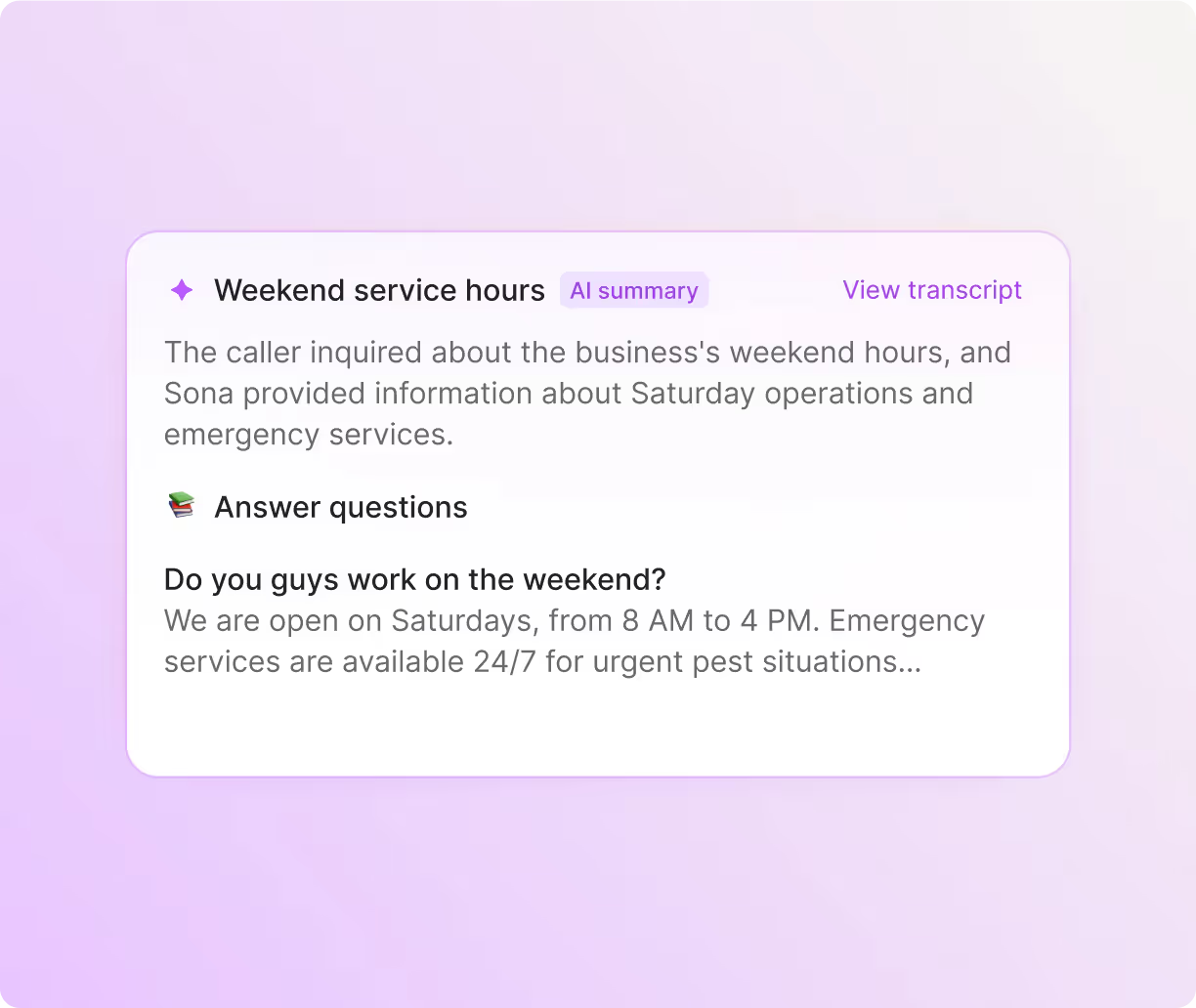
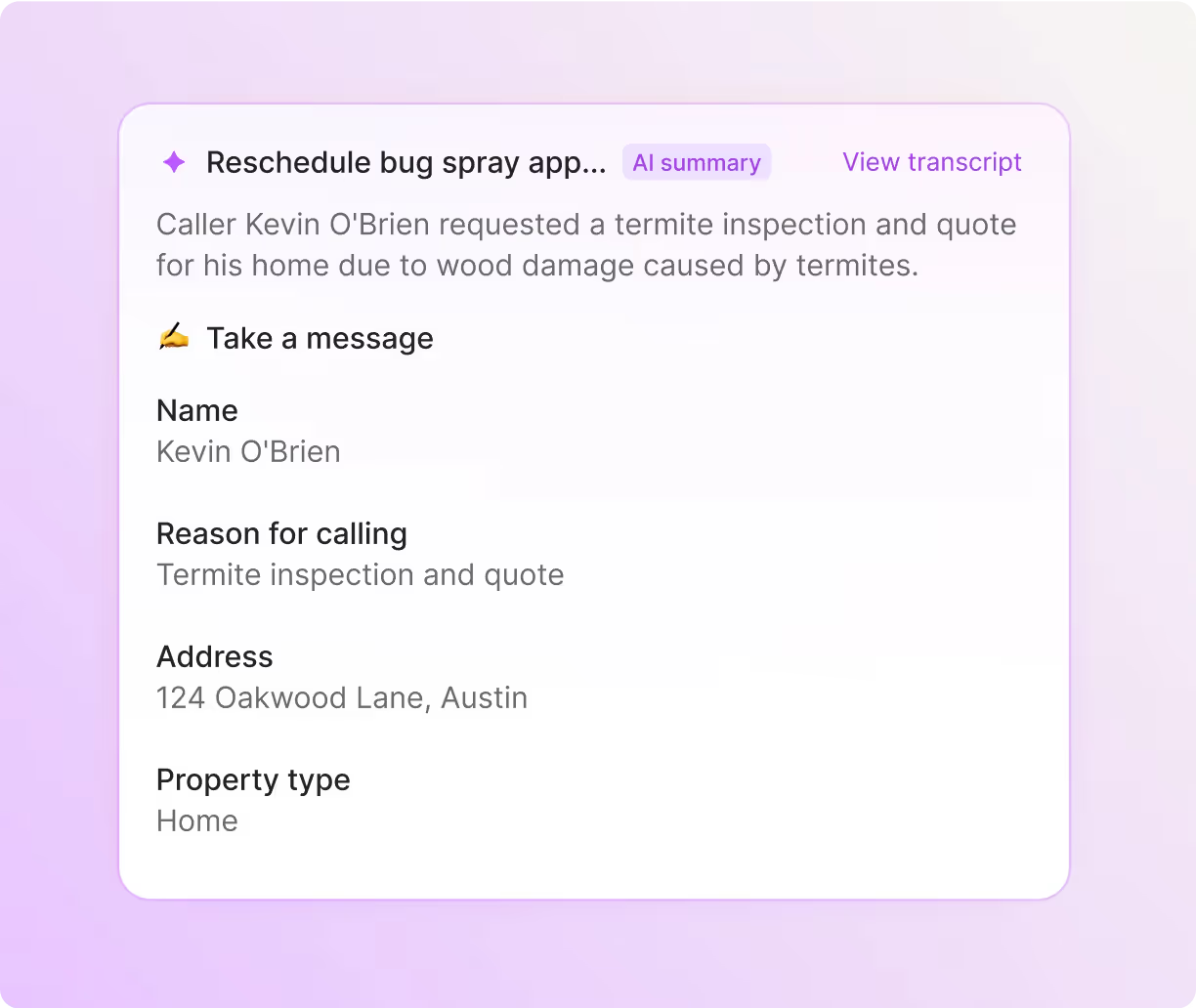
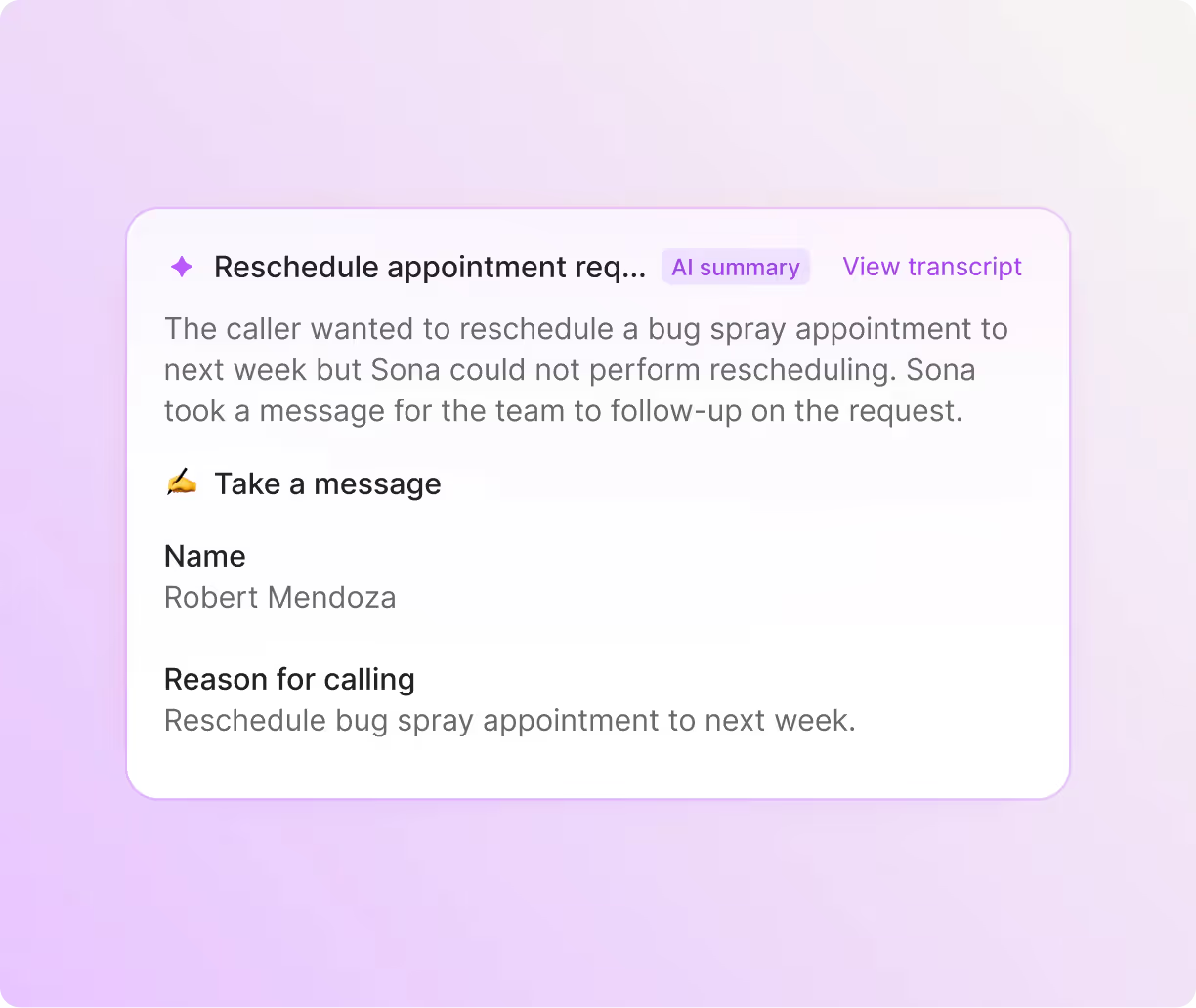
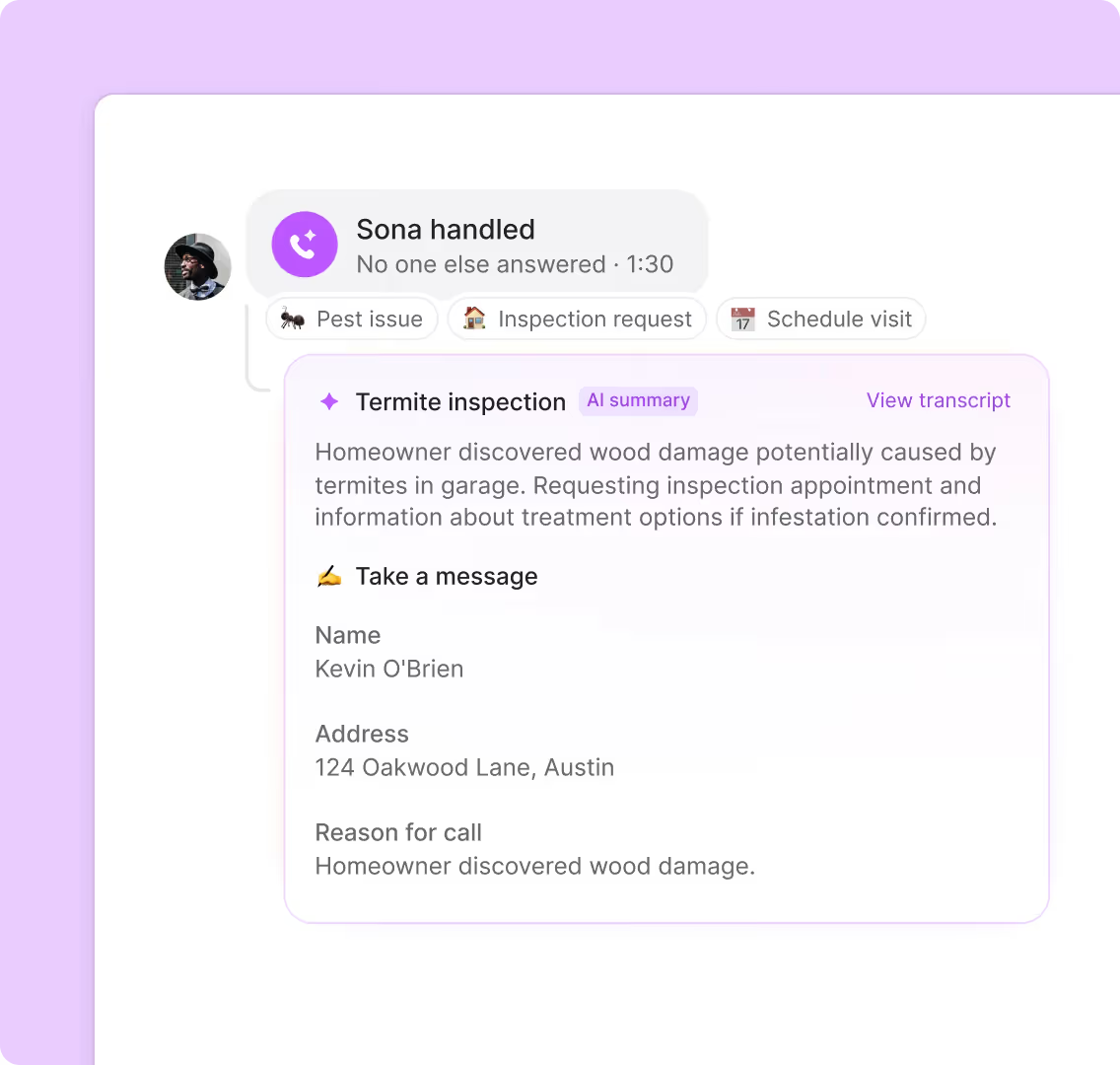
Let Quo handle the paperwork while you handle the pests. With automatic call recording and AI-powered call summaries and transcripts, you can capture every customer detail and keep track of important details like infestation types and property access instructions. Want to see what multiple customers are telling you? Understand trends by using AI to analyze phone calls with AI call tags.
Sync all your customer interactions to your CRM automatically. Log service calls, update customer records, and track jobs without manual data entry. You can use our HubSpot, Salesforce, and Jobber integrations or build a custom integration with the Quo API.
Use Quo anywhere on any device
Your pest control business doesn't stop at the office door — neither should your phone system. Quo works seamlessly on iPhone, Android, Windows, Mac, and web browsers. Your front desk staff can manage scheduling from the office, and technicians can share updates on the go. All you need is an internet connection to get started.


.svg)







.svg)