Scalable local and toll-free phone numbers for your team
Get your team members the numbers they need. Give each staff member a dedicated phone number with a local area code that customers can recognize. Sign up for a toll-free number to provide region-wide support to your customers.
Each Quo plan includes a phone number for every user who joins your workspace. You can assign individual numbers to your repair technicians or share numbers for different departments. Team members can choose when to receive notifications during and after business hours with features like work schedules and Do Not Disturb mode.
Need more numbers for your team? Additional numbers cost $5 per number per month.
Better team collaboration
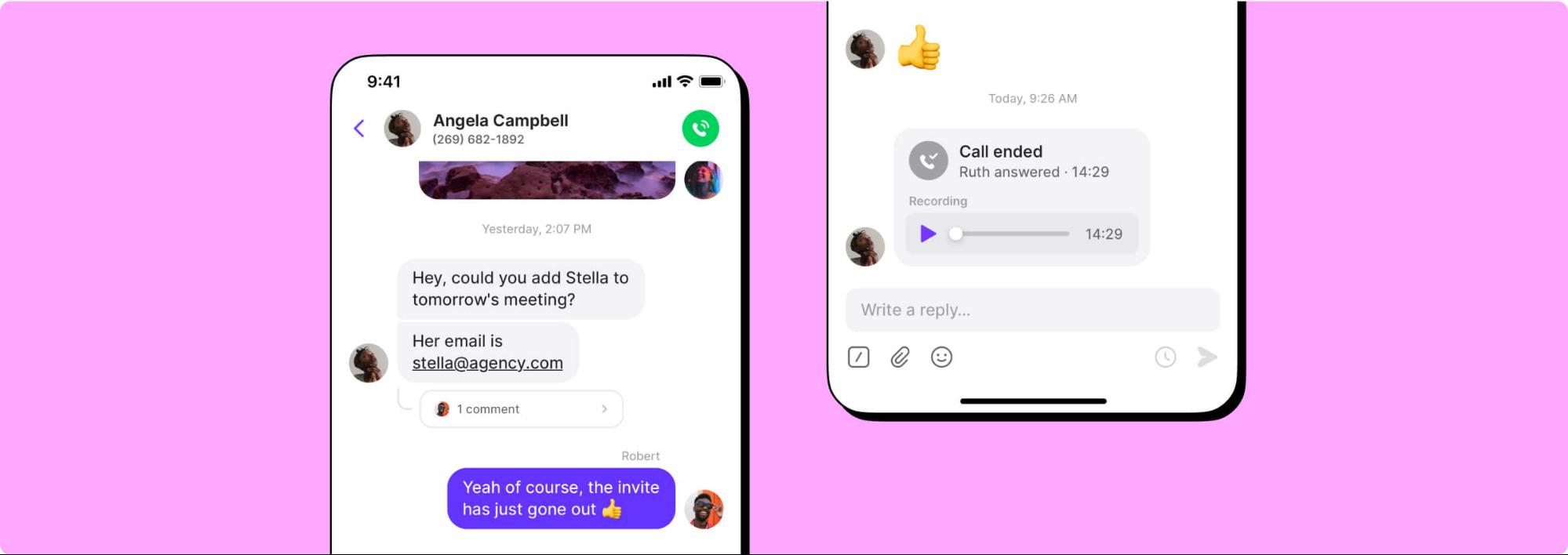
Stay in sync as a team with Quo's collaboration features. See what everyone is working on with shared numbers. Your team can view all customer calls, messages, and voicemails in a shared inbox. Split responsibility for incoming calls and texts so your customers aren't waiting for a call back.
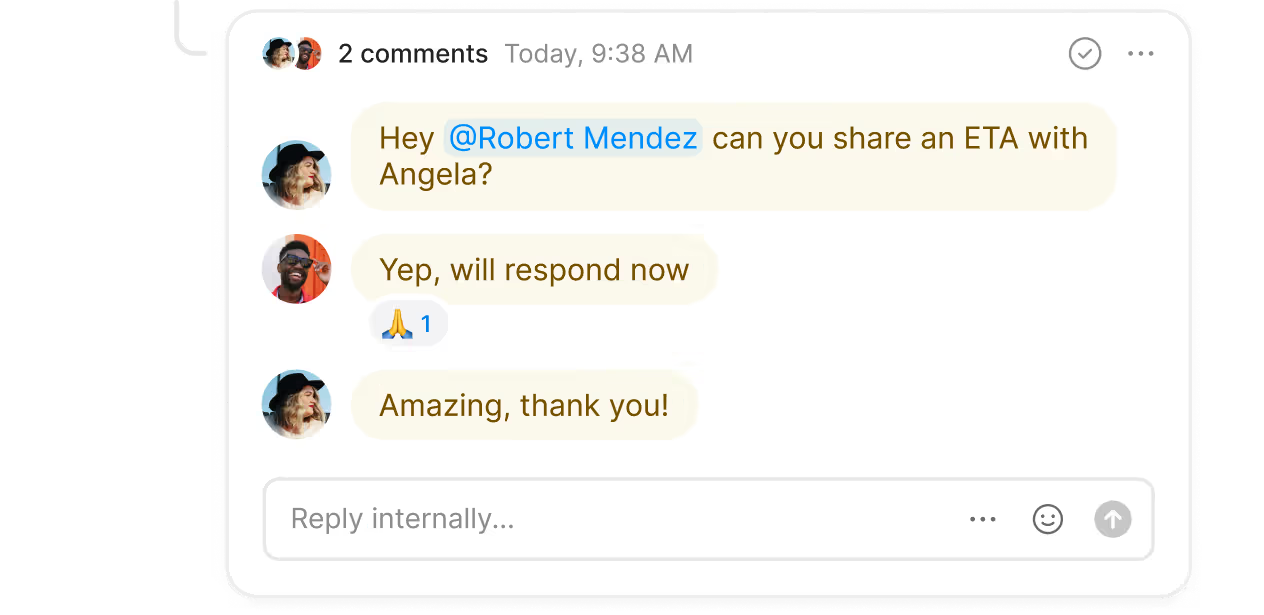
Delegate follow-up tasks with internal threads. Tag your team members in a customer interaction and let them know what needs to be done next. Check to see whether they're caught up with inbox viewers.
Handle incoming phone calls easily
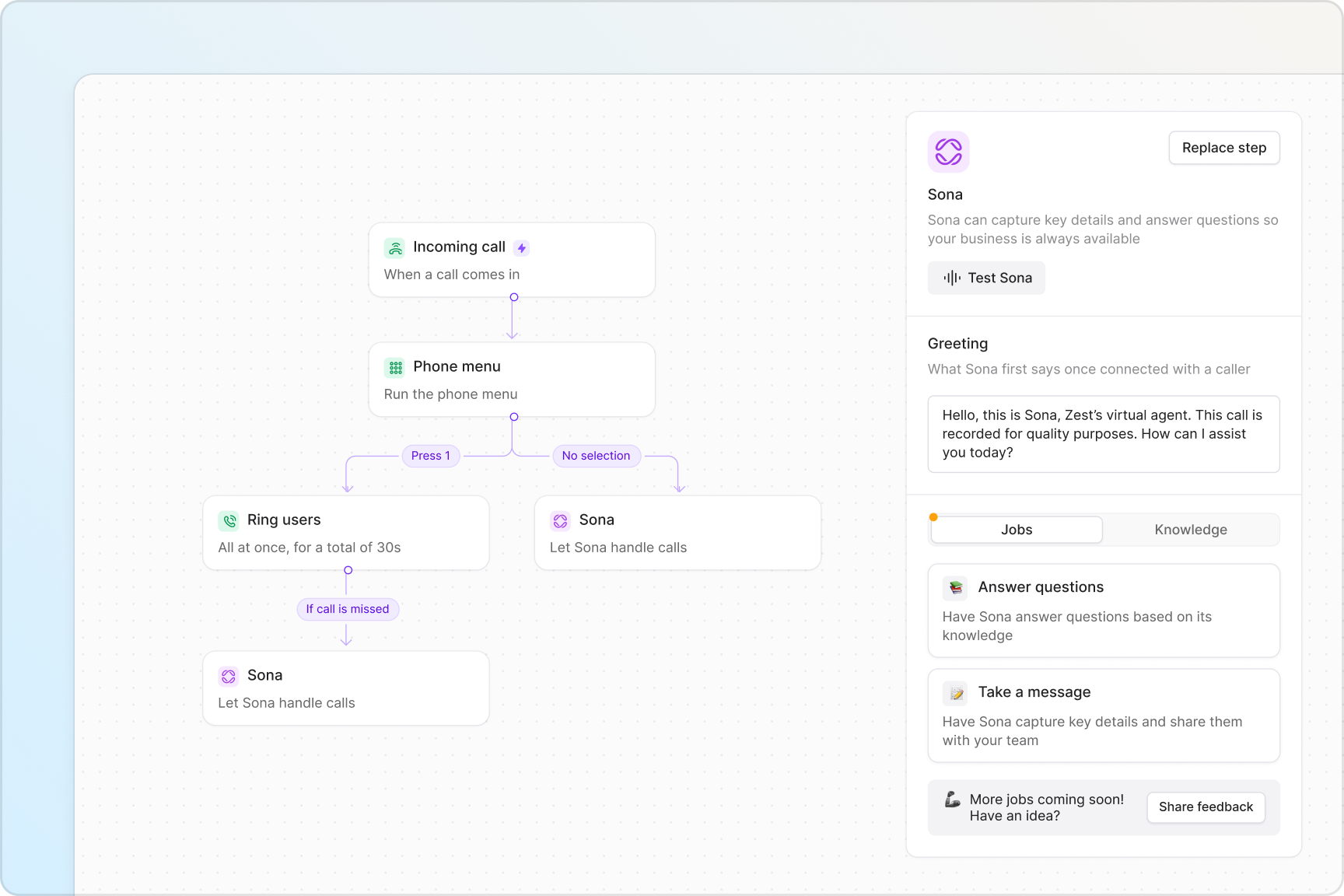
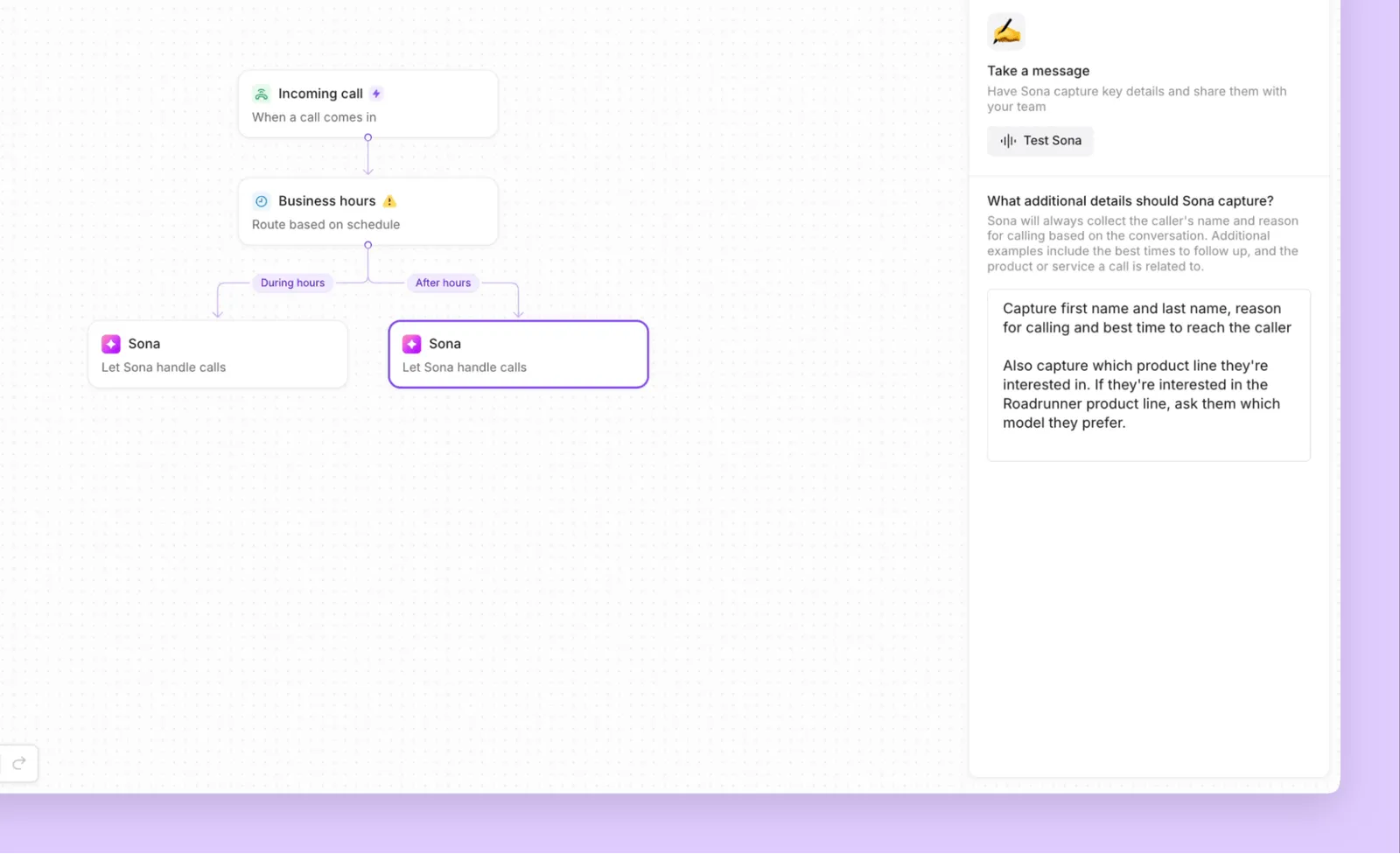
Manage your incoming call volume as it grows with our call routing and management features. Design call flows from scratch in minutes with our call flow builder. See how calls progress and make adjustments in real time in our visual canvas. You can create multiple call flows for your business hours and after-hours flows.
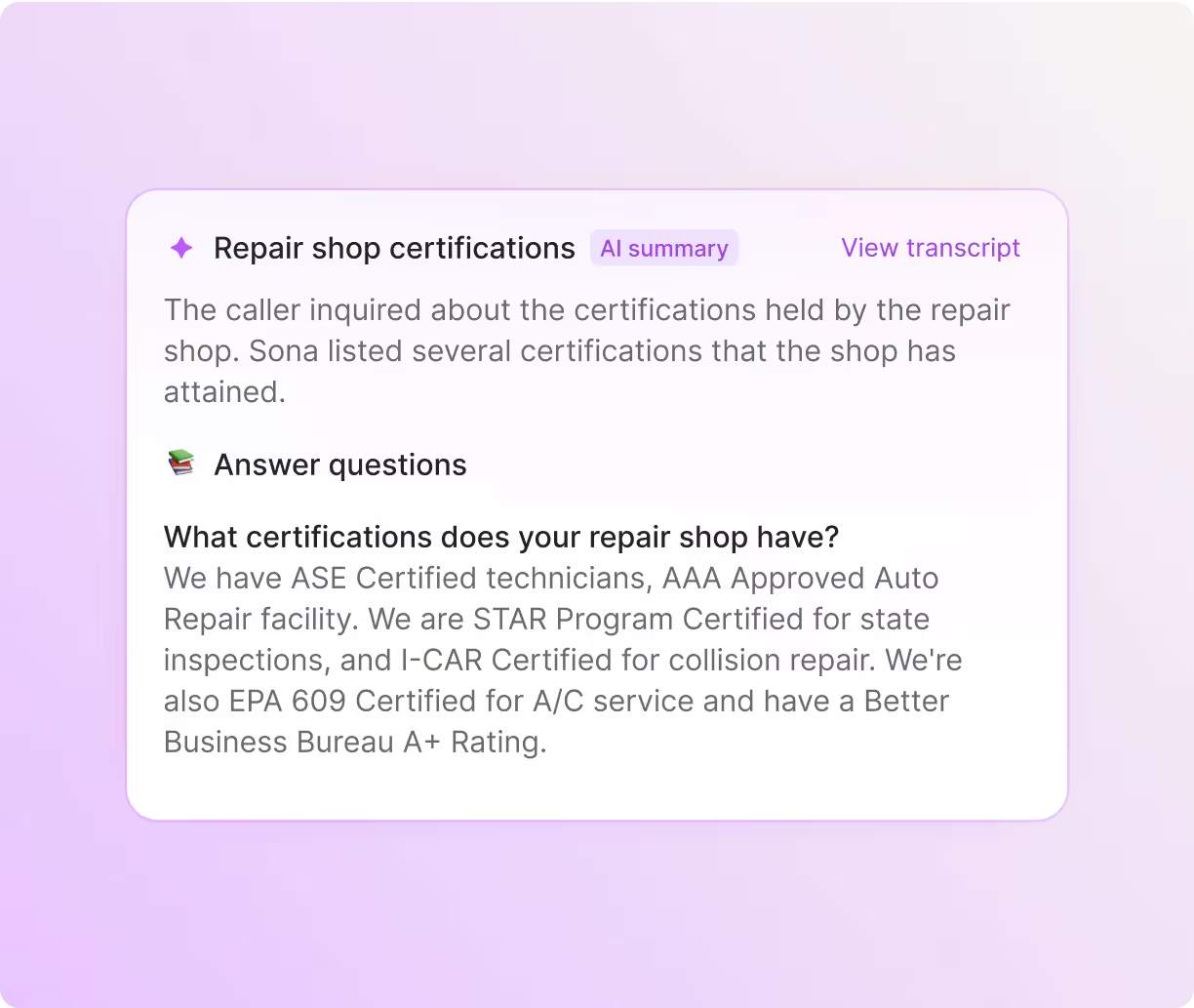
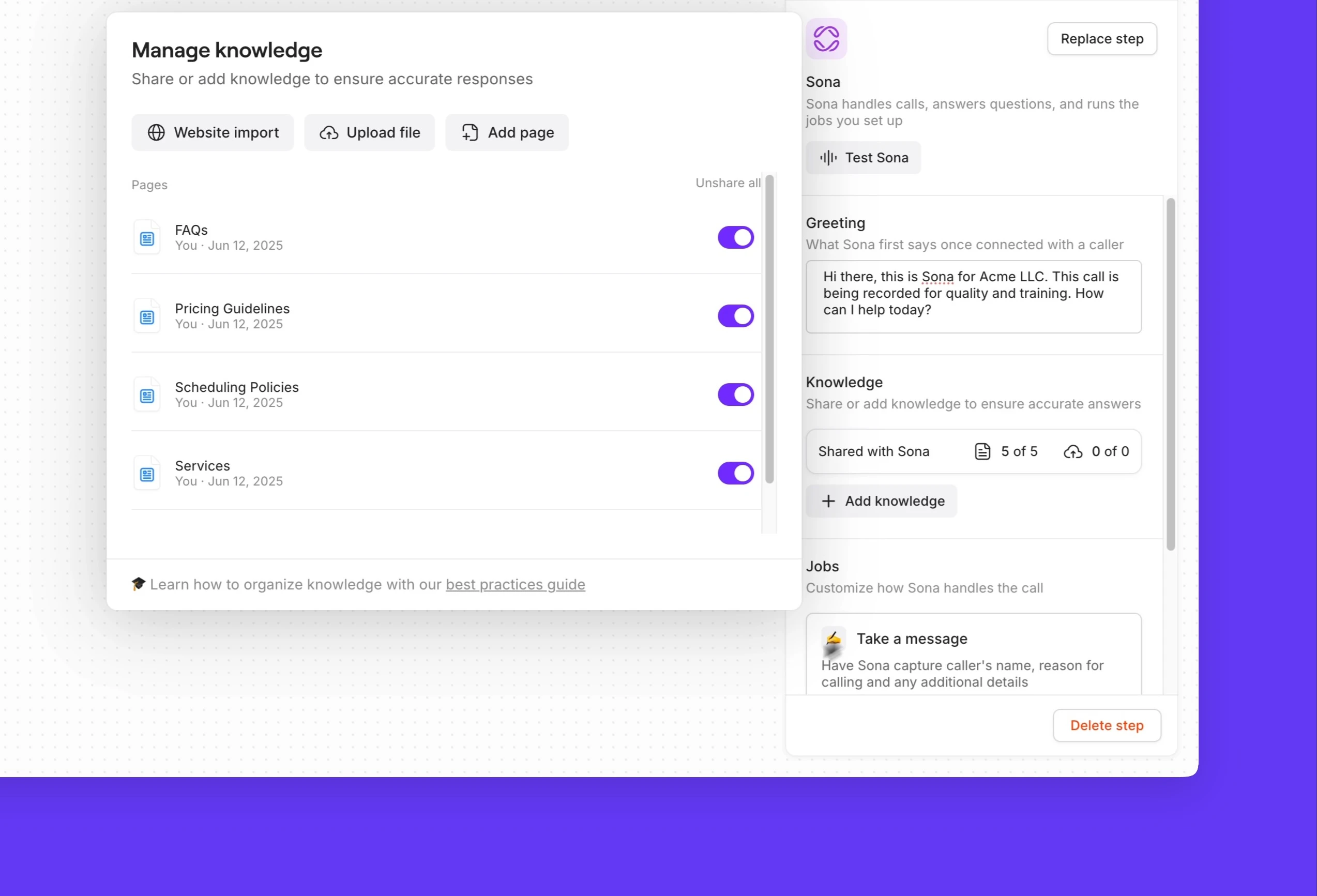
Accommodate every team preference with our call flow steps. Choose how your team receives incoming calls, either as a group or in custom batches, with ring groups. Give your customers the choice to reach specific departments with phone menus; help them get the support they need. If your team is occupied or not accessible, you can redirect incoming calls to a secondary number or direct them to Sona for routine questions.
Put your appointment scheduling on autopilot
Automate notifications and scheduling texts so you can focus on conversations that require your attention. Create automated text message workflows with our Zapier and Make integrations. Manage appointment scheduling duties automatically, including sending confirmations and reminders, as well as following up with review requests once a job is complete.
Provide your team with the tools to send more texts in less time. Automatically reply to calls and texts after business hours with a message using SMS auto-replies. Set the right expectations with customers to prevent them from going to your competition. Schedule repair quotes and estimates for customers at convenient times using scheduled messages. Quickly answer common questions over text with pre-written text templates (snippets).
Automate repetitive admin tasks
Deliver a great customer experience — we'll handle the paperwork.
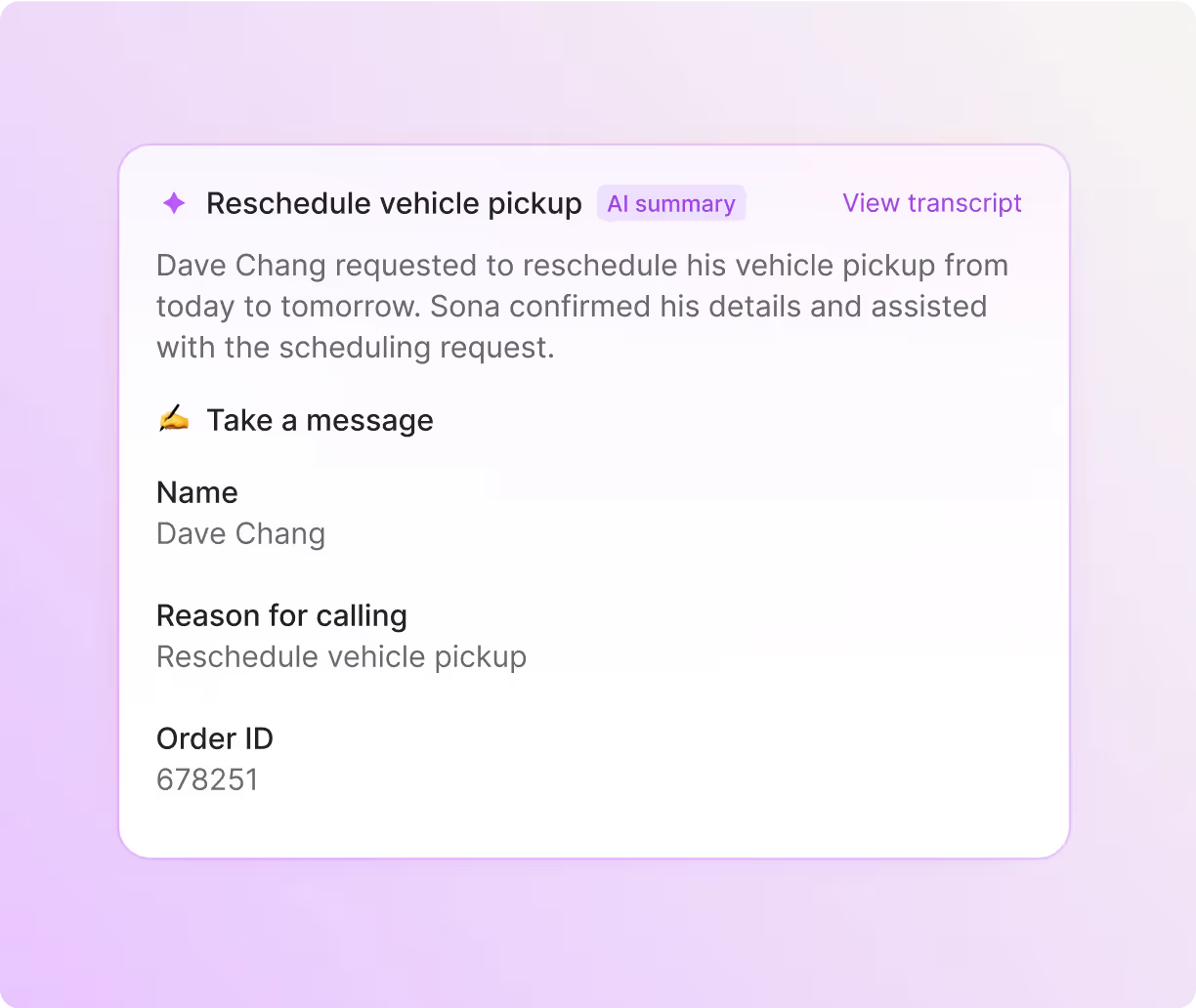
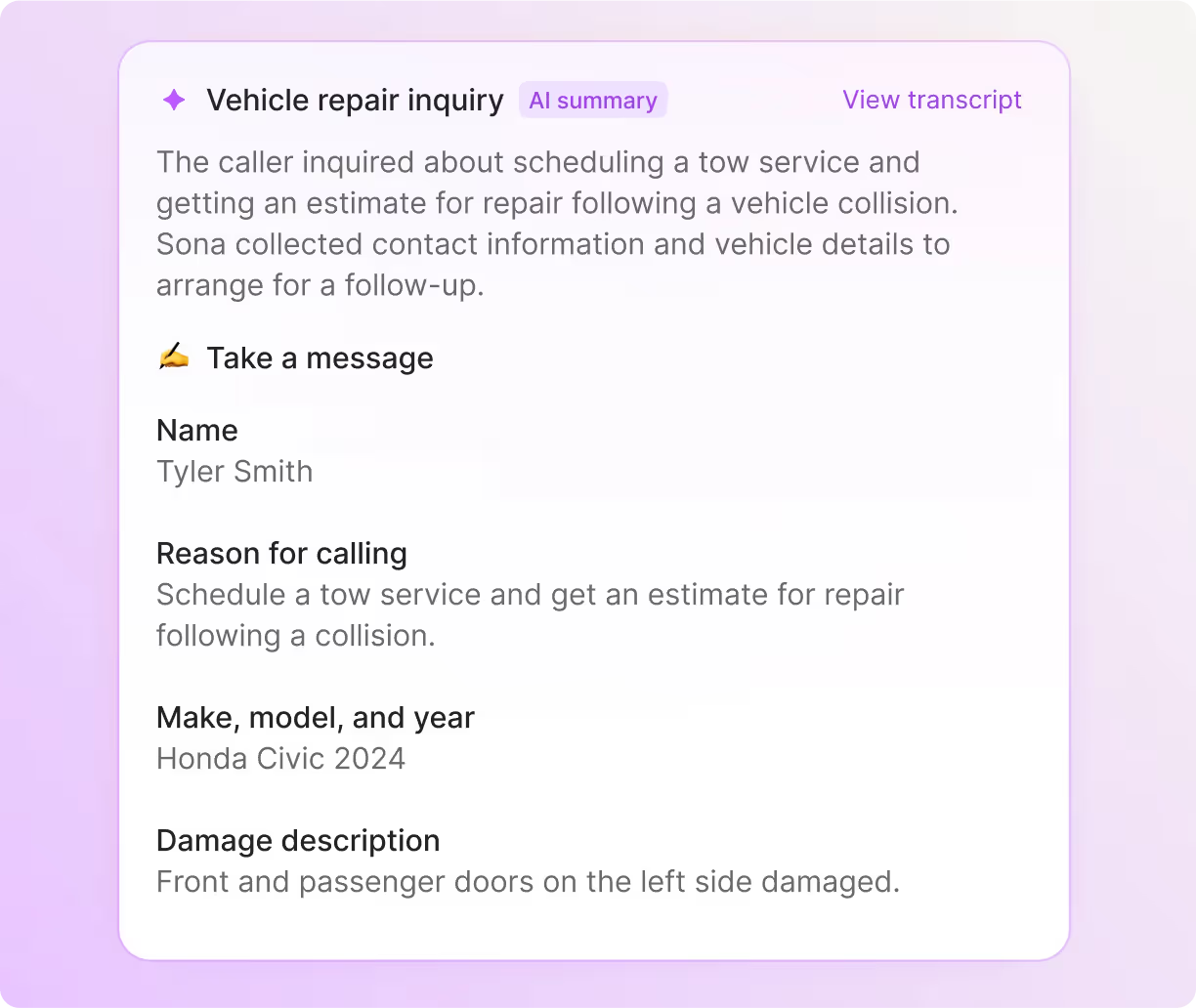
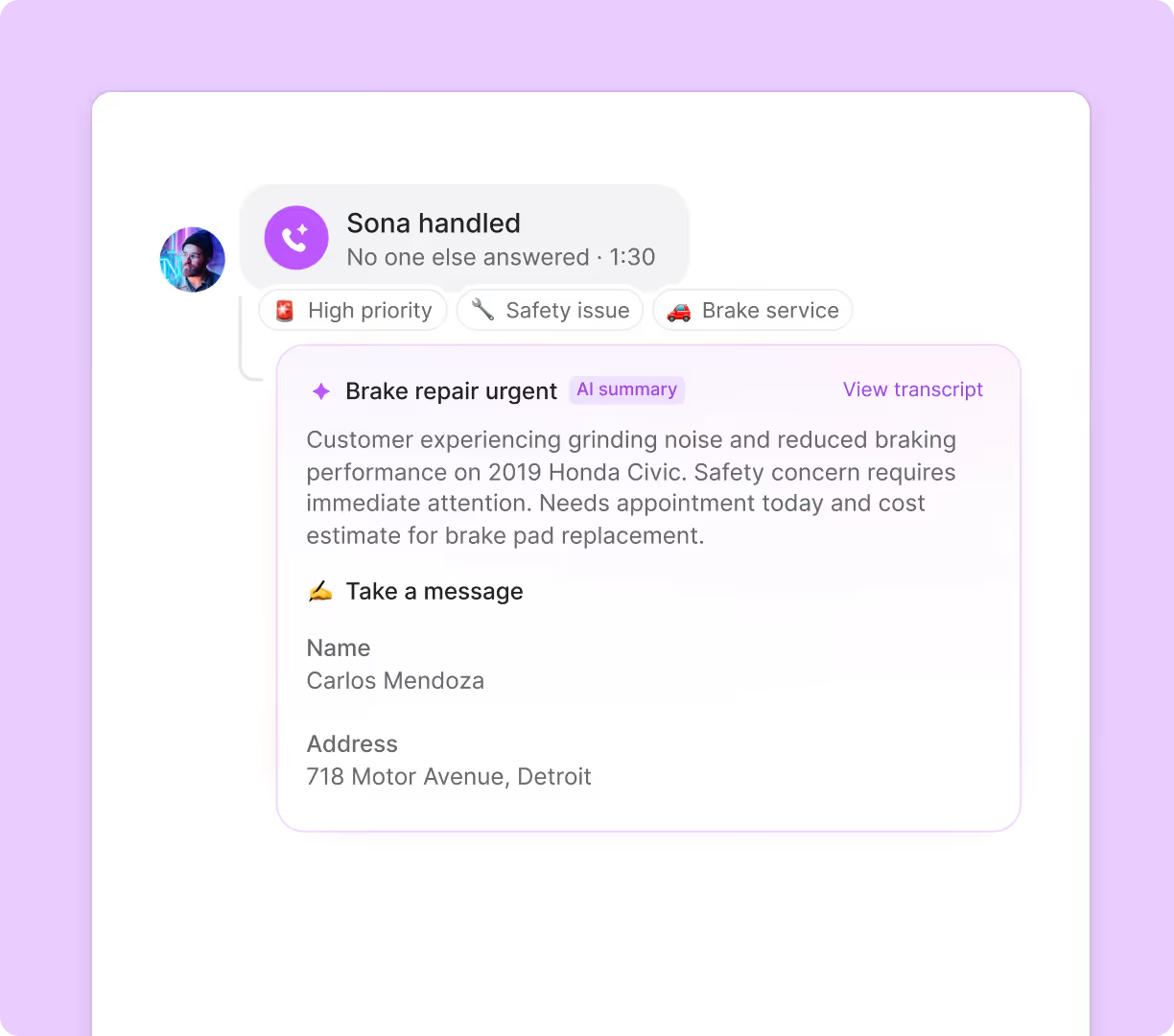
Eliminate the need for taking notes during customer calls by using automatic call recording and AI-generated summaries and transcripts. Easily access and review previous calls from Sona and your team with the help of AI call tags. It uses AI to analyze your phone calls and tags them with custom labels according to your business needs. Get valuable business insights that move the needle for your growth.
Automatically sync your call and text data with your CRM and save hours for your team. Use our integrations with HubSpot, Salesforce, and Jobber, or build a custom integration with your CRM platform using Zapier, Make, or the Quo API.
Use Quo in the office or on the go
Call and text from anywhere, with any device, using Quo. Your technicians can bring their preferred devices to make calls with our platform. Quo is available for Mac, Windows, iOS, Android, and on the web. All you need is an internet connection to get started.


.svg)







.svg)