.svg)
Zapier
Automate your workflow by connecting Quo through Zapier
Overview
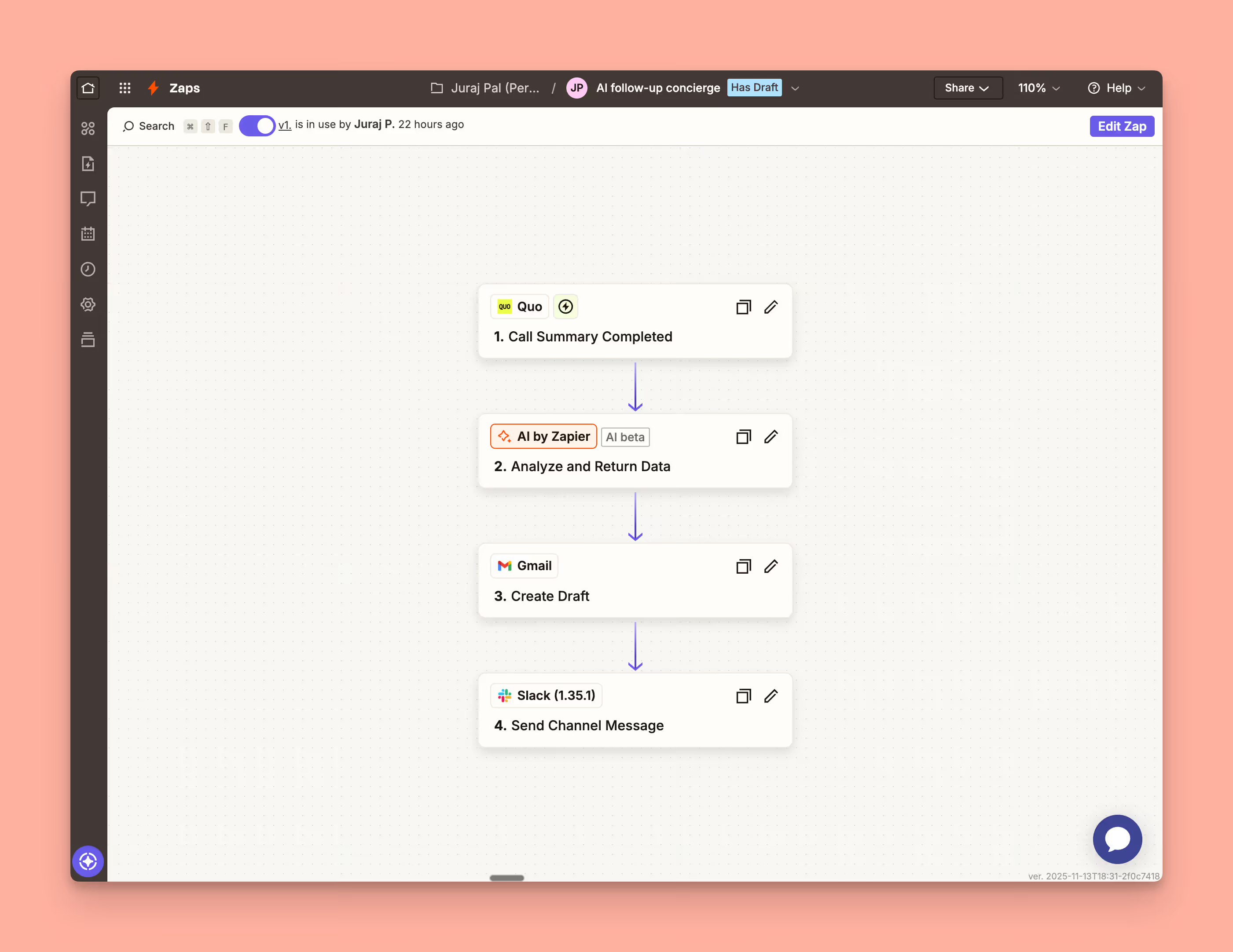
Zapier and Quo work together to connect your phone system to 8,000+ apps without any coding, turning every call, text, and voicemail into automated workflows that keep your business running smoothly across your entire tech stack.
With Zapier's intuitive automation builder, you can create custom workflows that trigger instantly—like automatically creating CRM records when calls end, sending Slack notifications for missed calls, or adding new contacts to your email marketing platform based on call outcomes. And because Zapier connects to thousands of business tools, Quo becomes the communication hub that ties everything together, allowing you to build automations tailored to your exact processes without waiting for pre-built integrations.
Get started
Follow these steps to connect Zapier with Quo:
- Log in to your Zapier account or create a new account.
- Navigate to App Connections and click on Add connection.
- Search for Quo and use your credentials to connect your Quo account to Zapier.