.svg)
Slack
Notify the right people or channels whenever you receive a call, message, or voicemail



Overview
Slack and Quo work together to keep your team instantly informed about every customer interaction by sending real-time notifications for calls, texts, and voicemails directly to your Slack channels, so no one misses an important update while they're focused on other work.
With the Quo and Slack integration, you can automatically route call notifications to specific channels based on your workflow—like sending missed calls to your sales team or urgent voicemails to support—while your team can view call details and even listen to voicemail recordings without leaving Slack. And with customizable notification rules that match how your team actually works, everyone stays connected to customer conversations in real time, allowing you to respond faster and collaborate seamlessly without constantly switching between tools.
Get started
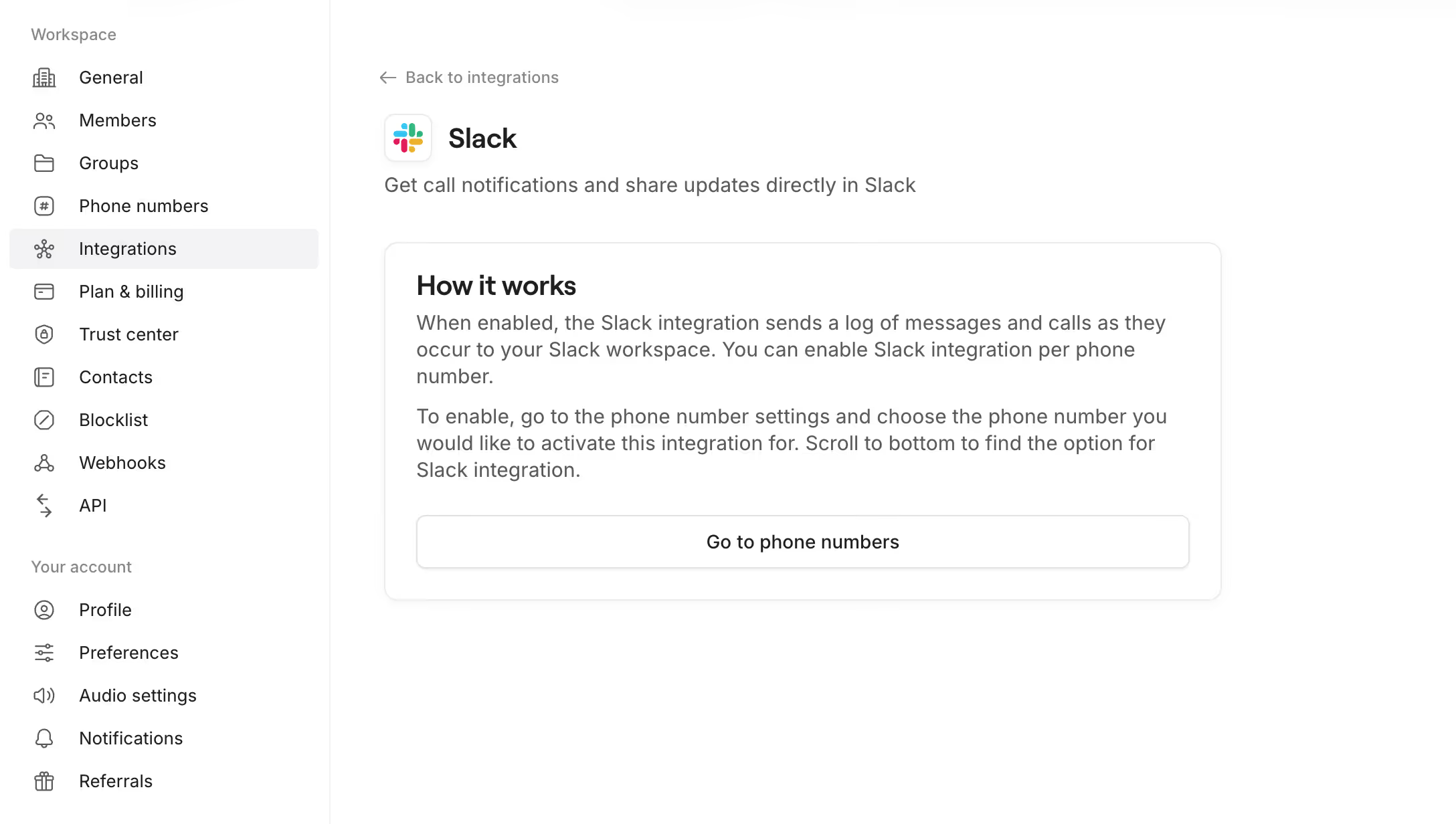
Follow these steps to connect Slack with Quo:
- Click Settings from the left-hand menu of the web or desktop app.
- Under Workspace select Phone Numbers.
- Select the Quo number you'd like to connect to Slack.
- Scroll down and click Connect to your Slack under the Integrations section. This will prompt you to sign in via Slack.
- Grant Quo permission to post in your Slack workspace and choose the specific Slack channel that you'd like to integrate.
- Toggle which events you want to receive in your Slack channel. That's it!