.svg)
Jobber
Sync AI-powered call summaries and transcripts with Jobber


Overview
Jobber and Quo work together to give home service businesses complete visibility into every customer conversation by automatically syncing AI-generated call summaries and transcripts from Quo directly to the correct customer record in Jobber—so your team always has the context they need without listening to full recordings.
Your team can click-to-call clients directly from any client record using your Quo business number, while incoming calls automatically log back to Jobber with a searchable transcript and summary. And with Quo's always-on AI agent Sona, you'll never miss a lead again. Every conversation is documented in Jobber so your team can deliver the personalized service that wins repeat business.
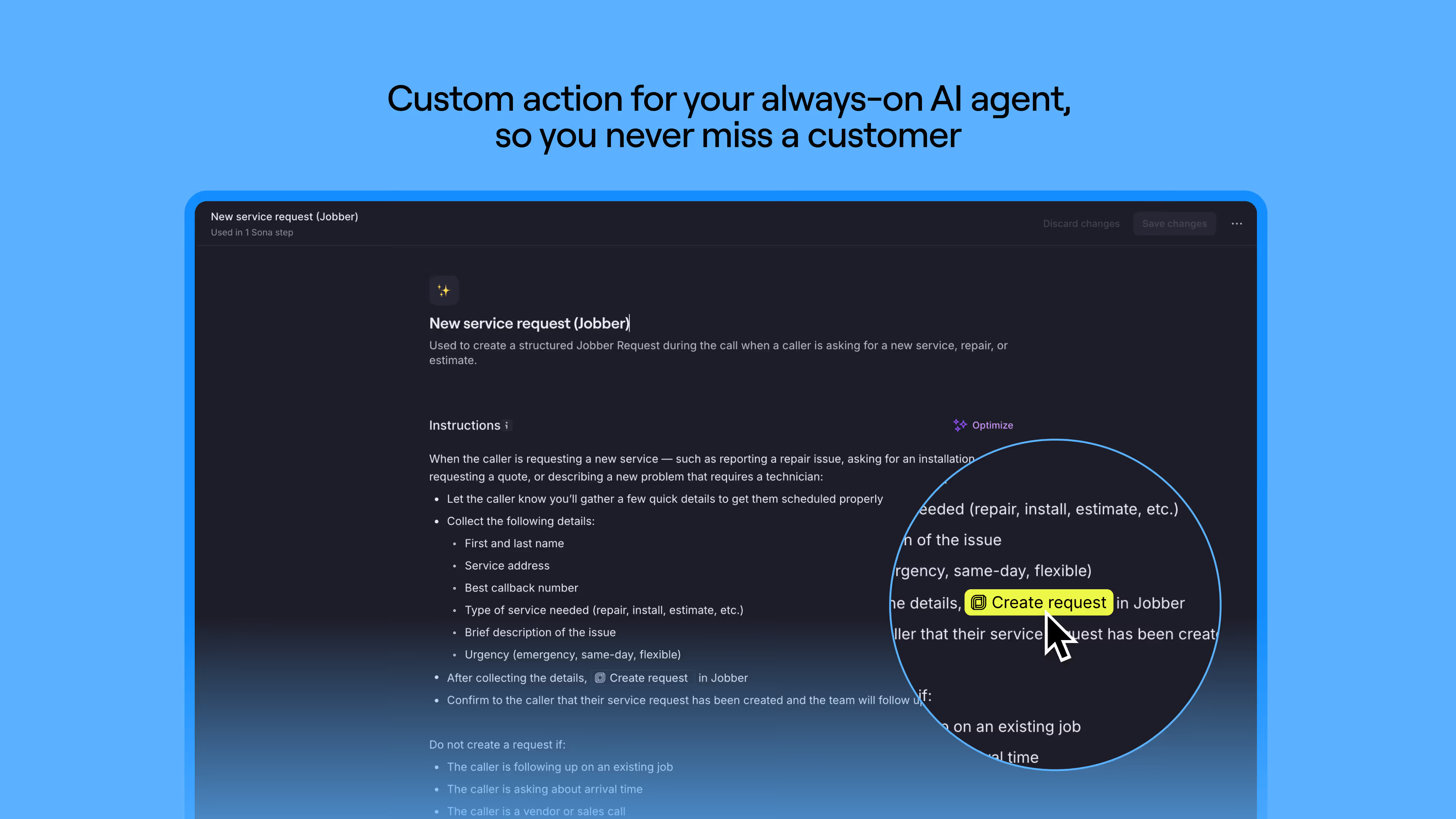
When you set up a custom Sona job, you can tell Sona exactly when to create a service request from a phone call it handles — based on the conversation and your instructions. This gives you more control over request creation in Jobber and helps make sure requests reflect real service needs.
"We rely on both Jobber and Quo to keep our operations running smoothly. Having call summaries from Quo automatically show up in Jobber has been a game-changer — our whole team has context without needing to chase down notes. It saves me multiple steps, which gives me time back to be able to focus on our customers."

Get started
Follow these steps to connect Jobber with Quo:
- If you don't yet have a Jobber account, sign up here first.
- Go to the Quo web or desktop app.
- Go to Integrations under the workspace settings, select Jobber, and click Connect to Jobber.
- Follow the prompts to grant permission and connect your accounts.
- Ensure that the Transcribe and summarize calls setting is toggled on in Quo’s settings for the phone number you want to sync.
Exclusive offer
If you're new to Jobber, you can get 20% off your first 6 months as a Quo customer.