.svg)
HubSpot
Build better relationships by syncing contacts and Quo activity in HubSpot

%20(1).avif)


Overview
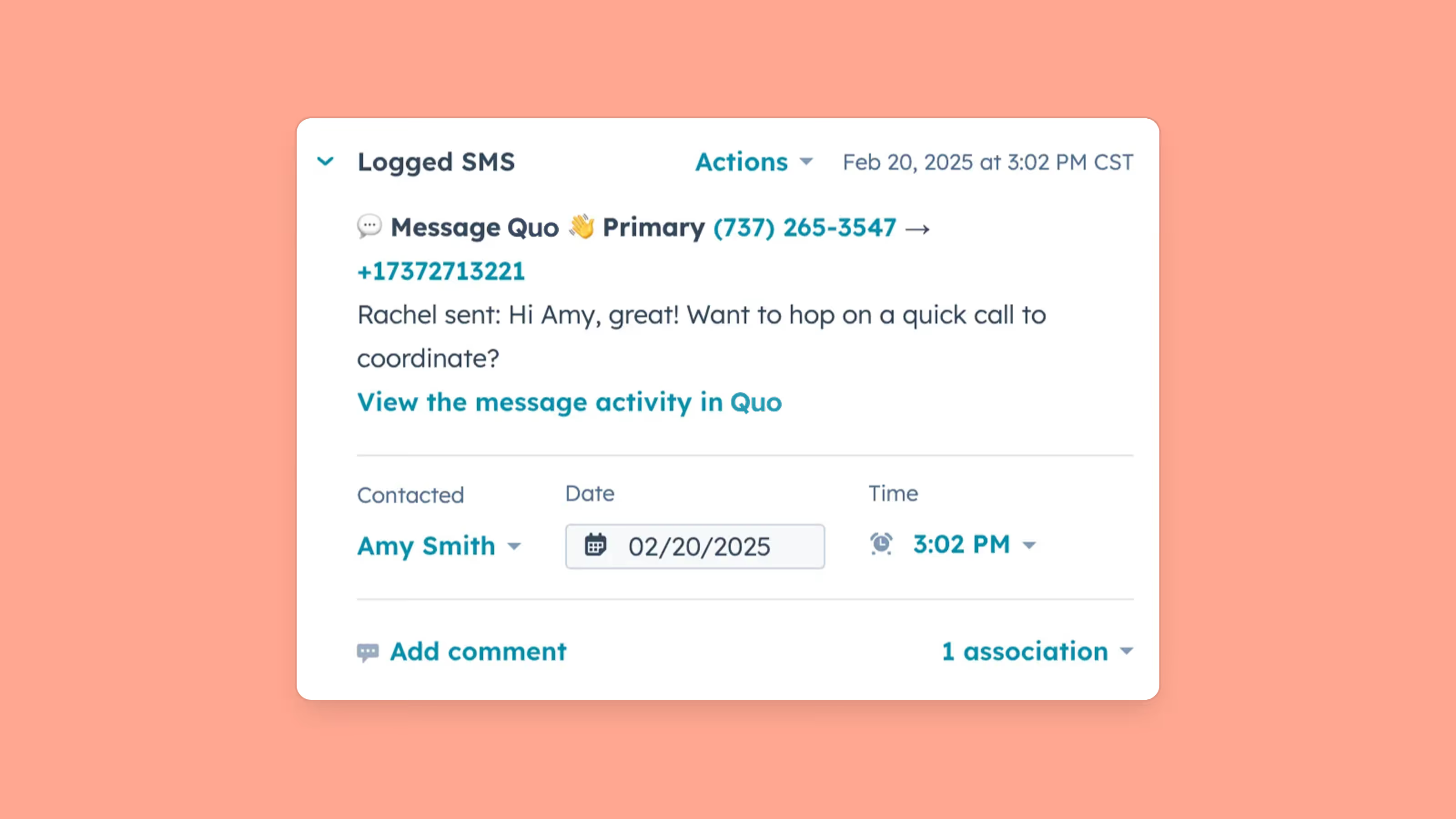
HubSpot and Quo work together to give your sales and support teams complete context for every customer interaction by automatically logging calls, texts, and voicemails—along with AI-generated call summaries—directly to the correct contact, company, or deal record in HubSpot without any manual data entry.
With bi-directional contact sync between HubSpot and Quo, your CRM and phone system stay consistently up to date in both directions, eliminating duplicate records and ensuring your contact data is always accurate. And when it's time to reach out, your team can click-to-call directly from HubSpot using your Quo business number, while AI-powered features capture leads even when you're unavailable—allowing you to move deals forward faster and deliver the personalized experiences that win customers.
Get started
Follow these steps to connect HubSpot with Quo:
- Go to the Quo web or desktop app.
- Go to Integrations under the Workspace settings, select HubSpot, and click Connect to HubSpot.
- HubSpot will ask you to confirm the HubSpot account you want to connect to Quo.
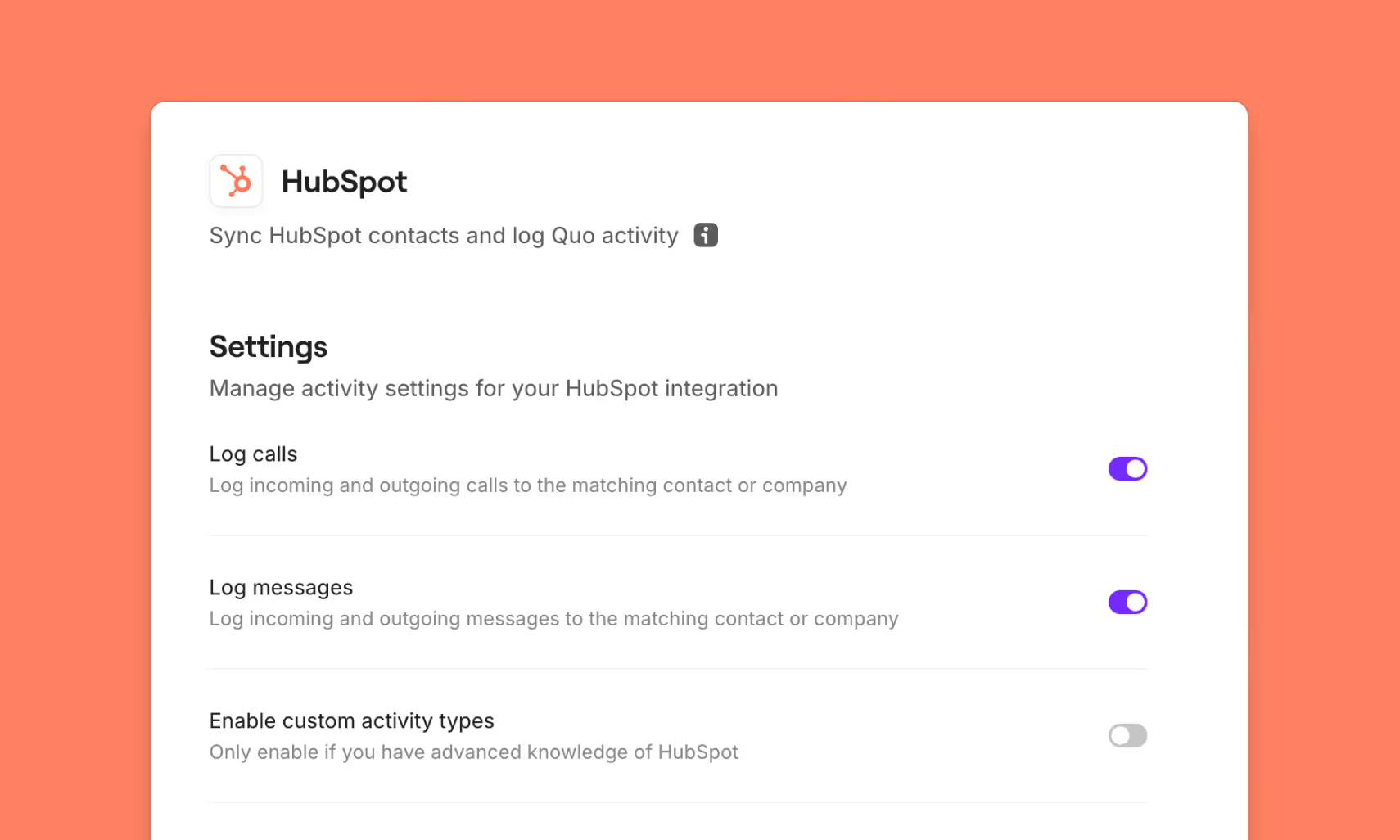
- After you confirm you wish to connect the apps, you’ll be redirected back to the integration settings in Quo. Here, you can toggle which activity types you’d like to sync.
- Under “Phone numbers”, you can select the phone numbers you’d like to sync call and message data within HubSpot.
Exclusive offer
If you're new to HubSpot's AI-powered customer platform, you can get 20% off the Professional and Enterprise plan as a Quo customer.