.svg)
Google Contacts
Import your contacts directly into Quo
Overview
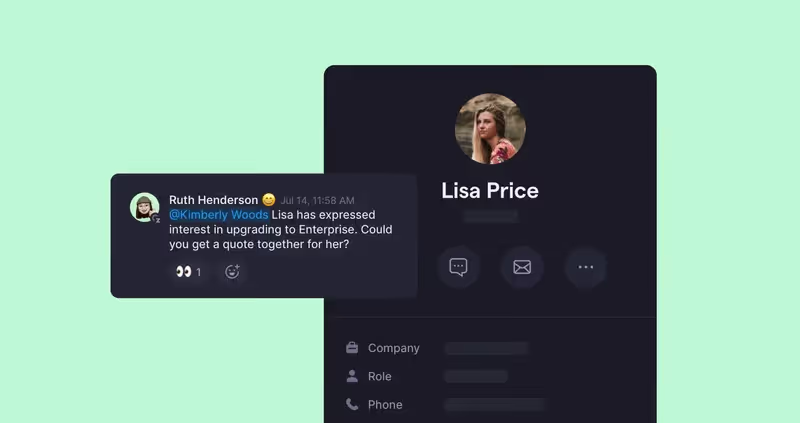
Google Contacts and Quo work together to keep your business phone system perfectly in sync with your contact database, automatically displaying caller information and ensuring your team always knows who's calling before they pick up the phone.
With one-way contact sync from Google Contacts to Quo, any updates you make to contact details in Google are instantly reflected in your Quo phone system, eliminating the need to manually update information in multiple places. And when calls come in, your team sees complete contact details right away—including names, companies, and notes—allowing them to provide personalized service from the first hello and maintain professional communication without juggling between platforms.
Get started
Follow these steps to connect Google Contacts with Quo:
- Log into your Quo account using the web app or desktop app.
- Go to your Settings by clicking the gear icon in the upper right-hand corner.
- Click on Contacts in the left hand sidebar.
- Click Add an integration. This will direct you to sign in via Google. Once you've signed in your Google Contacts should sync automatically.