
Fireflies.ai
Send Quo calls to Fireflies.ai to fit your existing note-taking workflows


Overview
Fireflies.ai and Quo work together to bring your Quo phone calls into your existing Fireflies.ai workspace, so teams using Fireflies.ai for conversation intelligence can analyze business phone conversations alongside video meetings and conference calls.
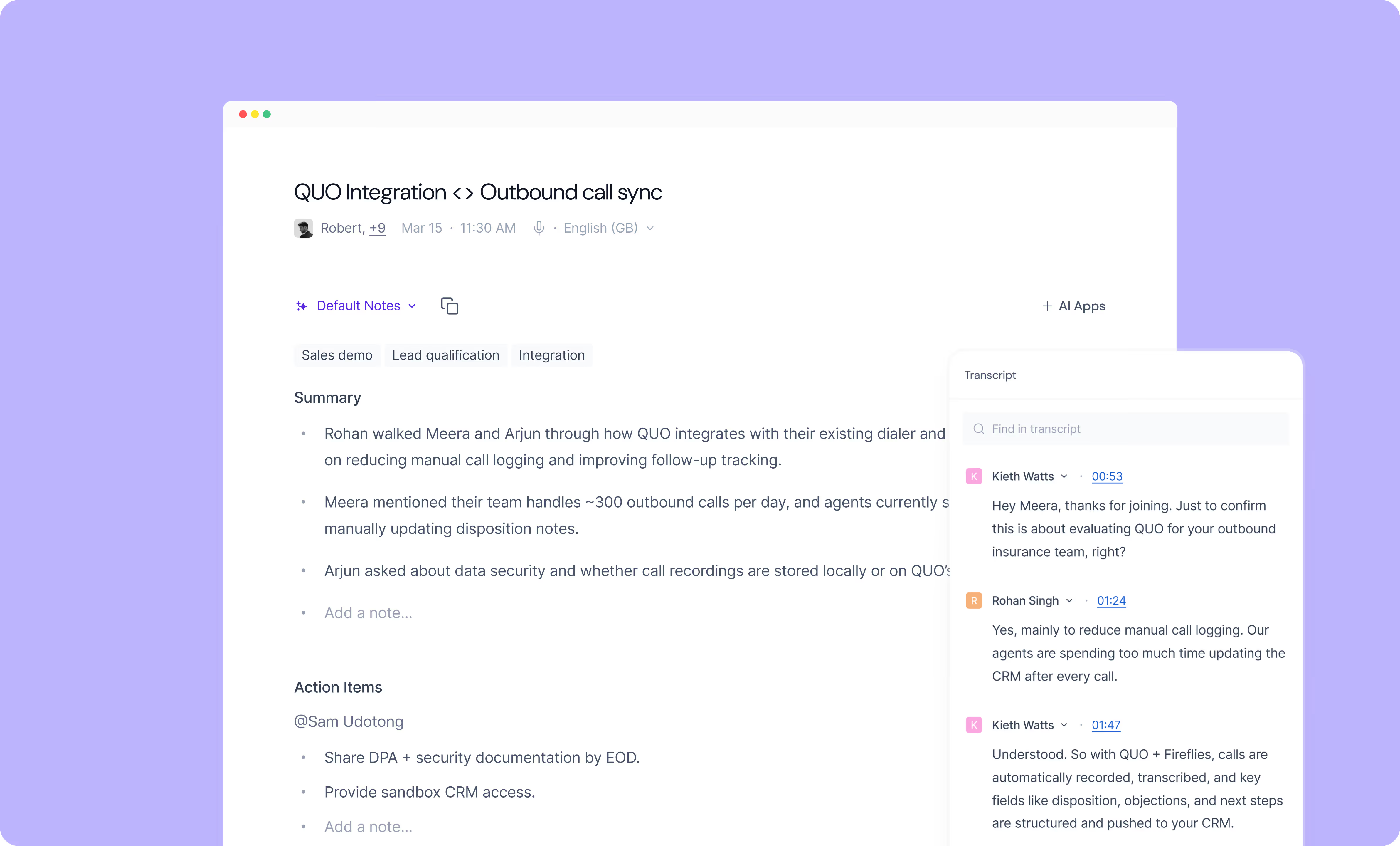
With the integration enabled, calls made or received through your Quo numbers are routed directly into Fireflies.ai for transcription, summaries, topic tracking, speaker insights, sentiment analysis, and collaboration. This ensures your phone conversations receive the same level of analysis as the rest of your communications.
For teams that have built workflows around Fireflies.ai integrations, custom vocabularies, or API, this integration keeps all conversation data centralized in one system while using Quo as your business phone system.
Get started
Follow these steps to connect Fireflies.ai with Quo:
- Log in to Fireflies.ai, go to Integrations and search for Quo.
- Get your Quo API key by going to the Quo web or desktop app.
- Navigate to Workspace Settings and API.
- Generate a new API key and paste it into Fireflies.ai and click Authorize.
- Click on the dropdown under Phone Numbers and select the phone number(s).
- Your integration is now active. You can find all the details on the same page.