Clio
Sync contacts, log calls and texts, and call clients directly from Clio


Overview
Quo's native integration with Clio Manage gives law firms a complete communication record inside the practice management system they already rely on with no manual logging, no switching tools, no lost context.
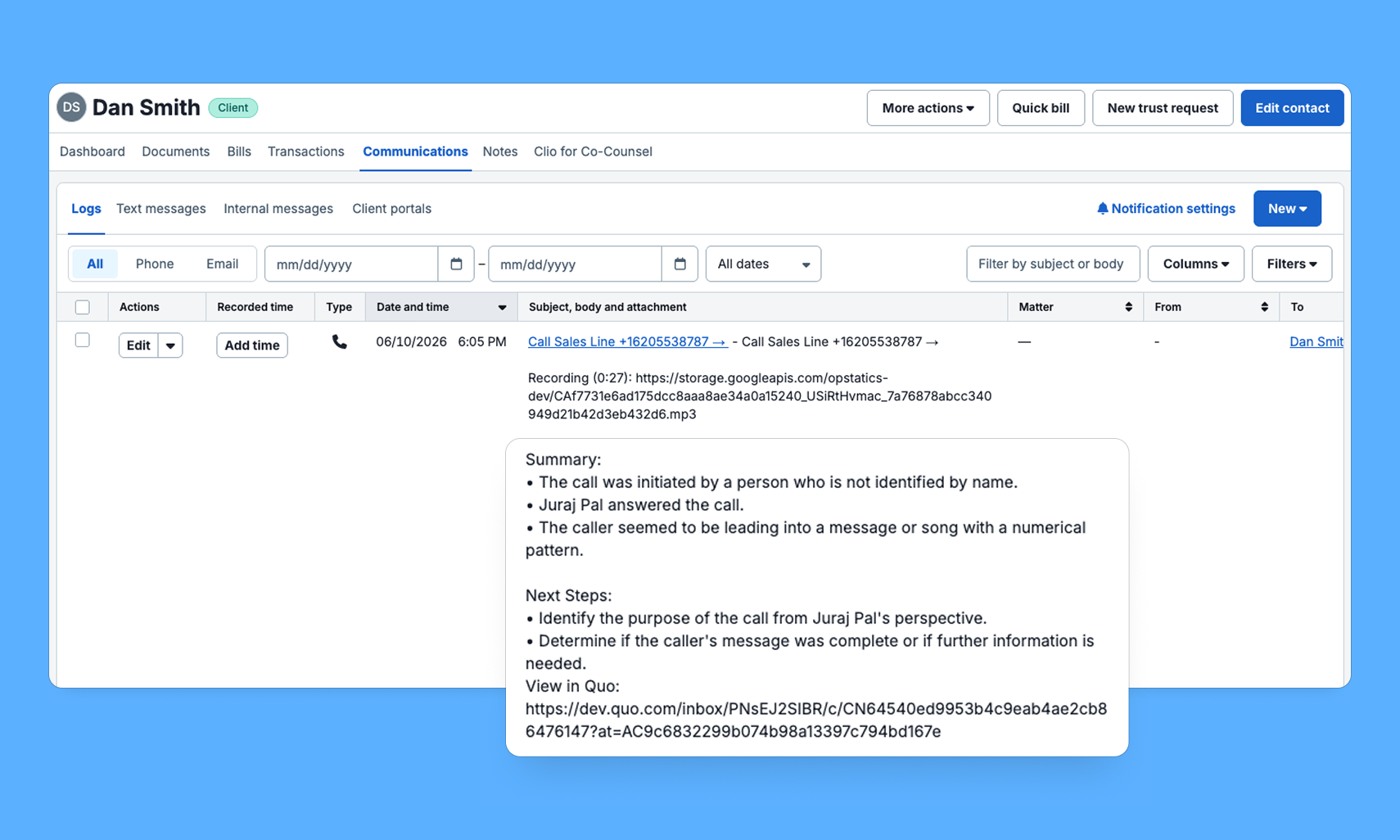
Contacts created or updated in Clio sync into Quo automatically, so your team is always working from the same information. Every call and text is logged directly to the matching contact in Clio as a Communication or Note, with AI-generated summaries, next steps, and a deep link back to Quo. Your attorneys, paralegals, and legal assistants get the full picture without lifting a finger.
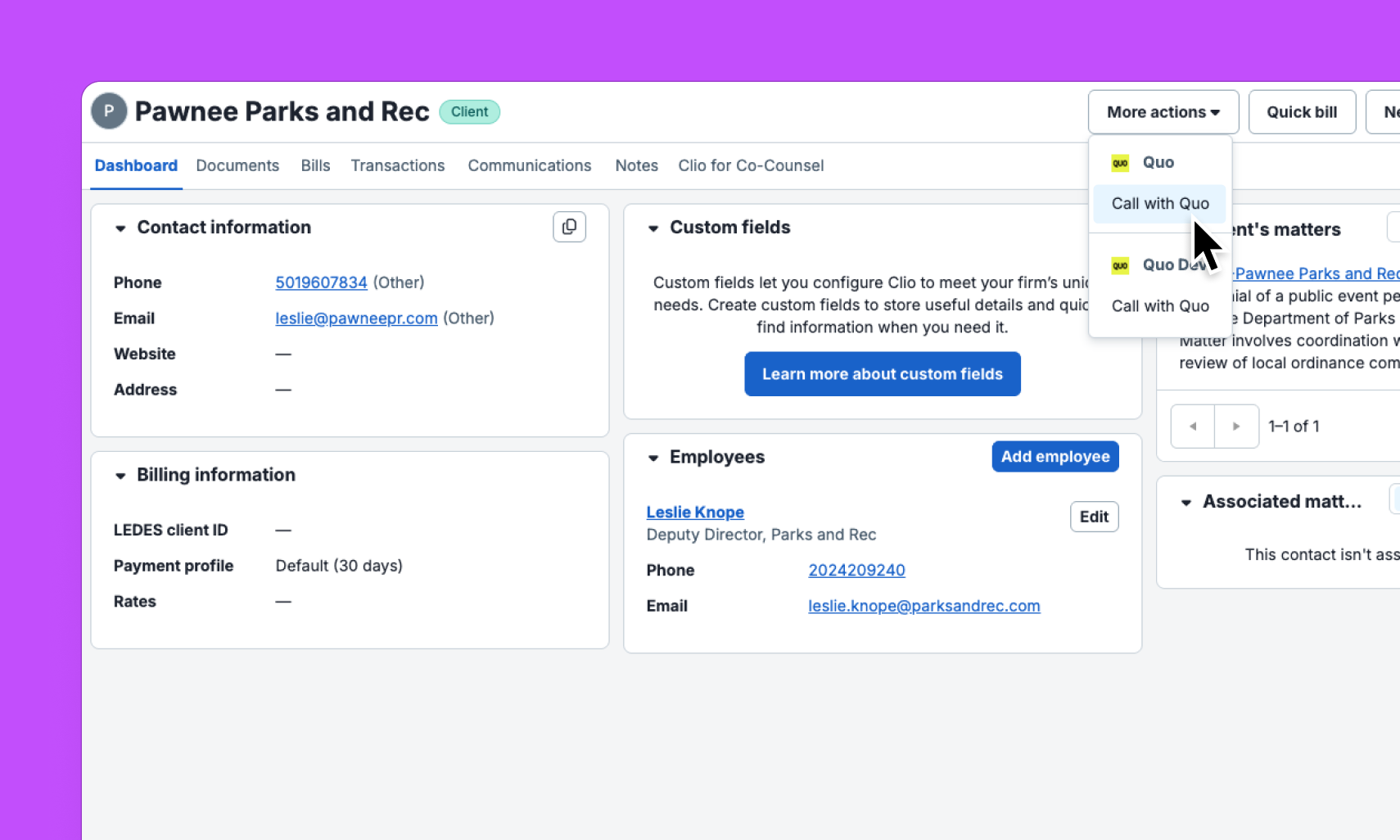
And when your team needs to reach a client, a "Call with Quo" button on any contact page in Clio opens the Quo desktop app with the number ready to dial — no copying, no toggling, no wasted time.
"Before the Quo and Clio integration, we had to manage call data across two systems and log client interactions manually. Now relevant calls and texts sync into Clio automatically and land under the right contact, giving us visibility into our interaction history. Not only are we spending less time on admin, but we're also running a more organized, efficient employment law firm."
.webp)
Get started
Follow these steps to connect Clio with Quo:
- In Quo, go to Settings → Integrations
- Select Clio
- Adjust your settings
- Click Save



.jpeg)