
Claude
Surface call insights and missed opportunities with Claude
.avif)
.avif)


Overview
Quo and Claude work together to turn thousands of customer calls, texts, and voicemails into answers you can act on. Connect Quo to Claude and you can ask questions across your entire conversation history: why deals are being lost, what complaints come up most often, what customers love. You'll get back patterns you'd never find by manually reviewing calls one at a time.
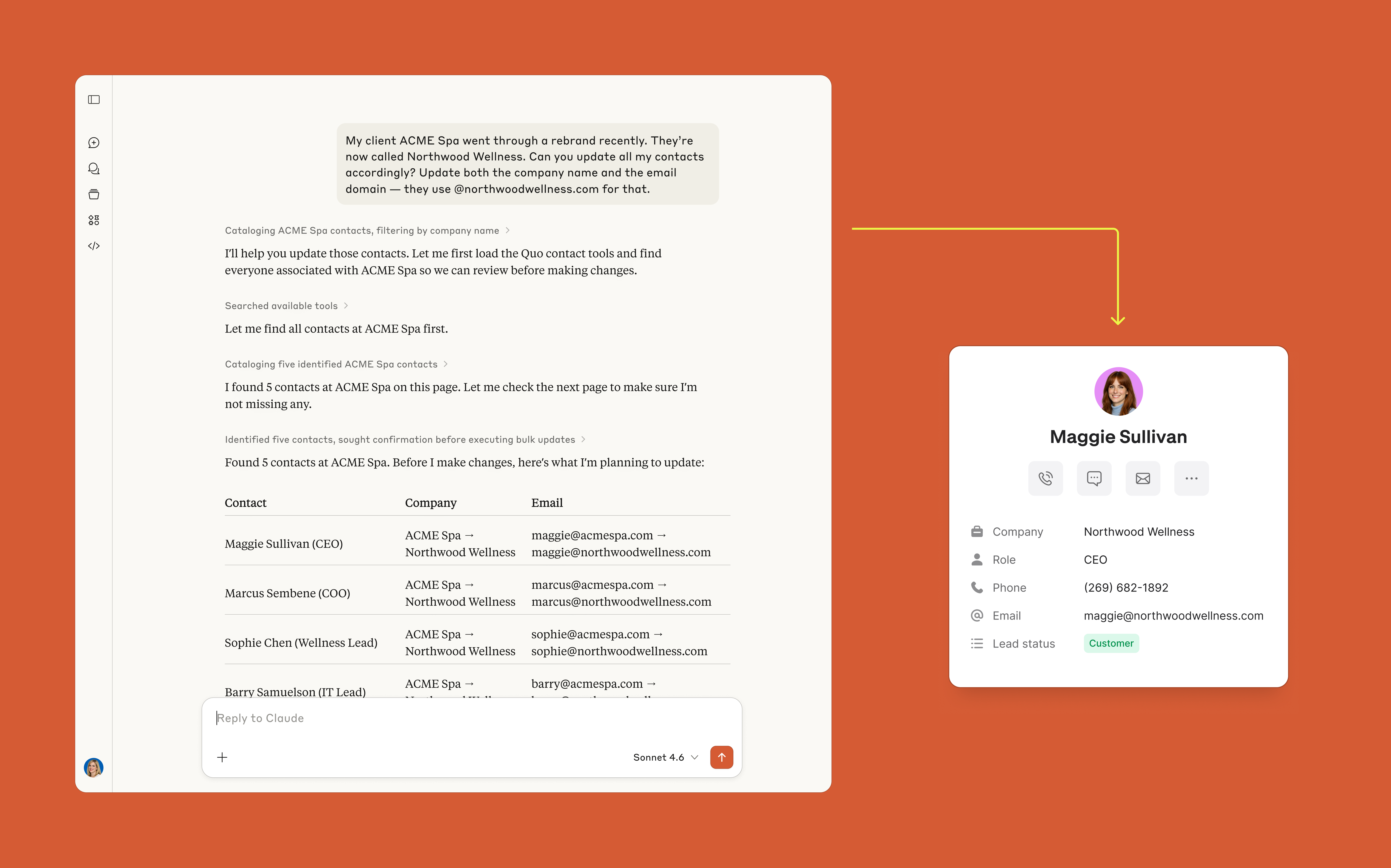
Claude can send coordinated updates to the right groups of customers in a single step, keep contact records clean as details change across emails and meetings, and pull in scheduling context from your other tools to shape the right message.
Example prompts
“What are the top reasons prospects say no after a sales call?”
“What complaints show up most often in support conversations?”
“Find customers in Quo with upcoming appointments this week and send them a reminder message with the correct details.”
“Update Quo contacts for the partners mentioned in today’s call notes with their new titles and phone numbers.”
Quo already makes it possible to keep up with the higher volume of customer interactions that comes with growth, and is now delivering invaluable insights in seconds, complete with real quotes from actual customer conversations. That is gold.
.avif)
Follow these steps to connect Quo with Claude:
- Open Claude and go to Settings → Connectors
- Click Browse connectors, find Quo, and click Connect



.jpeg)