.svg)
Attio
This is an official integration by the Quo team
By
Quo
Plans
Business, Scale
Sync contacts and Quo activity with Attio


Overview
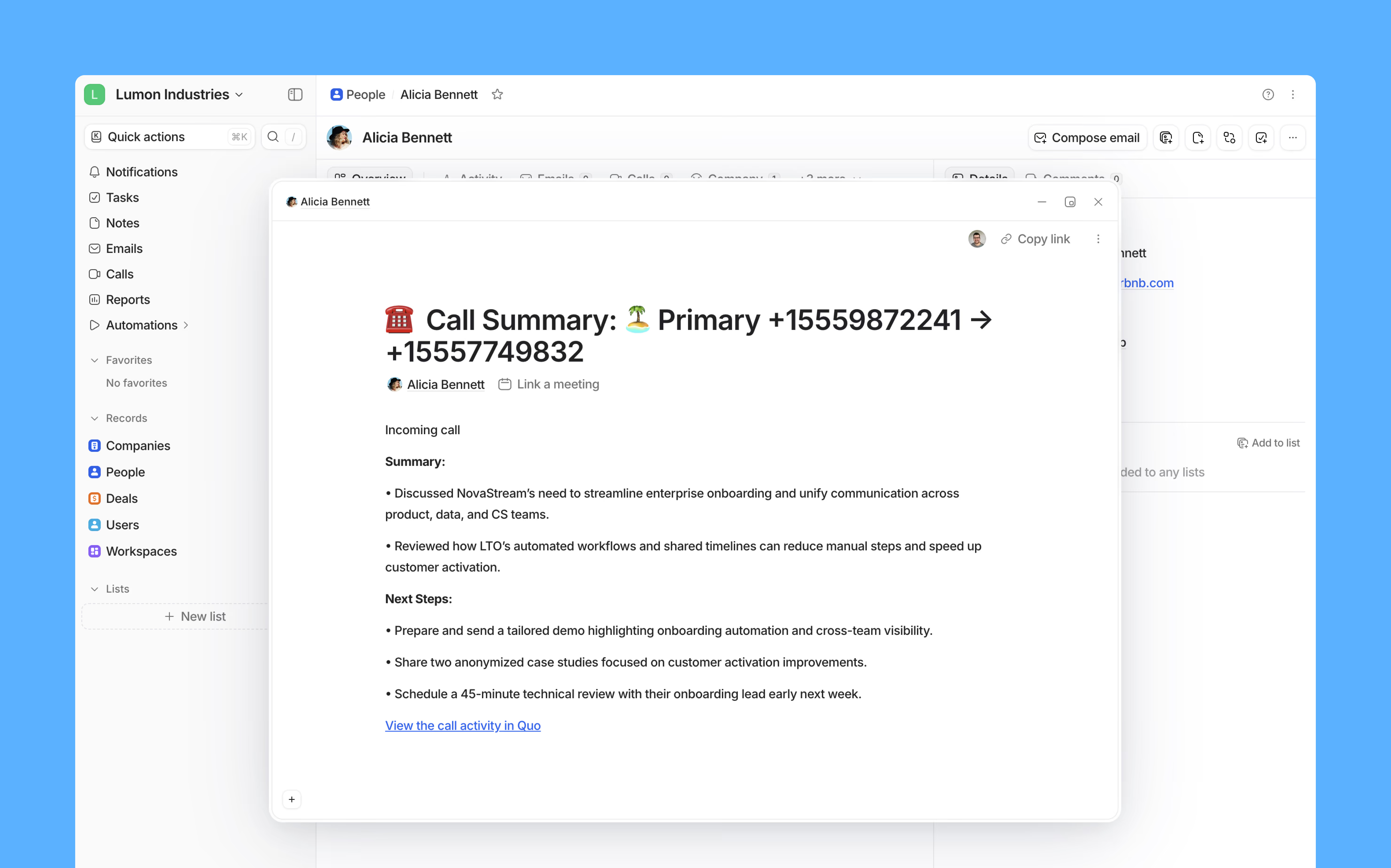
Attio and Quo work together to streamline your team's entire communication workflow by automatically recording every call, text, and voicemail—along with AI-generated call summaries—under the correct contact in Attio, giving you a complete view of every interaction without any manual effort.
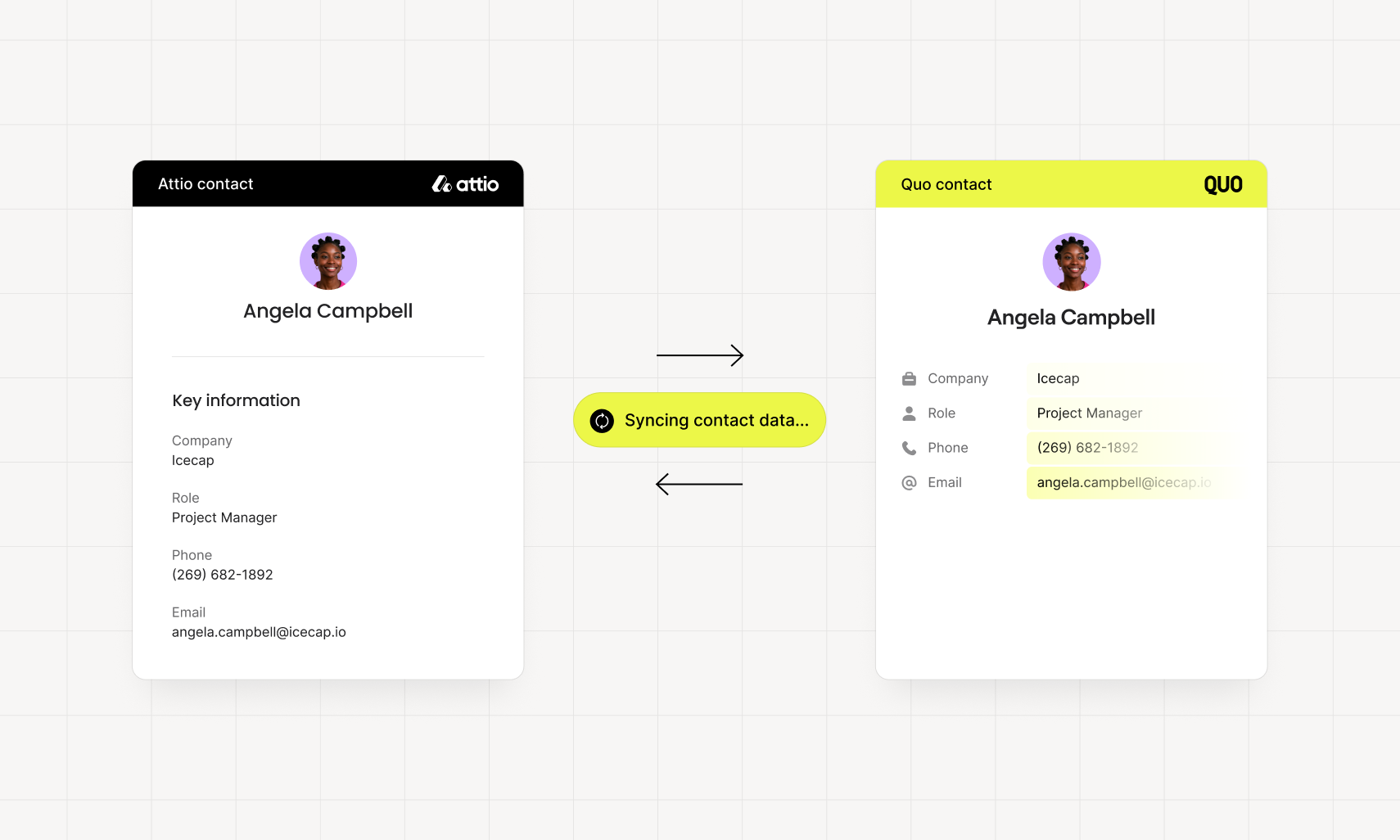
With bi-directional contact sync from Attio to Quo, your phone system stays consistently up to date, eliminating duplicate records and ensuring your contact data is always accurate. And when it's time to reach out, your team can place calls directly from Attio with a single click using your Quo number, allowing you to move faster, stay organized, and work seamlessly without switching tools.
"Quo's integration with Attio gives us real-time customer context without switching tabs. It's streamlined our workflow and helped our team respond faster. A must-have for anyone using Attio as their source of truth."

Joe Brown
Co-Founder & CEO at SMB.co
Get started
Follow these steps to connect Attio with Quo:
- Open the Quo web or desktop app.
- Navigate to Workspace settings → Integrations, select Attio, and click Connect to Attio.
- Attio will ask you to confirm the account you’d like to connect to Quo.
- After confirming, you’ll be redirected back to Quo’s integration settings. Under Phone numbers, choose the numbers you want to sync call and message activity into Attio.