4.7 stars
|

3,300+ reviews

Quo vs Google Voice

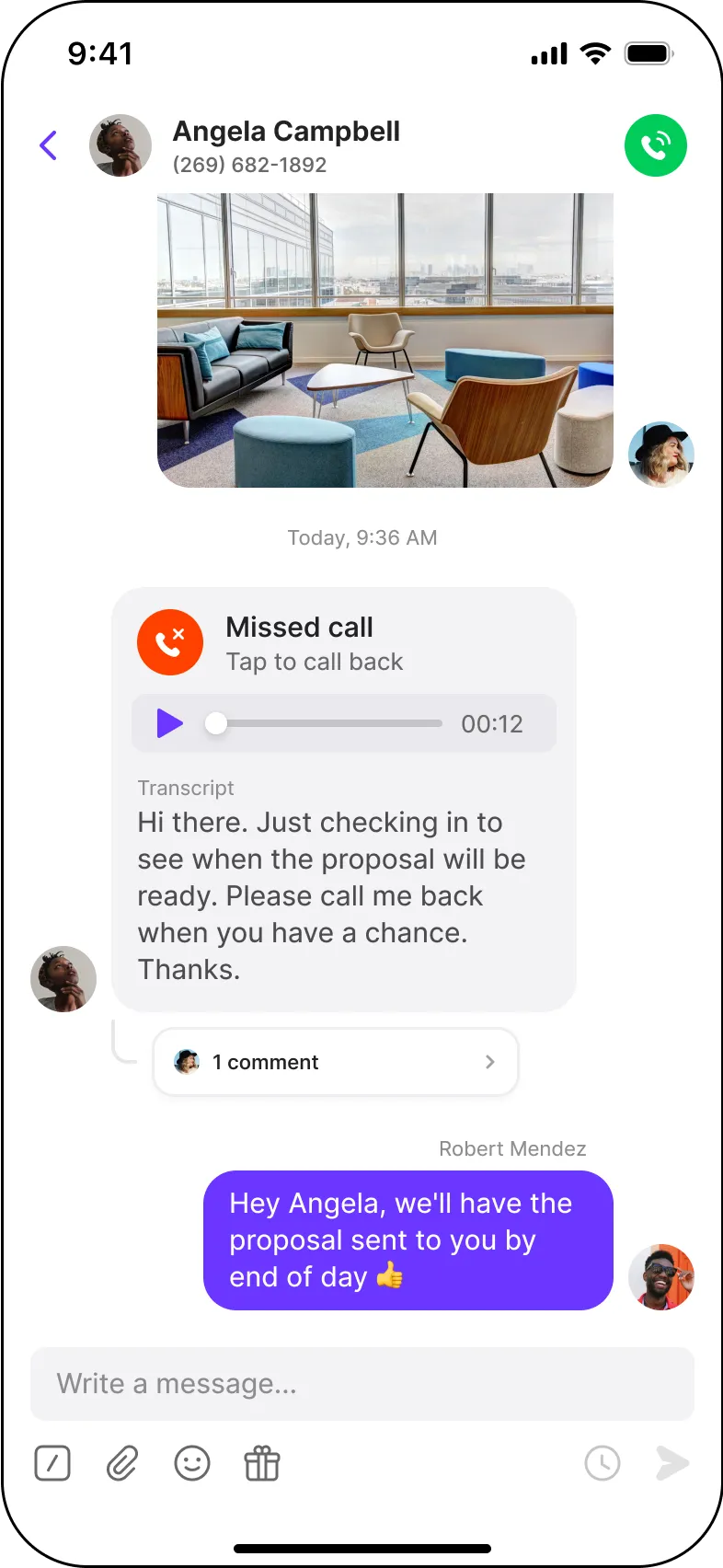
Quo pulls calls and texts from your customers into one shared thread. Office staff and techs work from the same view, so the right person replies fast and no estimate slips.

Collaborate with your team

Full conversation history

Save time texting

Easy integrations

Powering conversations for 90,000+ businesses

Why Google Voice customers move to Quo

Jonathon Barkl, CEO, AirGarage
Jonathon Barkl

CEO, Airgarage

"We switched over from Google Voice and Quo's UI is so much more thoughtful and geared toward productivity. We're loving the new support for multiple users on our team, how easy it is to add additional phone numbers, and the new web / Android apps."
Hector Bilbao

Principal, Real Tax Advisors LLC

"I have tried multiple online phone companies including Google Voice and Grasshopper. The very best one has been Quo due to how easy and how many features it has, including knowing who on my team has called or texted a client right on the conversation view."
A man smiling in front of a yellow wall with a happy sign.
Joseph Stunzi

Formfree

“I tested a few options like Zoom, Dialpad, and Google Voice, but Quo stood out right away. It’s reliable, easy to use, and the team keeps improving the product. It just works.”

Feature comparison

See the key features Quo has that Google Voice's free version doesn't offer.

Hidden Costs

  1. Teams must have Google Workspace : You can get Google Voice on its own for one user. But for teams, you’ll need to pay for Workspace too, which is an extra $7–$18 per user per month.
  2. No toll-free availability: Must purchase a separate provider.
  3. International calling credits: Prepaid credits billed by the minute, separate from plan.
  4. No AI receptionist: Must purchase a separate provider.

Why businesses switch from Google Voice to Quo

Hundreds of teams have moved from Google Voice to Quo. Here are a few reasons why:

See every call and text your team handles

Share incoming calls and texts

Google Voice assigns separate numbers to users in the same team, so only one person can dial out from your main line. 

With Quo, teammates can call and text from a shared number at the same time. If you’re managing a team, you can see who said what and coach them as needed. 

Get up to speed on customer conversations faster

Quo lets you view your customer calls, texts, recordings, and more, in one place. Google Voice breaks up these interactions into different folders, making it more time consuming to follow up.

Collaborate in internal threads

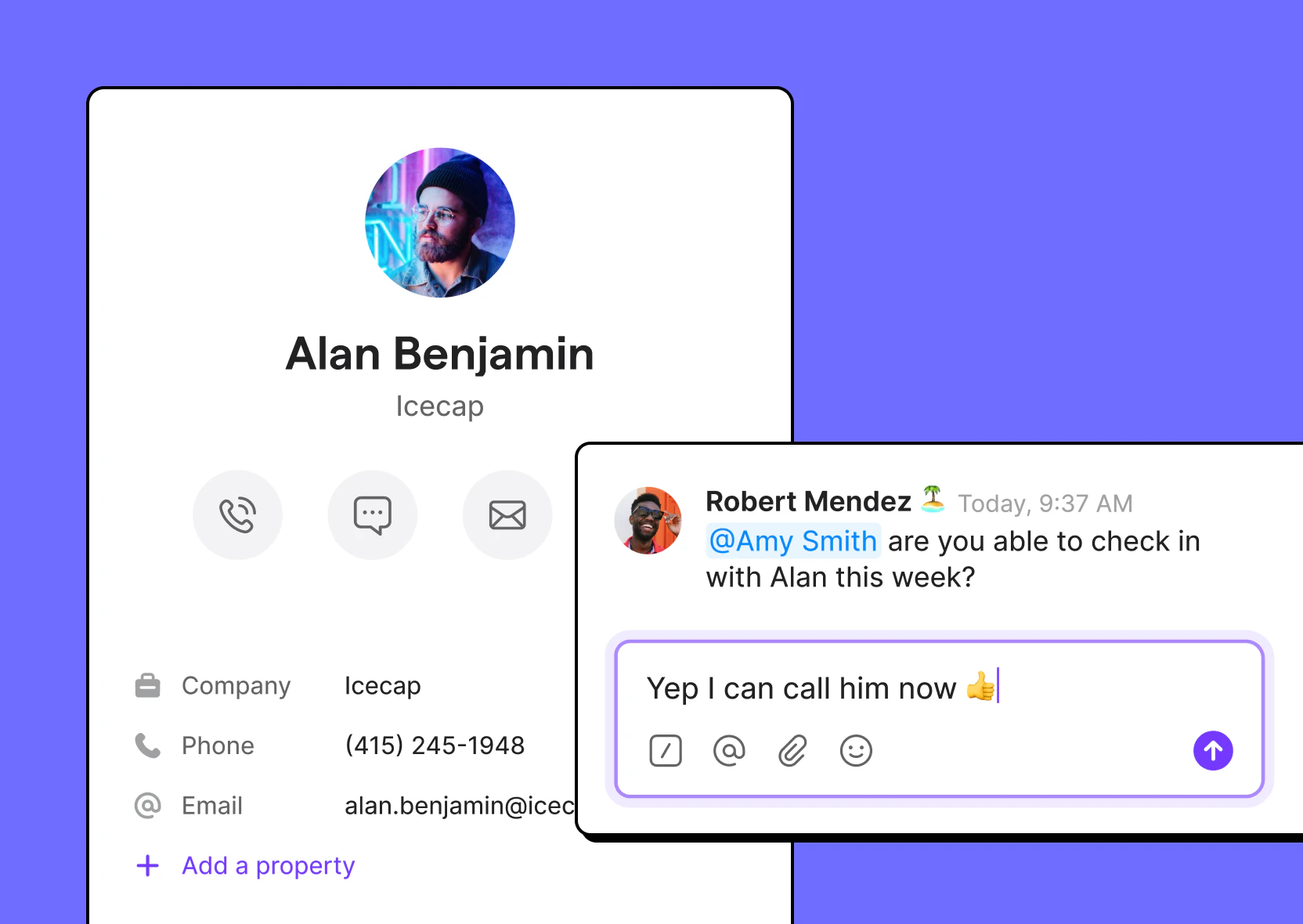
Assign tasks or get input on an external conversation with internal threads visible only to your team. Google Voice doesn’t have internal threads, which forces teams to collaborate in other tools instead.

A man named Alan Benjamin is shown on a purple background.

Smarter business texting, without limits

Access to texting features outside the US

Google Voice doesn’t allow customers outside the US to access its texting features. With Quo, businesses based outside the US can get local numbers to text their US and Canadian customers.

Auto-replies, snippets, and scheduled messages in every plan

Google Voice doesn’t offer any of these advanced messaging features in its platform. In fact, Google Voice reviewers on G2 cite “poor automation support” as a top disadvantage.

Quo's texting automations let you send auto-replies even after business hours, schedule texts, and use saved text templates. 

Set up automated text flows

Want to trigger text messages to customers when they submit a sales form or book an appointment with your team? Google Voice doesn’t offer automated texting. With Quo, you can set up automated text flows with Zapier and stand out to customers in seconds.

A pink background with a menu of options including auto-replies.

Save hundreds of hours

Automatically update your CRM

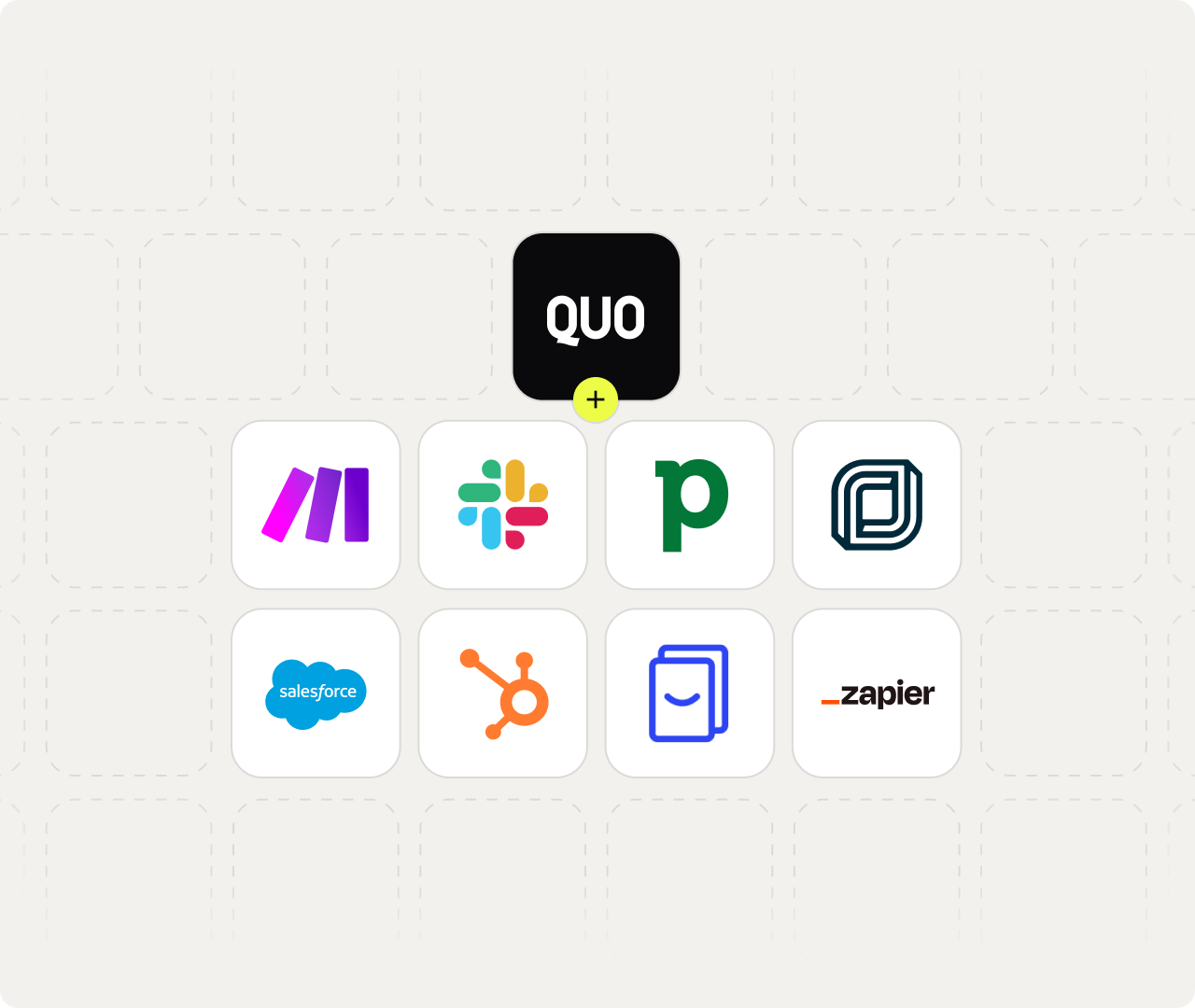
Quo’s integrations with apps like HubSpot, Jobber, and Salesforce give your team a single source of truth and can automatically log your call, text, and call recording data into your CRM. Google Voice doesn’t offer third-party integrations, which keeps your customer conversations siloed and increases admin work for your team.

Share updates where your team works

Notify your team about missed calls, incoming messages, and voicemails, via Slack and email. Google Voice only integrates with Google Calendar and Google Meet, which limits where you can share updates.

AI voice agent to handle incoming calls 24/7

Sona is Quo’s AI voice agent. It answers calls 24/7, takes messages, responds to common questions, and can send texts during live calls.
Google Voice doesn’t offer an AI receptionist, so unanswered calls either go to voicemail or require a separate service.

What Google Voice users say 

Limited features

Small business users on G2 say Google Voice is too basic — no auto-replies, no way to manage unread texts, and missing features that most business phone systems include standard.

Missing essentials as you grow

Reviewers note Google Voice works fine for a small operation, but once a team starts growing, the lack of automation and text management becomes a blocker.

Poor automation support

G2 users flag that Google Voice offers little to no automation — a major gap for businesses that need workflows beyond basic calling and texting.

ai icon

Save time with AI

Google Voice doesn’t transcribe calls, summarize conversations, or suggest what to do next. Quo AI does all three for you automatically. That way, your team spends less time reviewing calls and more time following up

Effortless call summaries and next steps

Quo AI automatically summarizes calls, then intelligently suggests next steps.

Automatic call transcripts

Read conversations in detail and quickly find information with time-stamped call transcripts.

Suggested contacts

Easily add new contacts with suggestions based on call and voicemail transcripts.

Automatic call transcripts

Read conversations in detail and quickly find information with time-stamped call transcripts.

Suggested contacts

Easily add new contacts with suggestions based on call and voicemail transcripts.

"Quo was truly my first assistant. The AI feature of transcribing calls, creating a summary and to-do list, is next-level amazing."
Joannie Bates, Principal Agent

Move your Google Voice number to Quo

You can bring as many existing numbers with you to Quo. For free.

phone icon
1

Leave all the work to us

Fill out a 1-minute form and let us take care of the rest. We outline the process here.

2

No service downtime

Your existing number works with Google Voice until the port date then switches over to Quo.

3

Try Quo first

Before submitting a port request, try out Quo for free with a temporary number.

Porting your number from Google Voice can take a few extra steps, like tracking down ‌a PIN or account number isn’t always easy to find. Our team has ported thousands of Google Voice numbers and knows exactly how to handle the phone number porting process. So your switch to Quo will be a breeze.

Getting started is easy

Claim a number or bring your own

Get local or toll-free North American phone numbers or port existing ones for free.

Install the app or use on the web

Use Quo across all your devices to stay connected.

That's it! Start calling and texting

Try Quo free for 7 days — no commitment necessary.

Frequently asked questions

Can’t find the answer here? Check out our Resource Center.

Is Google Voice free?

Google Voice is free for personal use, but it comes with limited features and only lets you have one Google Voice number. Its paid plans are for businesses and pricing starts at $10 per user per month. If you have more than one person on your team, you’ll also need a Google Workspace subscription for each user. That adds at least an extra $7 per user per month. 

Is Google Voice the best VoIP?

Google Voice lacks many essential VoIP features for businesses, including toll-free numbers, third-party integrations, auto-replies, and more, which means it isn’t the best VoIP service. You’ll likely end up paying for extra tools to work around these limitations as your team scales. With Quo, those features are included on any plan, so you don’t run into that problem.

Can I port my Google Voice number to Quo?

Yes, you can port out of Google Voice. It’s an easy process that typically takes 1-2 weeks. See how you can port your number from Google Voice to Quo.

Can my whole team share one phone number on Quo?

Quo lets your whole team call, text, and collaborate from the same phone number. Everyone can see the full conversation history, and internal threads let your team coordinate behind the scenes. That’s not how it works with Google Voice. Each user gets their own number, so conversations stay solid. Teammates miss out on context and follow up with customers without knowing what’s already been said.

How does Quo compare to Google Voice on price?

Quo’s pricing makes it easy to scale your team. Google Voice doesn’t. The free version is intended for personal use and comes with limited features. Google Voice for business offers four paid plans, and the first only supports one person. Once you add more teammates, you need to upgrade and also pay for Google Workspace. This adds at least an extra $7 per user per month on top of your bill. 

Is Quo or Google Voice HIPAA compliant?

Quo is a HIPAA-Compliant phone system that offers a signed BAA on its Business and Scale plans. That way, you can communicate with patients in a HIPAA-compliant way. You can only access the HIPAA-compliant version of Google Voice if you’re on a paid Google Workspace plan. This adds at least $7 per person each month.

Is Quo secure and reliable?

Yes, Quo is secure. It is built with business-grade security, such as:

  • Data encryption: Your data is encrypted in transit using TLS 1.2+ and at rest using AES-256 encryption. This means your customer conversations stay private
  • SOC 2 Type II certified: Independent auditors verify our security controls continuously.
  • Reliable uptime: We maintain 99.999% uptime.

Keep in mind you don’t have to pay extra to get these protections with Quo.

However, Google Voice for business doesn’t include that same level of protection on its own. For example, SOC 2 Type II certification is only available with Google Workspace. So if you need third-party-audited security controls, be prepared to pay for two subscriptions.

Does Quo have automatic call recording?

Quo includes automatic call recording on its Business plan at $23 per user per month. With Google Voice, you’ll have to upgrade to the Premier plan at $30 per user per month to access this feature. Plus, you also need a Google Workspace subscription, starting at $7 per user per month.

Is Quo better than Google Voice for all businesses?

Not always. If you’re a solo business owner who just needs a second number for occasional calls, Google Voice can work. But for most businesses, especially once you start scaling, it's limiting. For example, it doesn’t support shared numbers, CRM integrations, toll-free numbers, and more. That’s when you’ll need to invest in a Google Voice alternative like Quo.